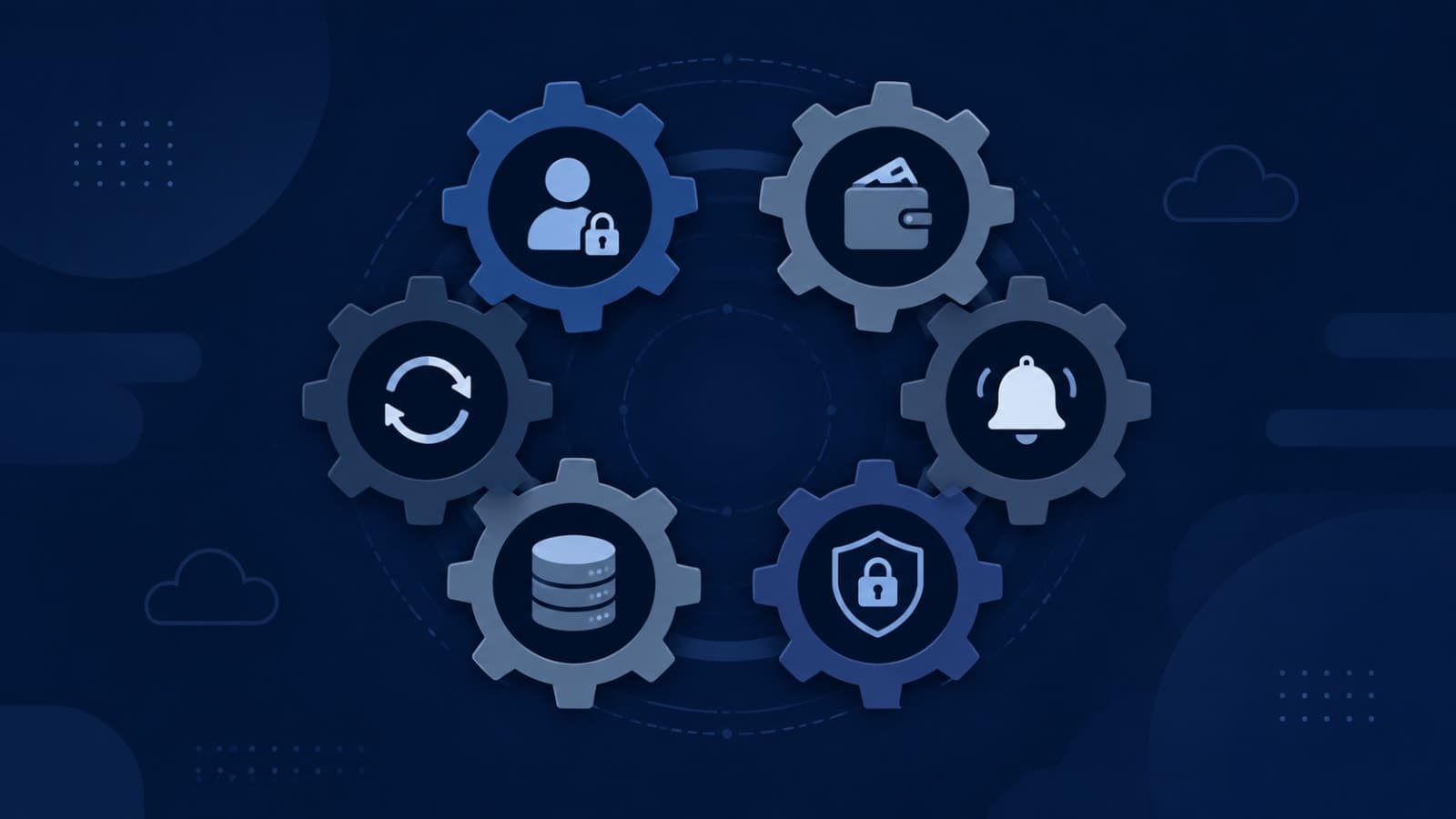
Every founder has a version of this story: the app worked fine for months, and then one week, three unrelated things went wrong at once. Users started getting logged out randomly. A batch of subscription renewals silently failed. The admin dashboard and the payment provider's dashboard showed different numbers for the same day. None of these are one bug — they're six different systems that were always there, working quietly in the background, until the volume of real users finally found their limits.
You don't need to become an engineer to run a SaaS product well, but you do need to recognize these six systems by name — because when one of them breaks, knowing what it's called and roughly how it works is the difference between asking your team a sharp, specific question and just saying "it's broken, fix it." This post is the map. Each section below is short on purpose; where a system deserves the full explanation, we've linked to it.
1. Authentication & Sessions
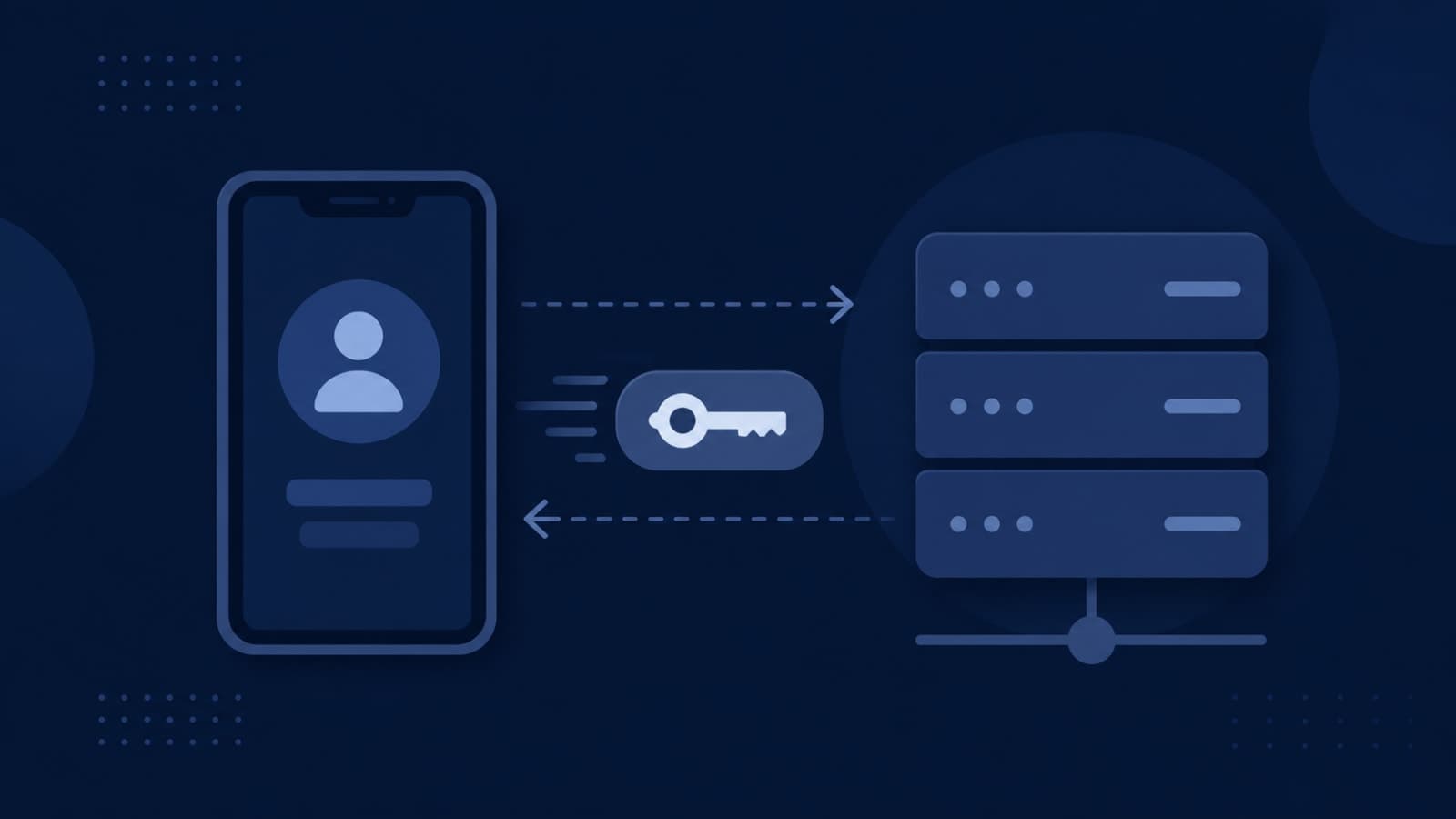
This is the system that decides who's logged in, for how long, and what happens when their login expires mid-action. Under the hood, most apps use something called a JWT (JSON Web Token) — a small, signed piece of data your app checks on every request to confirm "yes, this really is that user." It sounds simple until you scale: what happens when a user is logged in on three devices at once? What happens when their session expires while they're halfway through checkout? Poorly handled session expiry is one of the most common causes of "random" logouts and support tickets that say "it just stopped working" with no obvious trigger.
On Stallion Eyewear Team, our internal B2B app connecting salesmen, distributors, and authorized parties, secure OTP-based authentication had to work reliably across spotty field connectivity — a session dropping at the wrong moment during a field visit isn't just an inconvenience, it's a lost order. If you're integrating third-party sign-in, our guide on Google & Apple Sign-In without Firebase goes deeper on the implementation side, and how role-based access control works covers what happens after login — deciding what a logged-in user is actually allowed to see and do.
2. Payments & Subscription Cycles
Charging a card once is easy. Charging it correctly every month, handling upgrades and downgrades mid-cycle, retrying a failed payment without annoying the customer, and keeping your app's internal records in sync with what Stripe, Razorpay, or Apple/Google actually processed — that's an entirely different level of complexity. Payment providers notify your app of changes through webhooks, and those webhooks can arrive late, out of order, or more than once for the same event. If your system isn't built to handle that, you get customers charged twice, subscriptions that show "active" after a card declined, or renewal failures nobody notices until the monthly revenue report doesn't add up.
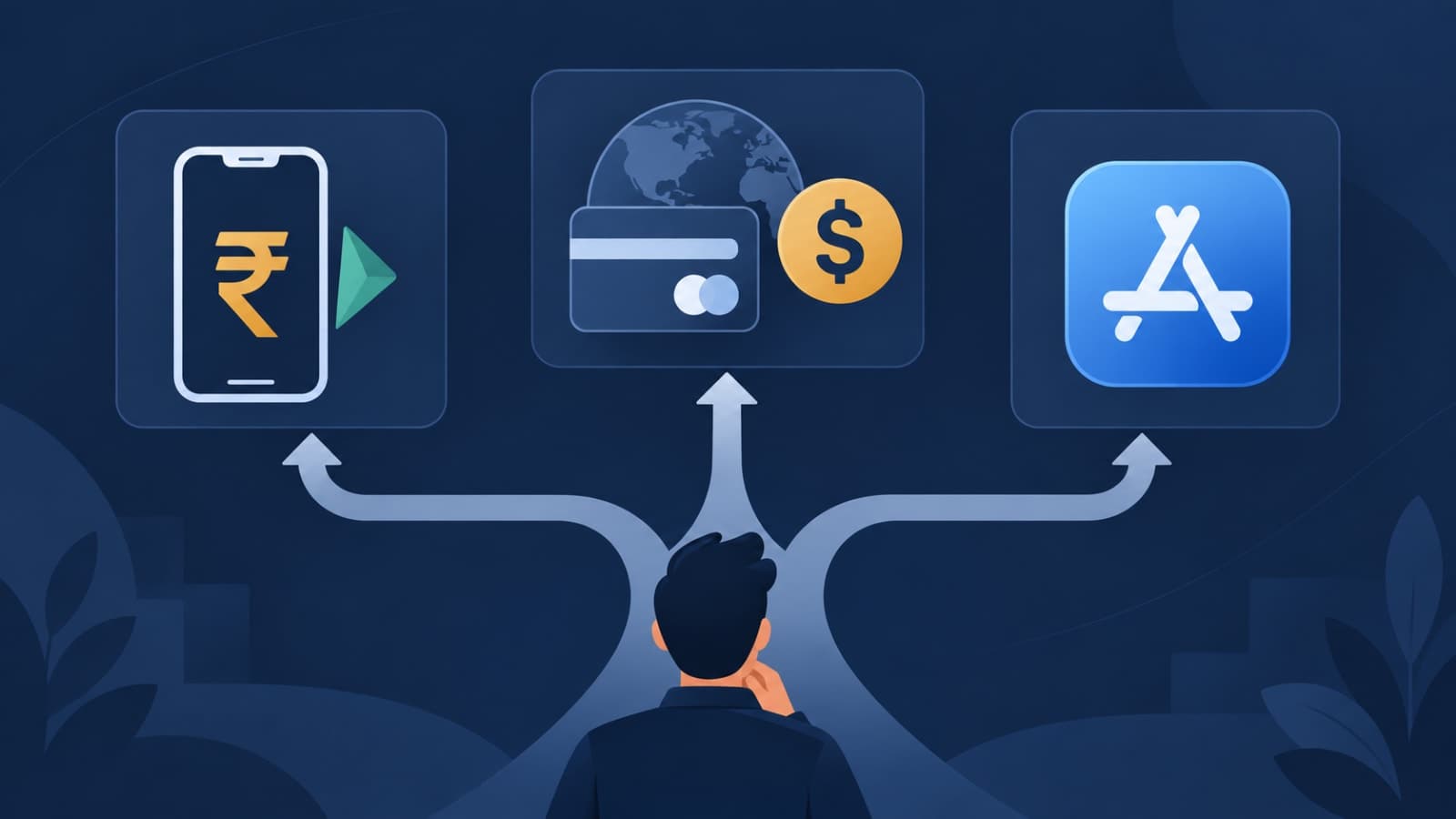
This is also where the choice of payment rail matters — Razorpay, Stripe, and Apple/Google's in-app purchase system all handle subscriptions differently, and platform rules can force your hand regardless of preference. On Bhaada, our cargo logistics platform, wallet-based payouts to driver-partners needed to reconcile cleanly against live delivery data, and on RentEra, our property management platform, rent payments and e-signing needed to stay in sync across tenant, staff, and landlord views simultaneously. For the mechanics of getting this right, see a production-ready in-app purchase subscription flow and how to test app store subscriptions before they reach real customers.
3. Notifications
Notifications look like the easiest system on this list — send a push, send an email, done. In practice, they carry more weight on retention than almost anything else in the product, in both directions. Users who have push notifications enabled and see relevant, well-timed messages stick around meaningfully longer than users who don't. But the same research shows the opposite is just as true: users who get hit with too many notifications in a short window are several times more likely to uninstall within the month. The system isn't just "does the notification get delivered" — it's frequency control, timing, relevance, and making sure a transactional alert (payment failed) doesn't get buried under promotional noise.
On Penso Notes, our diary and journaling app, reminder timing had to feel like a gentle nudge rather than a demand, tuned to when people actually journal rather than a fixed daily blast. On FieldOps, our field service management platform, notifications work the opposite way — a technician's dispatch alert has to be immediate and impossible to miss, because a delayed notification there means a missed job, not just a missed engagement opportunity. The MVP checklist in 12 features every startup MVP should include covers where notifications fit into an early build.
4. Encryption
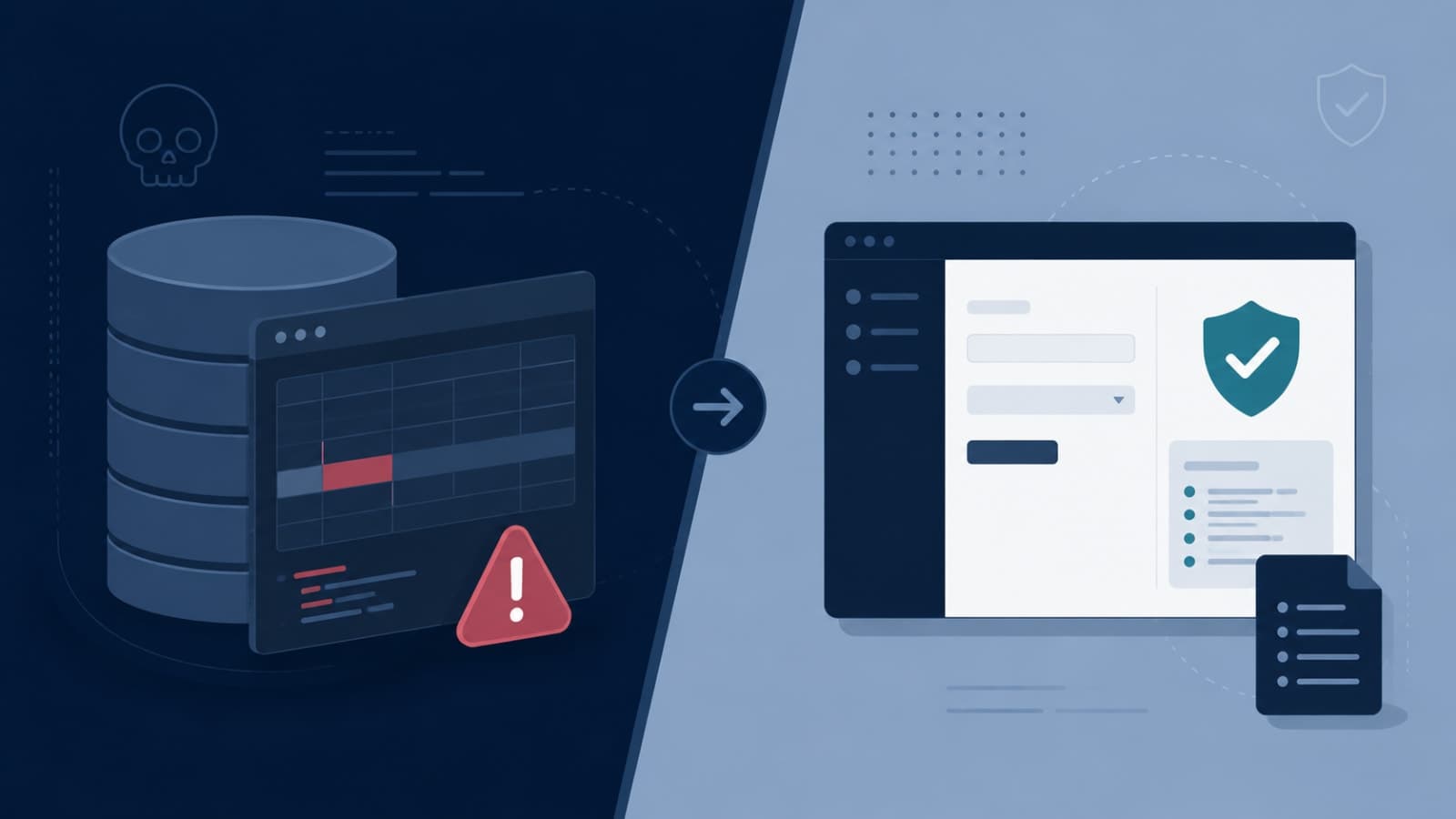
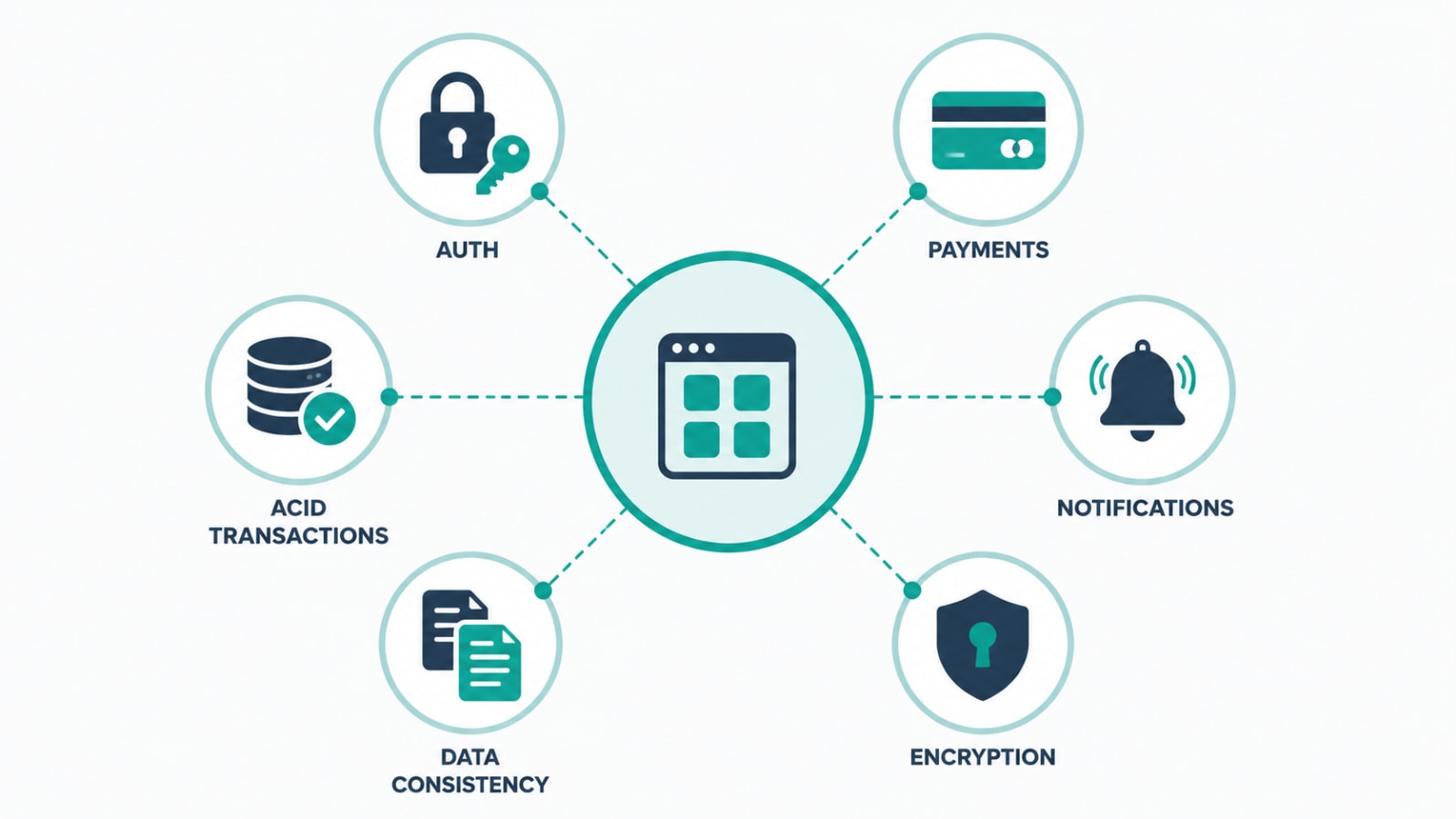
"Is our data encrypted?" is a question every founder eventually has to answer — usually when a bigger customer's security team asks it first. The honest answer usually has two parts: encryption in transit (data is protected while traveling between a user's device and your servers, typically via HTTPS/TLS) and encryption at rest (data is protected while sitting in your database or backups). Having one without the other is a common gap, and neither one protects against every risk — encryption doesn't stop someone with valid, logged-in access from misusing data, which is a separate problem covered in should your team be able to edit customer data directly?
For a system like the Umiya Jari Inventory System, which handles financial ledgers and transaction records for a manufacturing business, encryption at rest isn't optional — it's the baseline expectation for anything touching money, and it's exactly the kind of requirement that's far cheaper to build in from the start than to retrofit after a client asks for a security audit.
5. Data Consistency (Why Two Screens Can Disagree)
This is the system most founders don't know has a name until it bites them: two parts of your own product showing different numbers for the same thing. A dashboard says 40 active subscriptions, the billing provider says 38. A tenant's app shows a payment as pending while the staff app already shows it as received. These mismatches usually come from timing — one system updates a second before the other, or a background job hasn't finished syncing yet — rather than anything being fundamentally broken. The problem is that founders and support teams read a mismatch as "the data is wrong," when it's really "the data hasn't caught up yet," and those need very different responses.
On RentEra, keeping the tenant app, staff app, and marketing site aligned on the same real-time leasing and payment state was one of the harder architecture problems to get right precisely because three different interfaces were all reading from the same underlying system at slightly different moments. This is closely related to the recurring-bug pattern in why your support team keeps escalating the same bugs — a data consistency issue that isn't caught early tends to resurface as a support ticket, over and over, under a different description each time.
6. ACID Transactions
ACID is an acronym engineers use to describe a database transaction that's guaranteed to either fully complete or not happen at all — no half-finished states. For most product decisions this is invisible, but for anything involving money, inventory, or a record that legally needs to be accurate, it's the difference between a system you can trust and one that occasionally needs manual reconciliation. Without it, a payment could get deducted from one account without ever crediting another, or two people buying the last unit of something in stock could both get confirmed.
The Umiya Jari Inventory System is the clearest example in our own portfolio: 28 distinct transaction types across four account roles all run on ACID-compliant transactions specifically so a purchase, transfer, or adjustment can never leave the books in an inconsistent state, even under concurrent use from multiple staff at once. This kind of guarantee tends to matter more than founders expect the moment a feature request touches financial or inventory data — a point covered in more depth in how much developer time does "just one more feature" actually cost.
None of these six systems are optional at scale — they're either designed deliberately from the start, or discovered the hard way once real users and real money are running through them.
Working principle we apply to every product we build
Why These Systems Feel Small Until They're Not
Every one of these six systems is easy to under-scope at MVP stage, because a small user base forgives almost anything. Ten users don't generate enough concurrent database writes to expose an ACID gap. A hundred notifications a day don't reveal a frequency-fatigue problem. The first real spike in traffic, the first enterprise security questionnaire, or the first month with meaningful subscription volume is usually what surfaces the gap — and by then, retrofitting is always more expensive than building it right the first time.
How We Approach This at Fall Rise
These six systems come up in some form on almost every product we build, whether it's a mobile app, a SaaS platform, or custom software supporting a service business. We treat them as architecture decisions to make deliberately at the start, not problems to patch once they surface — which is also why backend API design and hosting and deployment get scoped together rather than as separate conversations. You can see how this plays out across different products in our project portfolio.
You don't need to be able to build these six systems yourself — you just need to know they exist before the day one of them breaks in front of a customer. If you recognized your own product in one of the sections above, that's usually a sign worth acting on early rather than waiting for the support ticket that confirms it. If you want a second opinion on how your product's systems are holding up at your current scale, let's talk.