
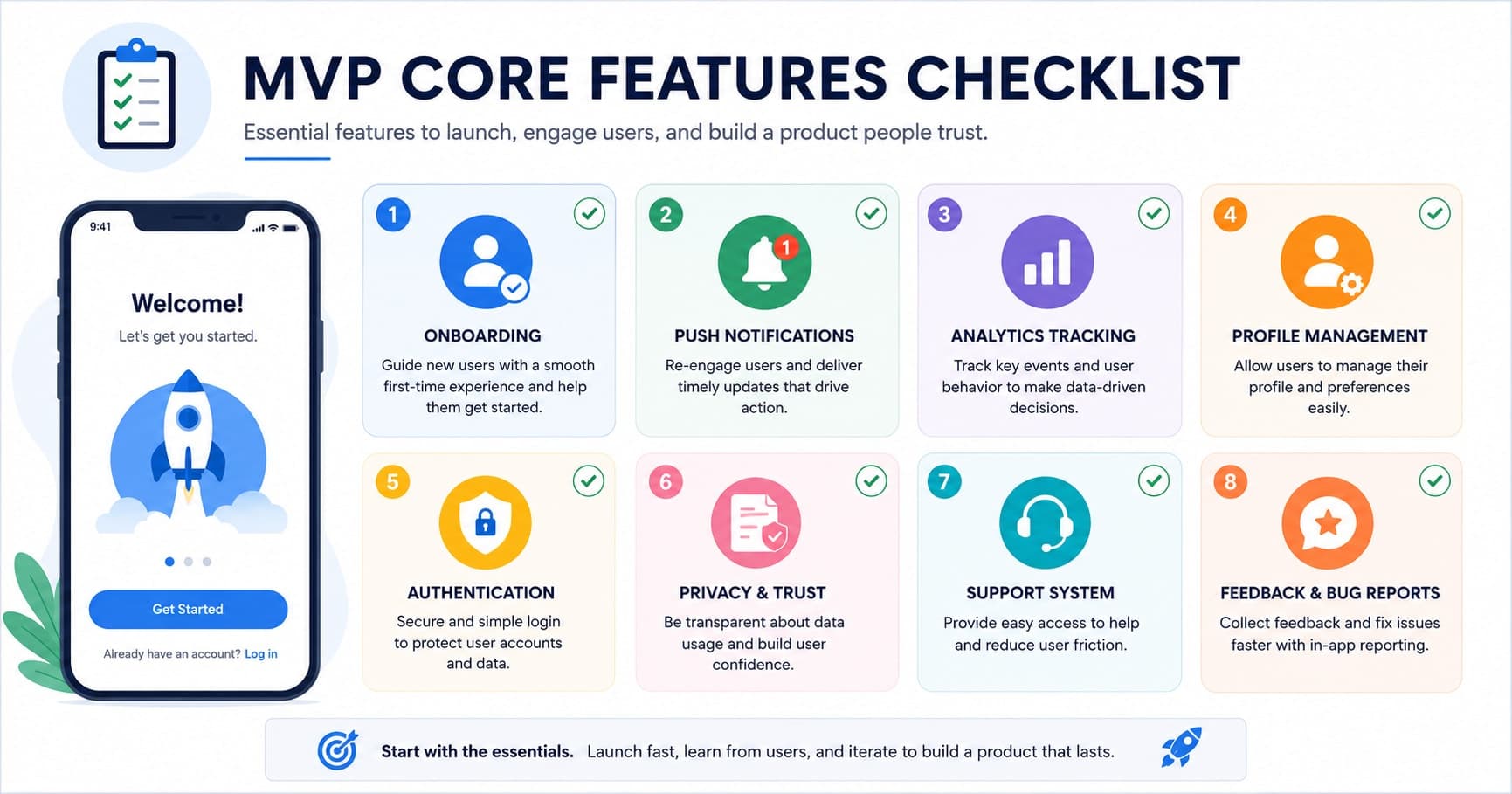
Founders usually get MVP scope wrong in one of two directions: either they ship something so bare it can't hold a user's attention past the first session, or they try to cram in every feature on the roadmap and never ship at all. The right MVP sits in between — lean enough to build in weeks, but complete enough to actually test whether people want the product. After shipping enough of these, a pattern emerges: there's a specific set of features that show up in almost every MVP that succeeds, regardless of industry. Here are twelve of them.
1. First-Time Onboarding Guide
The first ninety seconds decide whether a user understands your product at all. A short onboarding flow — three to five screens, or a guided walkthrough of the first key action — gets users to their "aha moment" without dumping the full feature set on them at once. Skip long slideshows explaining every feature; show the single core action instead.
2. Basic Analytics Tracking
You cannot improve what you can't see. Even a lightweight analytics setup — screen views, key event tracking, and drop-off points in the onboarding funnel — tells you far more about product-market fit than founder intuition ever will. This doesn't need a full data warehouse on day one; a tool like Firebase Analytics or Mixpanel wired into five or six key events is enough to start making decisions.
3. Push Notifications
Notifications are the cheapest re-engagement channel you have. Even a simple set — "welcome back," reminders for incomplete actions, and updates relevant to the user's activity — meaningfully lifts return visits. The MVP version doesn't need send-time optimisation or segmentation; it needs to exist and be relevant enough not to get the app uninstalled.
4. Lightweight User Engagement Hooks
Something needs to bring users back beyond the core utility. This could be as simple as a streak counter, a progress bar, or a "new since your last visit" indicator. The goal isn't gamification for its own sake — it's giving users a reason to open the app on day two, which is the hardest retention milestone for any new product.
5. Ask-for-Review Prompt
App store ratings directly affect organic discovery, and most users never think to leave one unprompted. A well-timed review request — triggered after a genuinely positive moment, like completing a key action successfully, rather than on a fixed timer — costs almost nothing to build and compounds over time.
6. In-App Update Prompts
Early-stage products ship fixes and changes constantly. A simple "a new version is available" or force-update check prevents a chunk of your user base from running a broken build for weeks because they never noticed the app store update. This is a small feature that quietly avoids a large volume of avoidable support tickets.
7. Responsive Design Across Screen Sizes
Your MVP will be tested on whatever device is closest to hand — a five-year-old Android phone, a tablet, a small iPhone. Layouts that break on anything but the designer's test device create an impression of low quality that's disproportionate to the actual bug. Responsive layout isn't a "nice to have" for later; it's table stakes from the first release.
8. Profile Management
Users expect to see and edit basic information about themselves — name, photo, contact details, preferences. Even a minimal profile screen signals that the app treats them as a returning individual rather than an anonymous session. It also becomes the natural home for settings you'll need soon anyway: notification preferences, account deletion, and logout.
9. User Data and Privacy Declaration
A clear, accessible privacy policy and explicit consent for data collection isn't optional — app stores require it, and users increasingly check for it. This means a real privacy policy screen, clear consent prompts for tracking or location access, and a stated data retention practice, not a placeholder link. Getting this right in the MVP avoids painful retrofitting once you have real users and real data to account for.
10. A Basic Support System
Every MVP generates confused users and bug reports. A simple support channel — an in-app contact form, a support email, or a lightweight FAQ — gives them somewhere to go instead of a one-star review. This doesn't need a ticketing system or live chat; it needs a working, monitored inbox and a response process, however manual.
11. Simple, Reliable Authentication
Signup and login need to be fast and boring — email/password or a single social login option (Google or Apple) is enough. Anything that adds friction here loses users before they ever see the product. Save multi-provider SSO, two-factor authentication, and enterprise SSO for after you've validated that people want the core product.
12. In-App Feedback and Bug Reporting
A lightweight way for users to flag bugs or suggest features — even a single "send feedback" button that opens a short form — is one of the highest-leverage additions in an MVP. Early users who bother to report issues are disproportionately your most engaged users; making it easy for them to talk to you shapes the next version of the product far more cheaply than a formal research process would.
An MVP should be missing features on purpose, not by accident. Every feature you leave out should be a decision, not an oversight.
Common wisdom in early-stage product circles
What to Deliberately Leave Out
Scope discipline matters as much as feature selection. These are the categories we consistently push back into a later phase, no matter how reasonable they sound in a planning meeting:
- Multi-language or localization support — until you have real usage data showing demand from a specific region, this is weeks of engineering effort spent on a hypothetical audience.
- Extensive third-party integrations — connecting to five external tools and platforms before you've confirmed anyone wants the core product multiplies your surface area for bugs and support requests for no validated benefit.
- Complex or highly configurable features — admin-configurable workflows, advanced permission systems, or elaborate customisation options are solving problems you don't have real users to confirm yet.
The pattern behind all three: they're expensive to build, hard to validate before launch, and easy to add later once real usage tells you they're actually needed. Cutting them isn't a compromise on quality — it's what lets the twelve features above actually get shipped well instead of half-built.
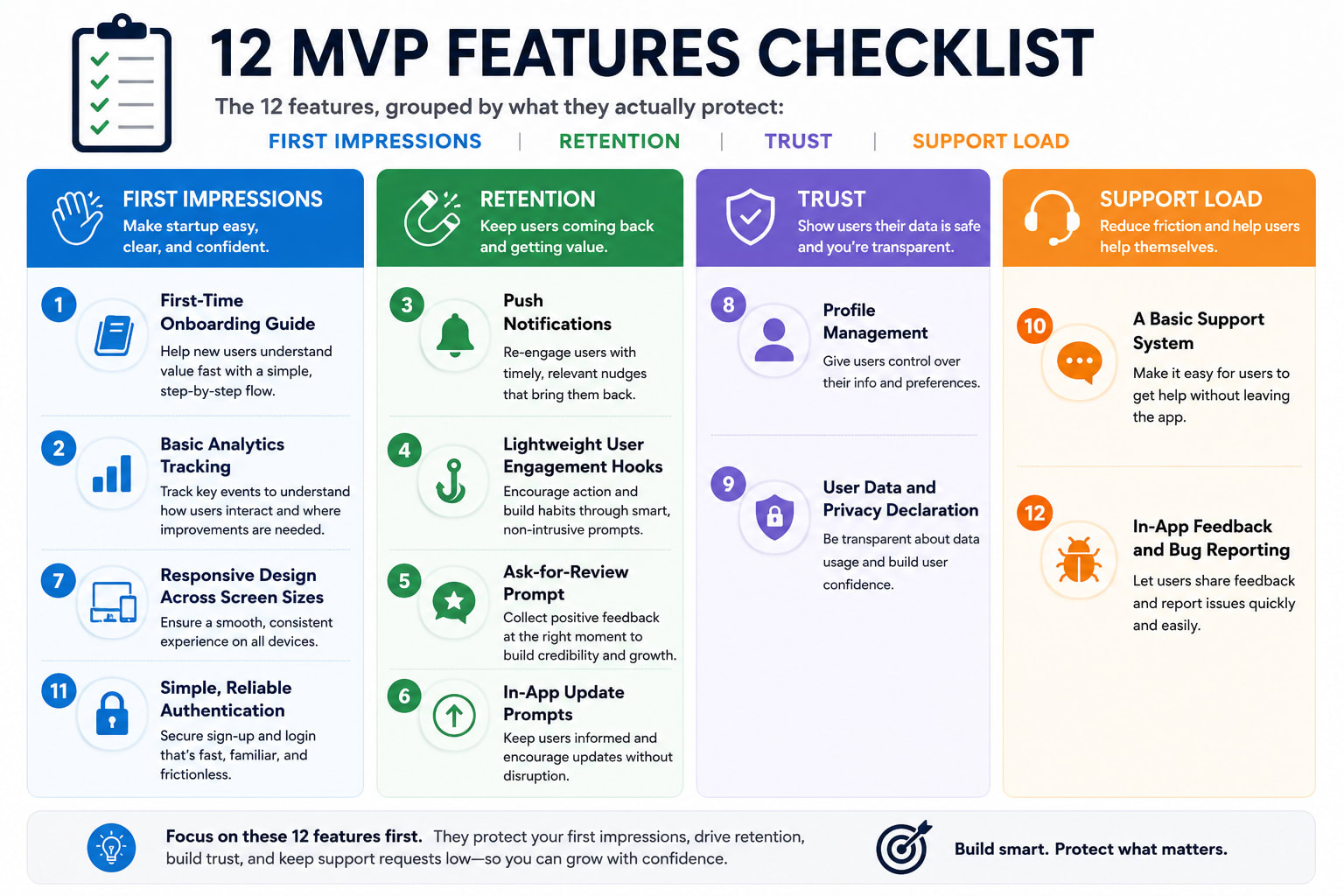
None of these twelve features are individually impressive — that's the point. Together, they cover the gaps that quietly kill most MVPs: confused first-time users, silent churn, no visibility into what's happening, and no way for anyone to reach you when something breaks. If you're scoping an MVP and want help deciding what's actually essential for your specific product, let's talk.