"Can we just add login?" sounds like a scoping question with an obvious answer. It isn't. Login isn't a screen — it's a decision about how long someone stays trusted after they type their password once, what happens the moment that trust needs to be revoked, and how many support tickets you're willing to accept from people who got logged out at an inconvenient moment. Almost every "random logout" complaint, every "why do I have to log in again" frustration, and more than a few security incidents trace back to decisions made in this one system — usually made quickly, early, without anyone framing them as decisions at all.
This is the part of your app most users never think about, because it's supposed to be invisible. Understanding roughly how it works — not the code, just the shape of it — is what lets you ask your engineering team the right question instead of just forwarding the complaint.
What Actually Happens in the Second After You Click "Log In"
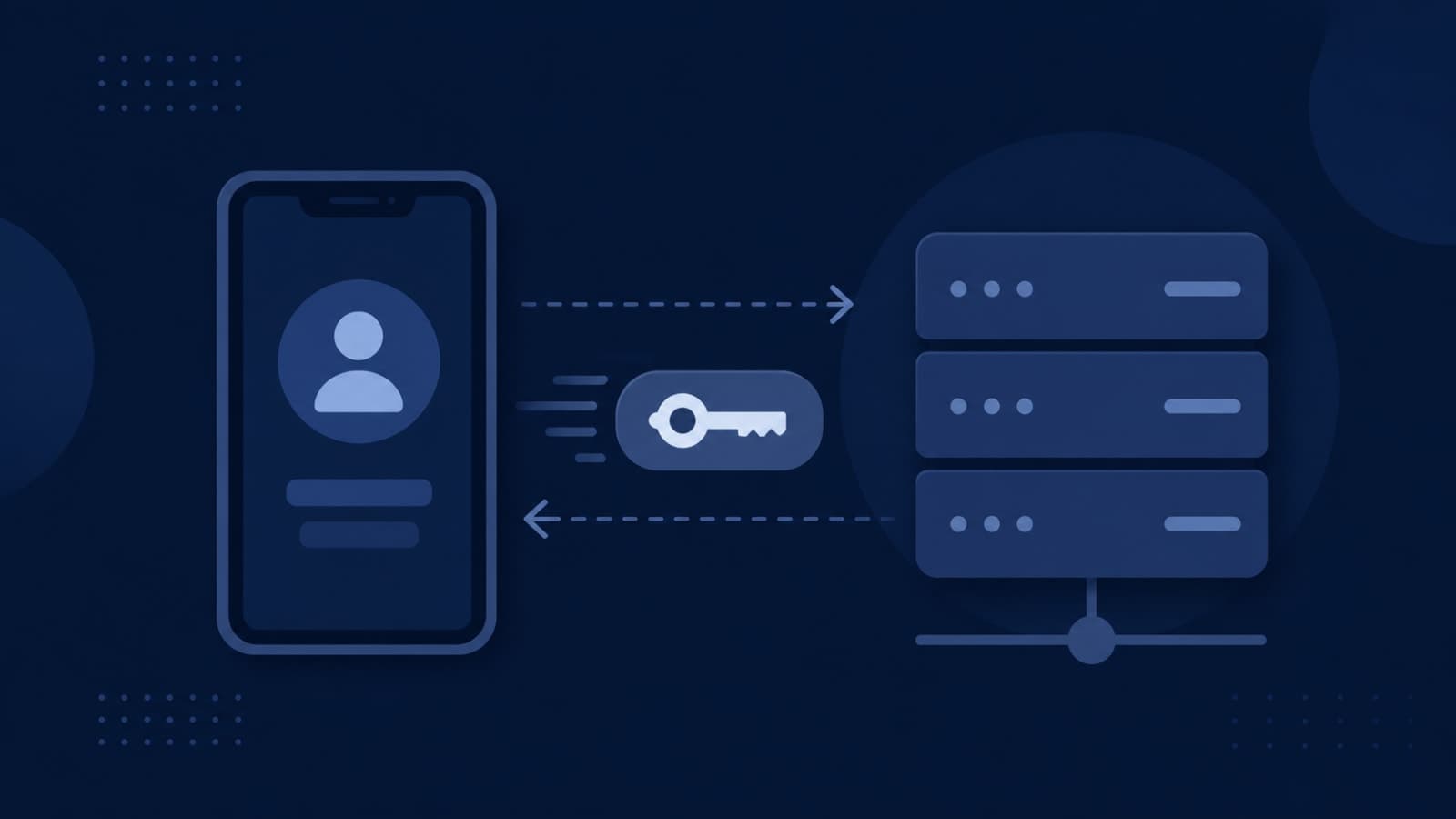
Your password gets checked exactly once, at the moment you log in. After that, your app doesn't want to ask you to type it again on every single click — that would be unusable. So instead, the server hands your device a small, signed piece of data proving "this person already verified who they are." Your app attaches that piece of data to every request it makes afterward, and the server checks it instead of re-checking your password. That small piece of data is almost always a JWT — a JSON Web Token — and understanding what's actually inside it explains most of what happens next.
What's Actually Inside a JWT
A JWT is a small text string, cryptographically signed by your server, that contains a handful of facts: who this is, what they're allowed to do, and when this proof expires. Because it's signed, your server can trust it without looking anything up in a database — it just verifies the signature and reads the facts inside. This is what makes JWTs fast at scale: no database round-trip on every single request. It's also exactly why the two decisions below matter so much — a JWT is only as trustworthy as how carefully those facts were checked when it was issued, and how quickly it stops being valid once it shouldn't be trusted anymore.
- Who: the user's identity, so the app knows whose data to show.
- What they're allowed to do: role and permission information, which is what makes role-based access control possible once someone's logged in.
- When it expires: a built-in timestamp after which the token stops being valid, no matter what.
Why Tokens Expire (And Why That's a Feature, Not a Bug)
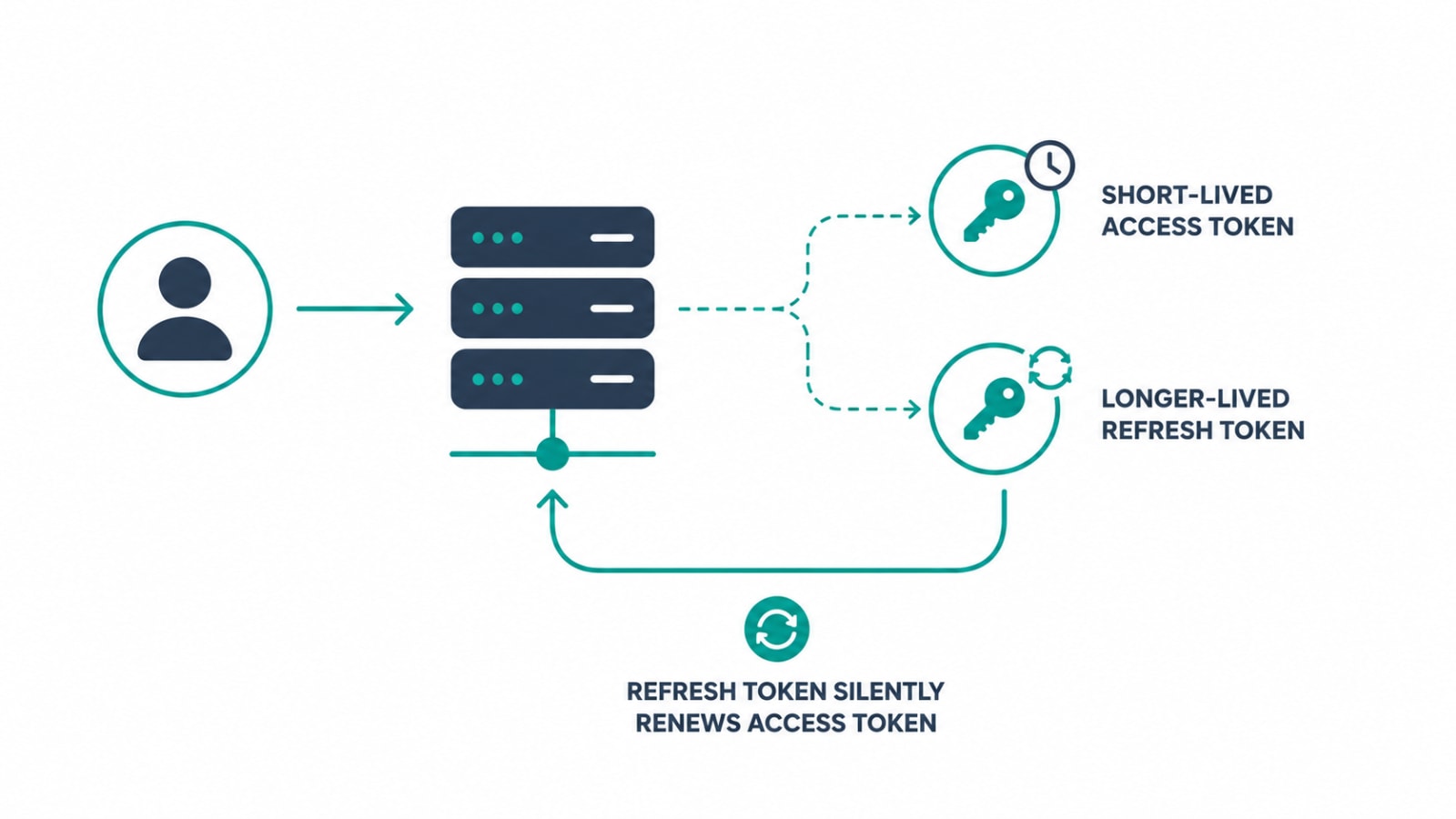
Modern security guidance recommends the proof of login — the access token — expire quickly, typically somewhere between 5 and 15 minutes. That sounds aggressive until you consider the alternative: if that token is ever stolen (through a compromised device, a leaked log, or a malicious browser extension), a short expiry means the thief's window of access closes on its own within minutes rather than staying valid for a day or a week.
Obviously nobody wants to re-enter their password every 10 minutes, so there's a second token involved: a longer-lived refresh token, typically valid for 7 to 30 days, whose only job is to quietly request a new access token in the background when the old one expires. This is why a well-built app can keep you logged in for weeks while still limiting the blast radius of a stolen token to a few minutes. The refresh token itself is stored more carefully and can be revoked server-side, which is the mechanism behind "log out of all devices" and forced logouts after a password change.
A stolen access token with a 24-hour lifetime gives an attacker a full day of access with no way to stop them. Short expiry, backed by a revocable refresh token, is the standard defense.
Common security guidance for token-based authentication
The Session Design Decisions That Turn Into Support Tickets
A handful of choices in this system directly shape what your support team hears about every week:
- How long should someone stay logged in? A consumer app people open daily can afford a long, sliding session (it renews itself with use) without much risk. A finance or admin tool handling sensitive data usually needs a shorter, fixed window regardless of activity.
- Should logging in on a new device log out other devices? Neither answer is wrong, but the decision needs to be intentional — "I got logged out and I don't know why" is one of the most common vague support tickets, and it's almost always a session policy nobody explained to the user.
- Does a role change take effect immediately? If a user's permissions are baked into their token and the token doesn't expire for another hour, revoking their access in the admin panel might not actually stop them from acting on the old permissions until their token refreshes.
- What happens after a password reset? Every existing session should be invalidated the moment a password changes — otherwise a password reset done because of a suspected compromise doesn't actually lock out whoever had the old password.
What Breaks When This Gets Rushed
Under deadline pressure, a few shortcuts show up more often than they should: storing tokens in a location a malicious script on the page can read, setting expiry times far longer than necessary because it's less code to write, or skipping the ability to revoke a session at all. Each of these individually seems minor. Together, they're the difference between a stolen laptop being a five-minute inconvenience and a genuine data breach. This is also where session design overlaps directly with permissions — once someone's authenticated, how role-based access control works covers what they're actually allowed to do next, and a shaky session system undermines even the best-designed permission structure sitting on top of it.
Vague, unexplainable logout complaints are also a recognizable pattern in support queues — the same category of "we don't know why this keeps happening" ticket covered in why your support team keeps escalating the same bugs. A session system without clear, intentional expiry rules is one of the most common sources of that exact kind of recurring, hard-to-diagnose ticket.
Questions to Ask Before You Say "Just Add Login"
- How long should a user stay logged in, and does that answer change for an admin versus a regular user?
- Do we need to support multiple simultaneous sessions per user, or should a new login end the old one?
- Can we force-revoke a specific user's session immediately if we suspect their account is compromised?
- If someone's role or permissions change, how quickly does that take effect across their active session?
- Where are tokens being stored on the client, and has that choice been checked against current security guidance rather than whatever was fastest to build?
How We Approach This at Fall Rise
Session and token design is one of the first architecture conversations we have on any product with real user accounts, because retrofitting it after launch is far more disruptive than deciding it correctly at the start. On Stallion Eyewear Team, our internal B2B app connecting salesmen, distributors, and authorized parties, secure OTP-based authentication had to hold up over unreliable field connectivity without leaving sessions open longer than necessary. On Penso Notes, our diary and journaling app, the opposite priority mattered more — a long, forgiving session so a daily habit app never interrupts someone mid-entry with an unexpected login screen. Same underlying system, two very different, deliberate decisions. You can see more of how we scope this across our project portfolio.
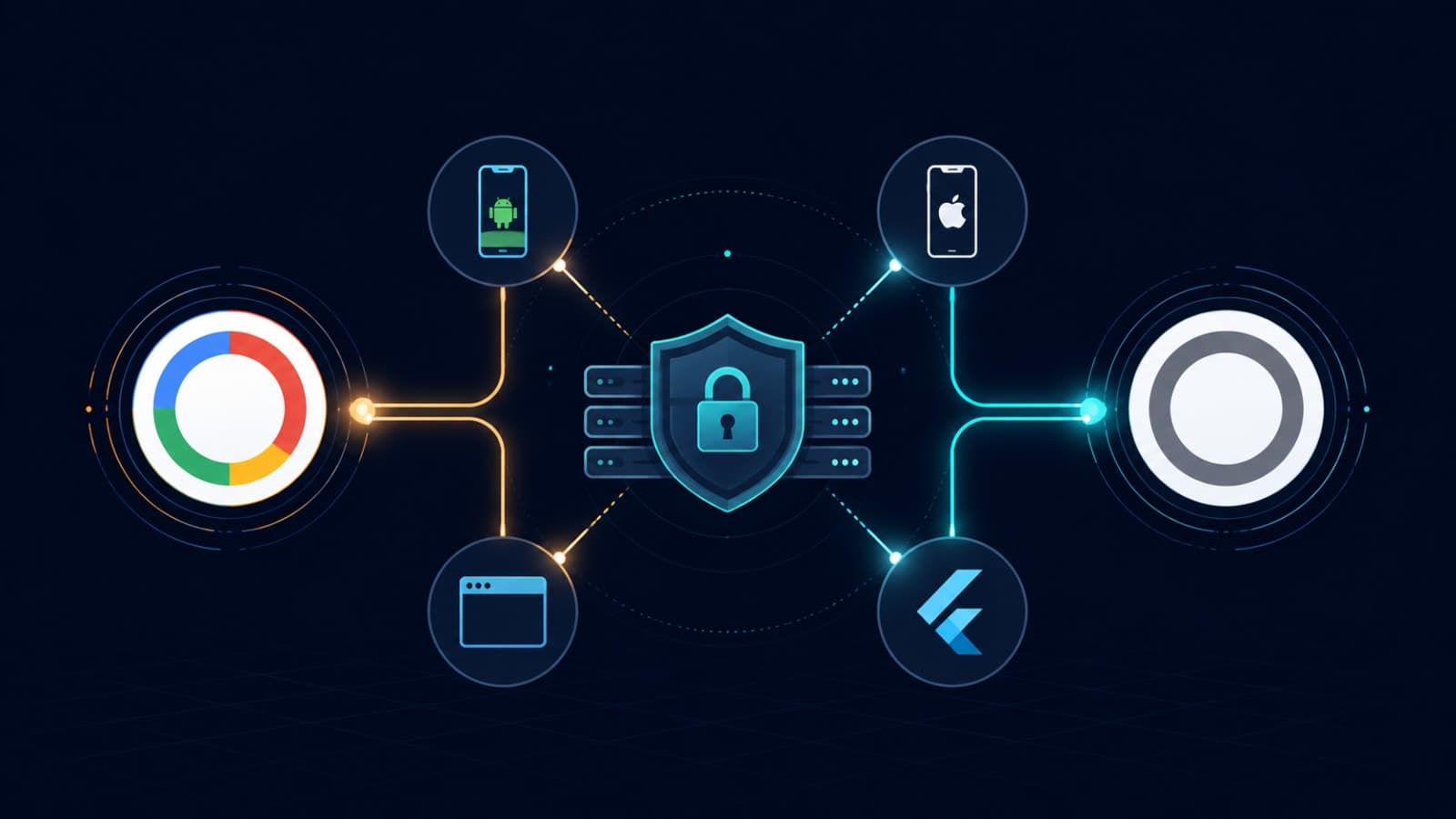
If you're integrating third-party sign-in specifically, our engineering-focused guide on Google & Apple Sign-In without Firebase covers the implementation details. This post is part of a broader series on the systems that quietly decide whether a SaaS product holds up at scale — see the 6 systems every SaaS founder doesn't see until something breaks for the full map. We apply this same care across mobile app development, SaaS development, and the backend APIs that hold authentication and session logic together.
Login looks like a checkbox on a feature list, but it's really a set of security and user-experience trade-offs that shape how your product feels and how safe it is, every single day it's running. Get the questions above answered deliberately, and "just add login" stops being a guess. If you want a second opinion on how your product's session design is holding up, let's talk.