
Penso Notes
Avg. response: 1–2 hours · Remote-first — clients worldwide
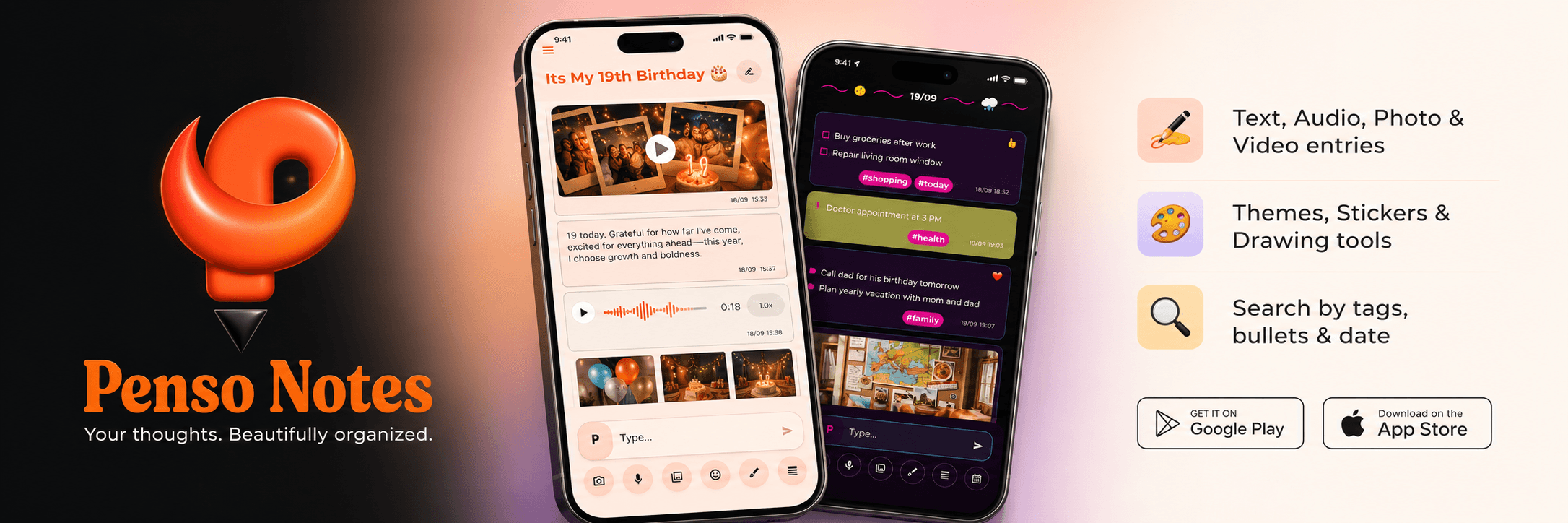
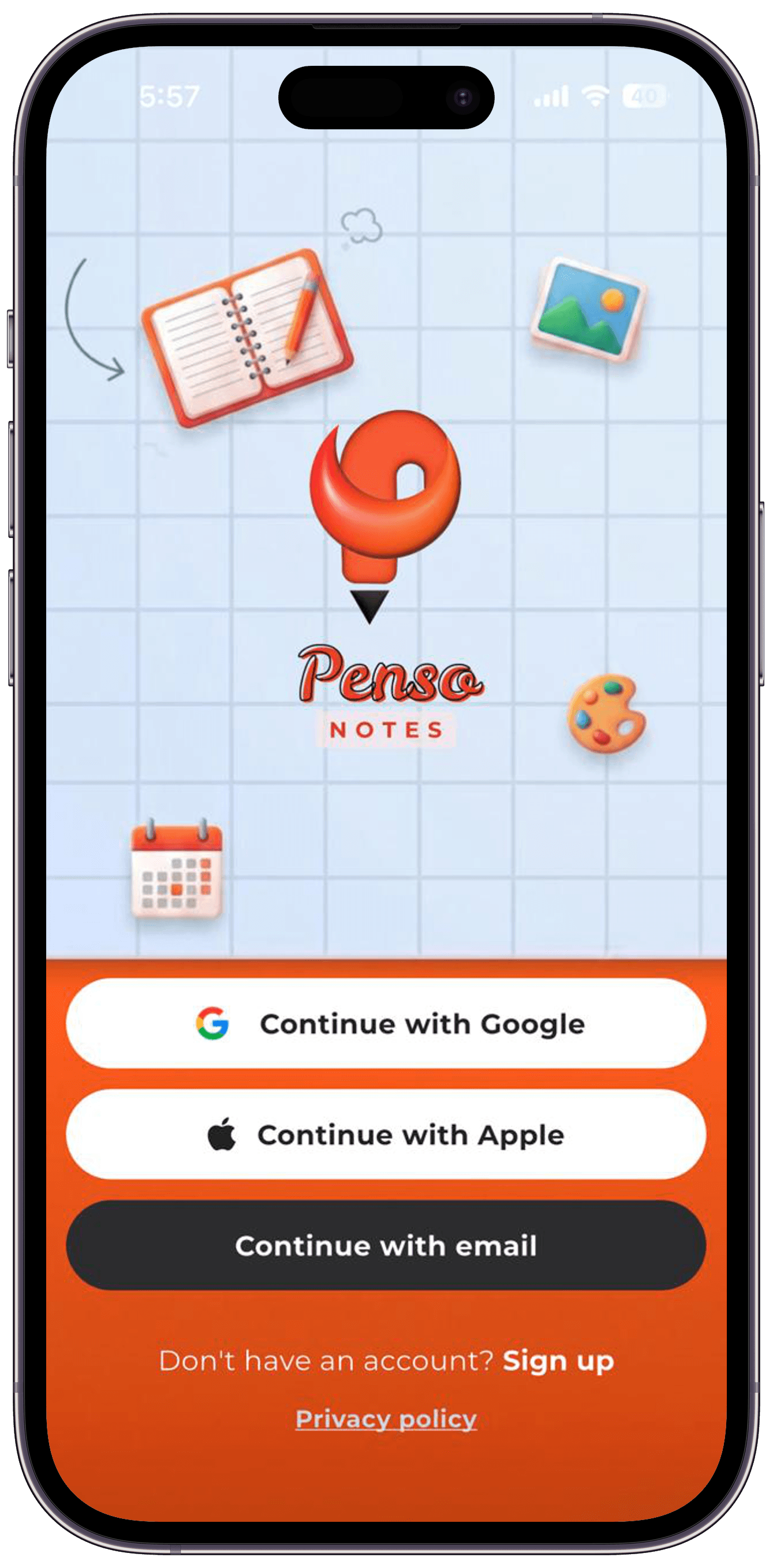
A multimedia diary app built with Flutter and Node.js — shipped to Play Store and App Store.
Timeline
6 months
Team Size
2 engineers
Industry
Productivity
Region
India · Global
Tech Stack
The Problem We Solved
People capture life in fragments — a voice memo here, a photo there, a quick note somewhere else. Existing journal apps forced a choice: plain text only, or cluttered interfaces that made daily writing feel like work. The client wanted one private, beautiful space where thoughts, moods, and memories live together — and a partner who could take it from concept to live App Store and Play Store listings.
The Complexity — Offline-First Multimedia Journaling
A diary app sounds simple until every entry type behaves differently. Text needs a rich editor. Audio needs recording, playback, and compression. Photos and videos need camera integration, gallery access. Users expect multiple diaries, mood dividers, drawable sketches, stickers, calendar views, and cross-journal search — all while entries save instantly offline and sync securely when connected.
- Rich text, audio, photo, video, and file attachments in one flow
- Secure local storage with AES encrypted Hive storage
- Multiple diaries, mood dividers, drawing tools, and theme customization
- Dual-platform App Store and Play Store submission and review cycles
The Solution — Flutter + AES Encrypted Hive Storage
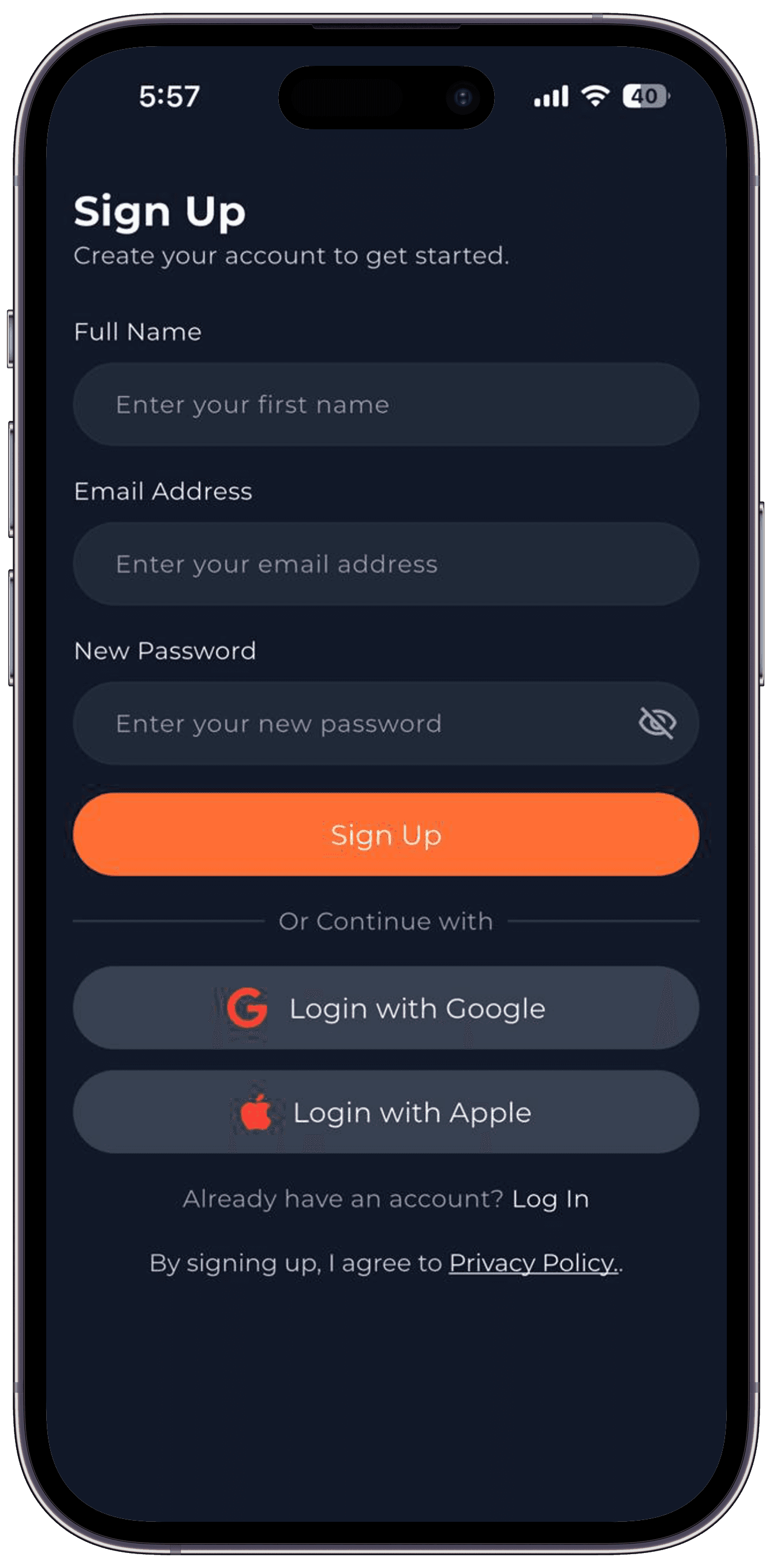
We built Penso Notes as a single Flutter codebase for Android and iOS and AES encrypted Hive storage. Entries write to secure local storage first so journaling never waits on a network. Firebase handles authentication. The result is a production app users can download today — not a prototype stuck in development.
Feature Showcase
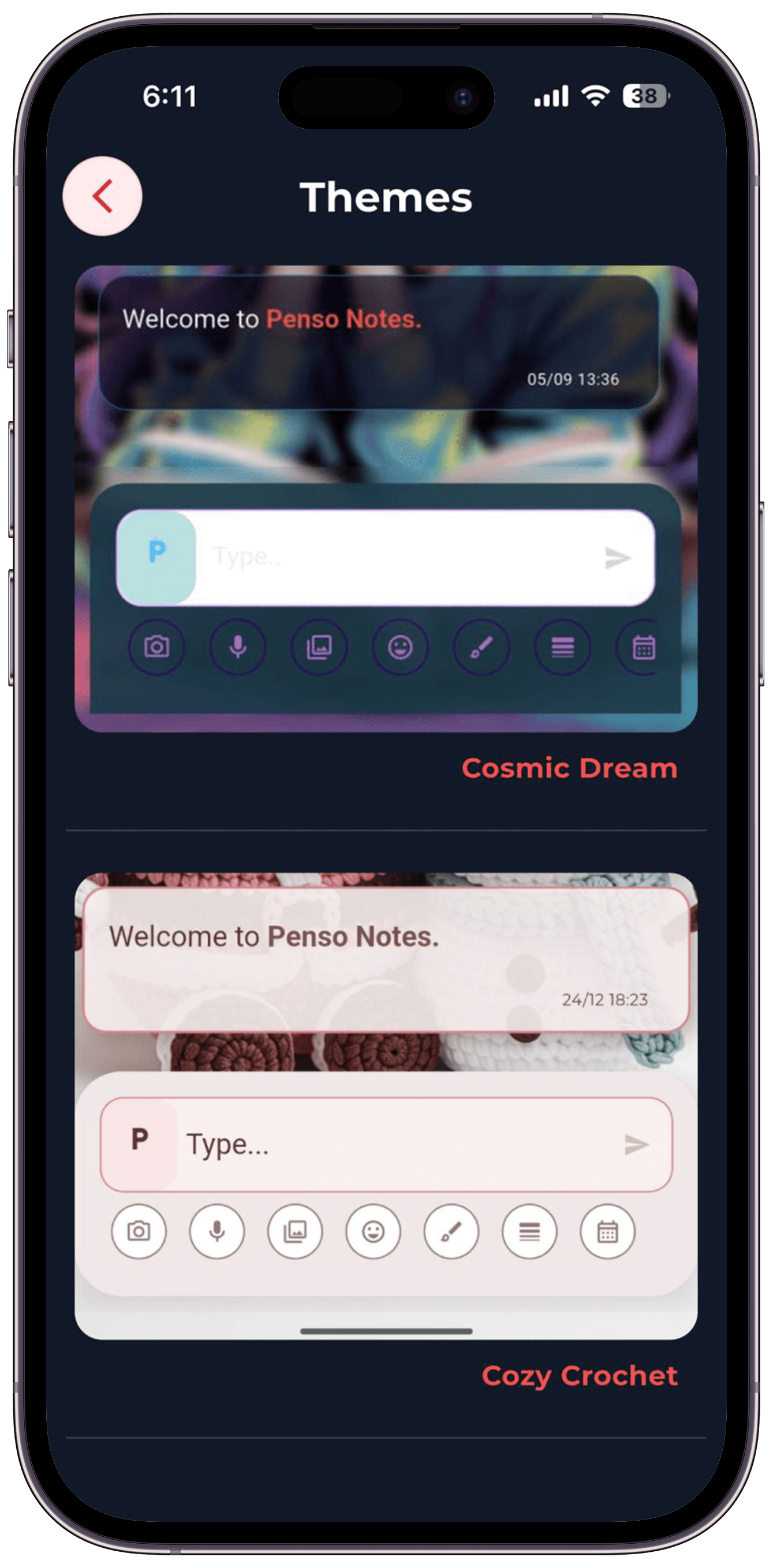
01 — Themes
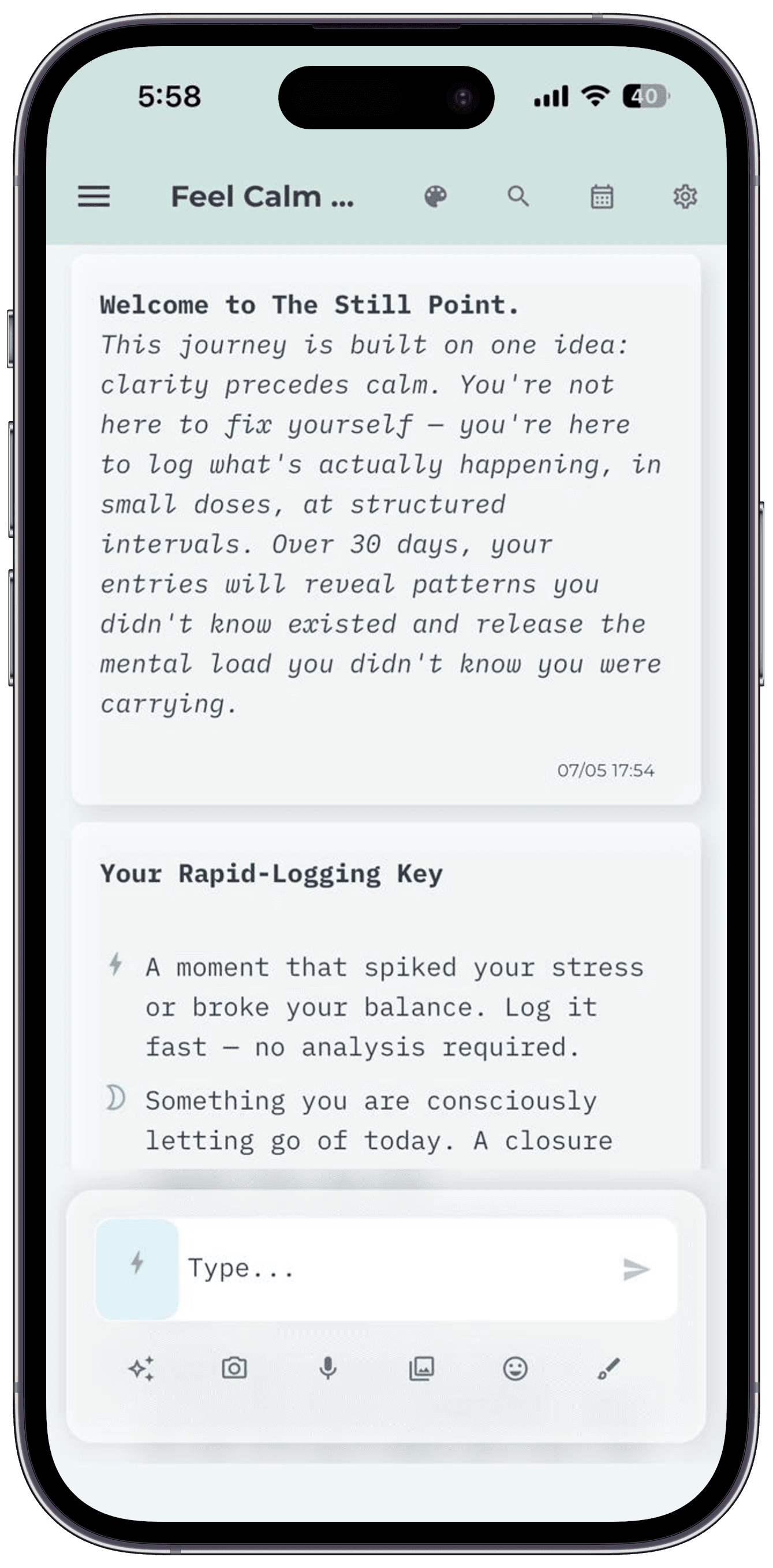
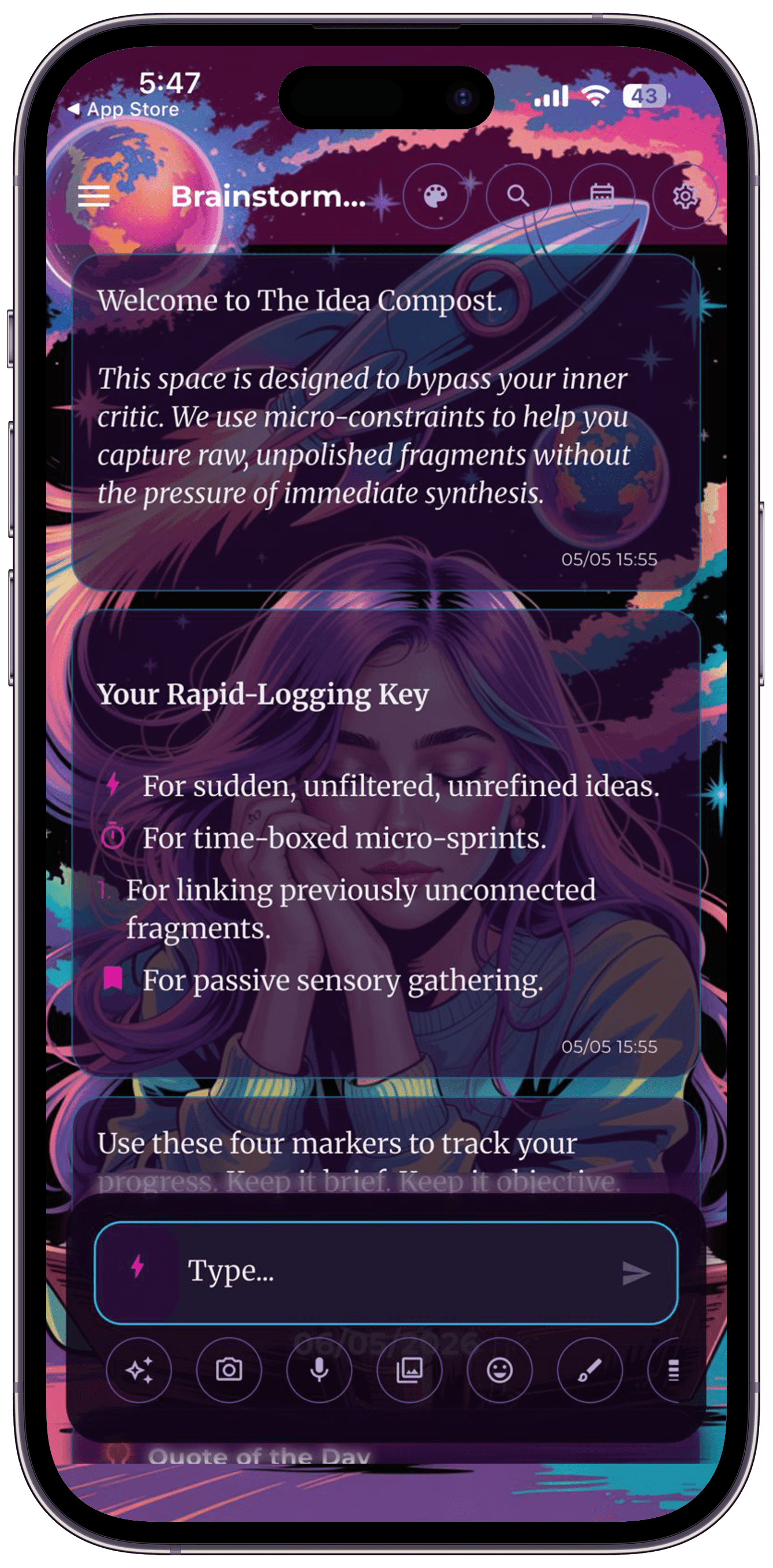
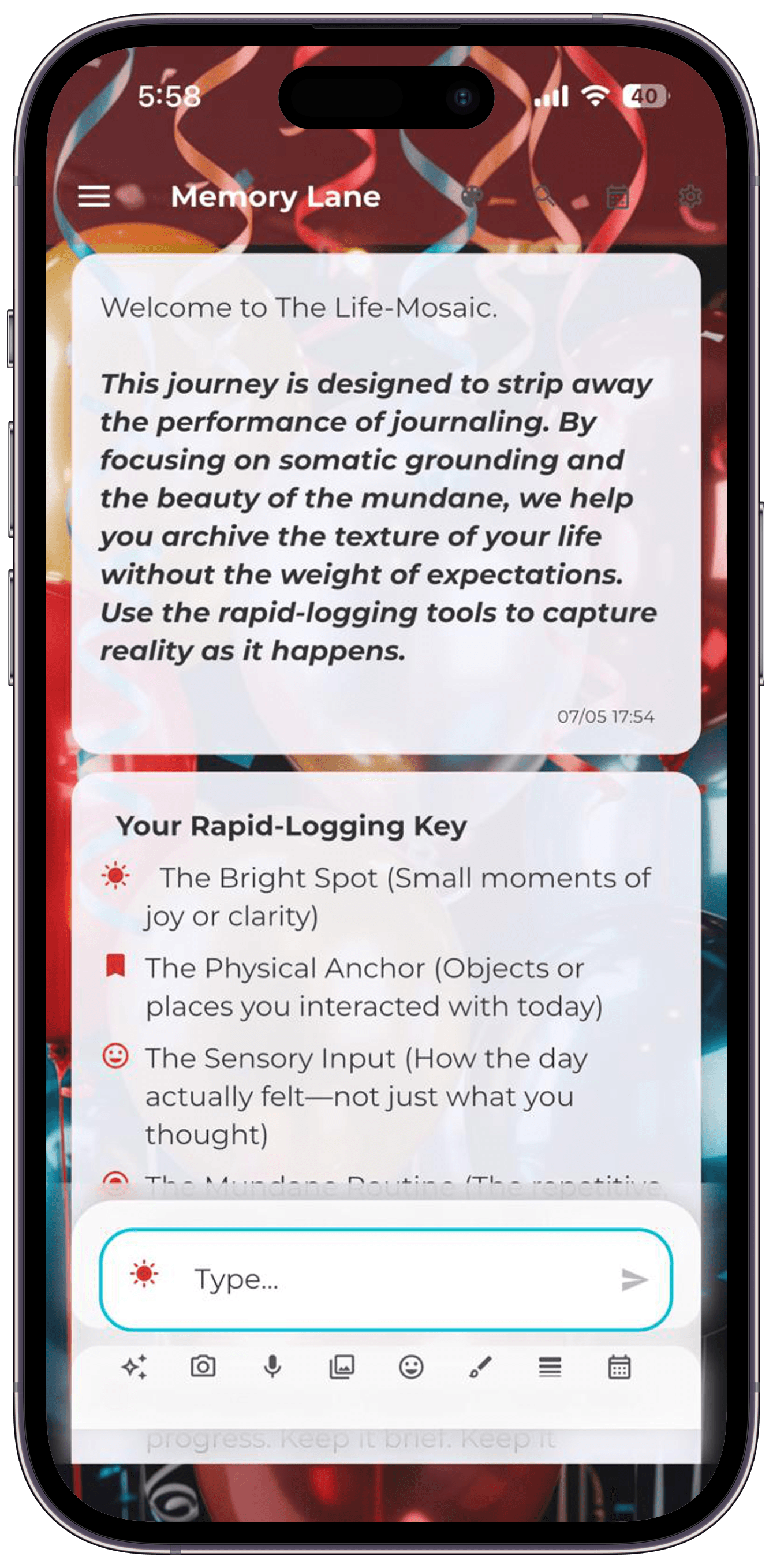
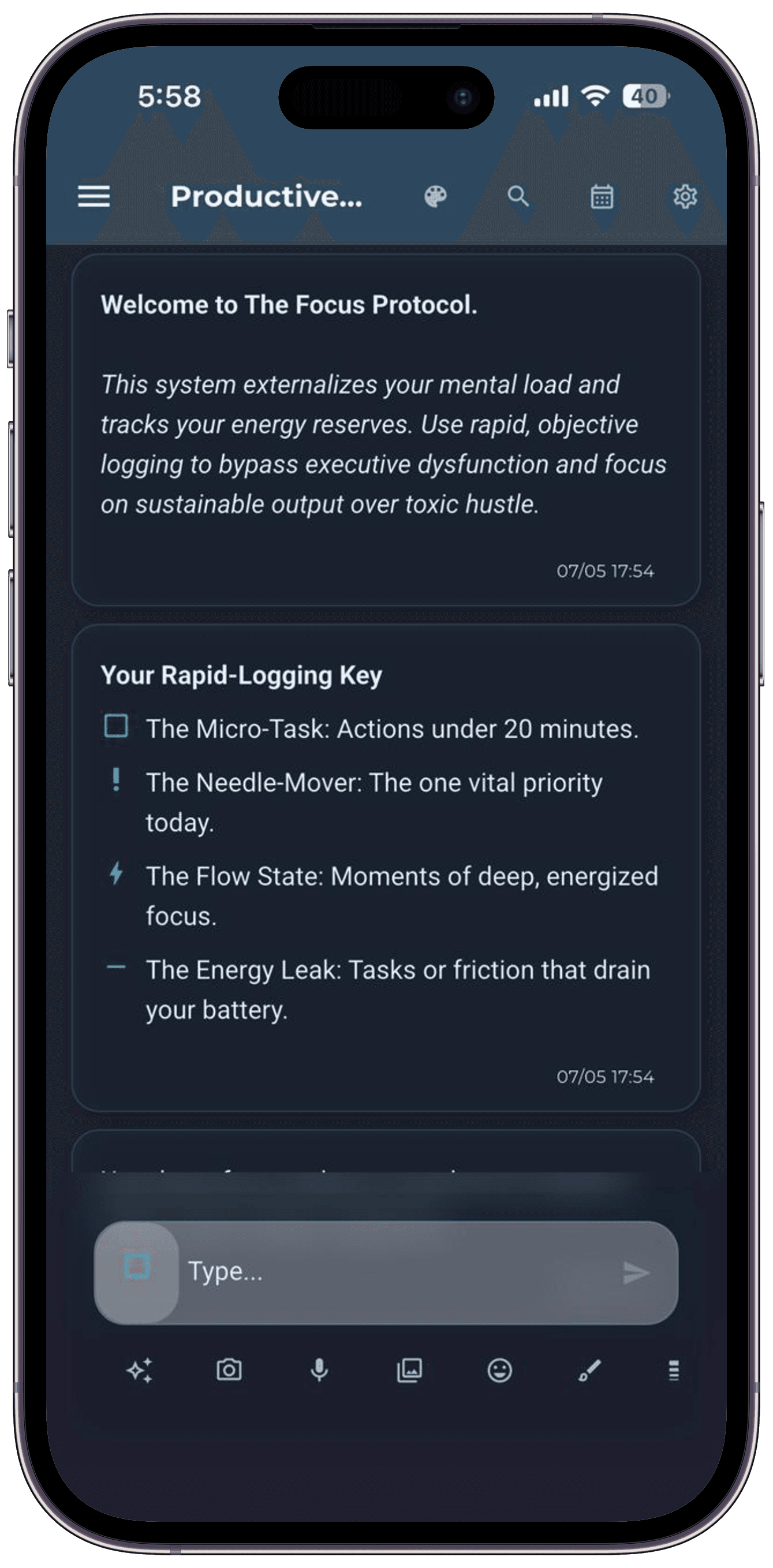
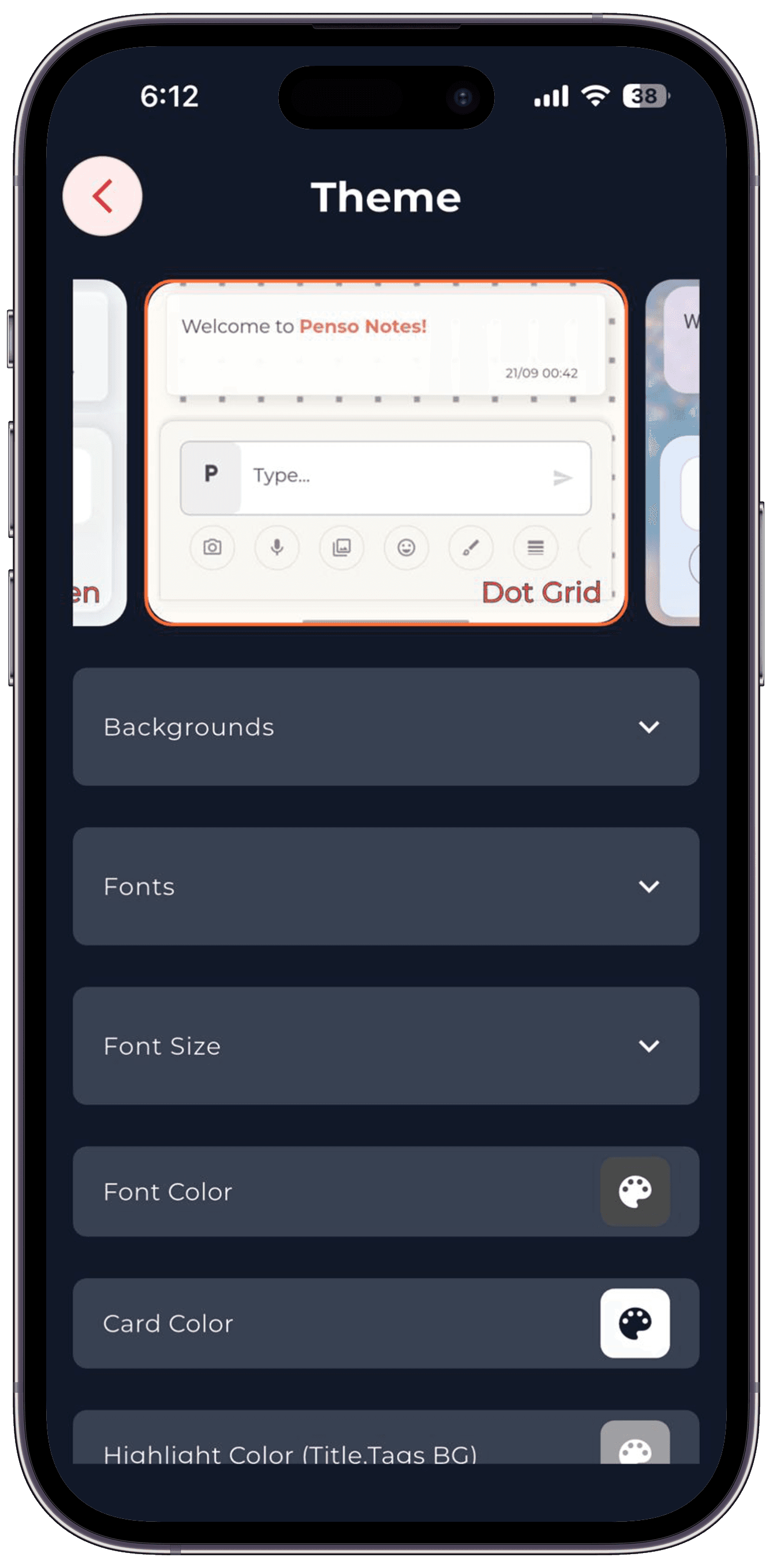
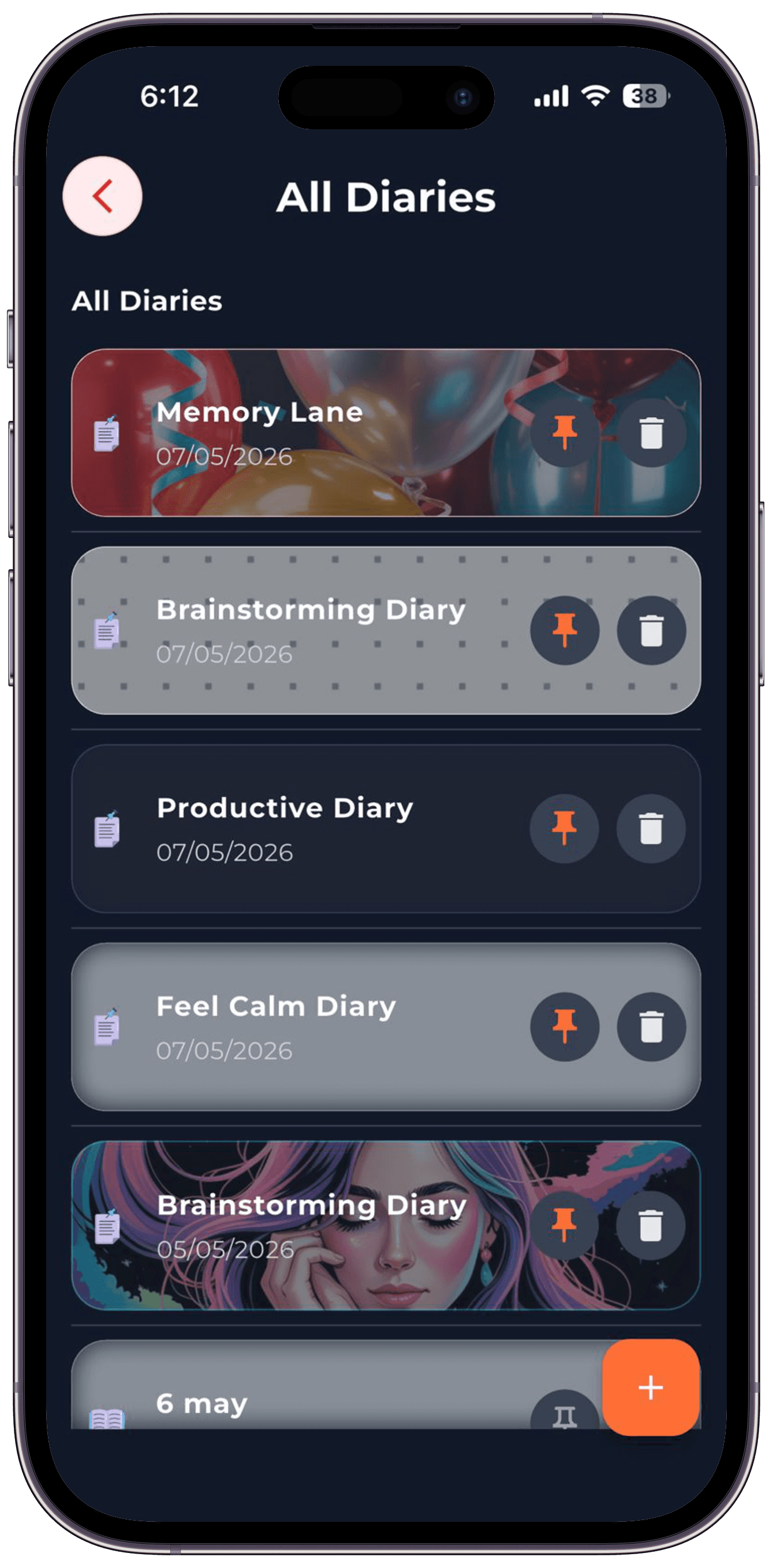
20+ handcrafted themes.
Most journal apps offer three. Penso ships twenty — light, dark, photographic, minimal, seasonal. The interactive theme picker is built right in.
- Light & dark variants
- Photographic themes (Memory Lane, Cozy Crochet, Cosmic Dream)
- Minimalist themes (Dot Grid, Cream Paper, AMOLED Black)
- Per-diary theme — different aesthetic for each notebook
- Seasonal festival themes via remote config
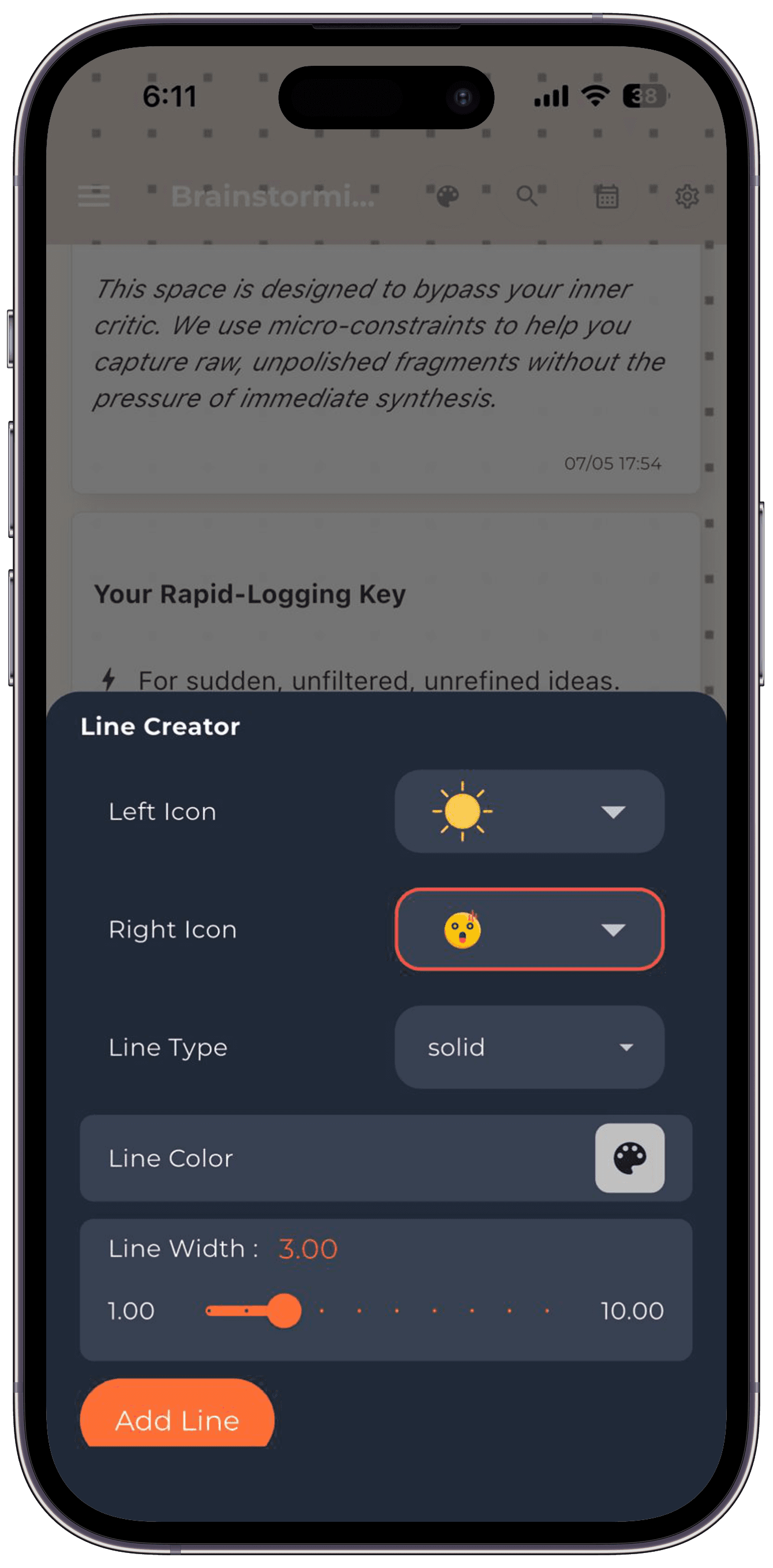
02 — Rapid Logging
Custom bullets, your way.
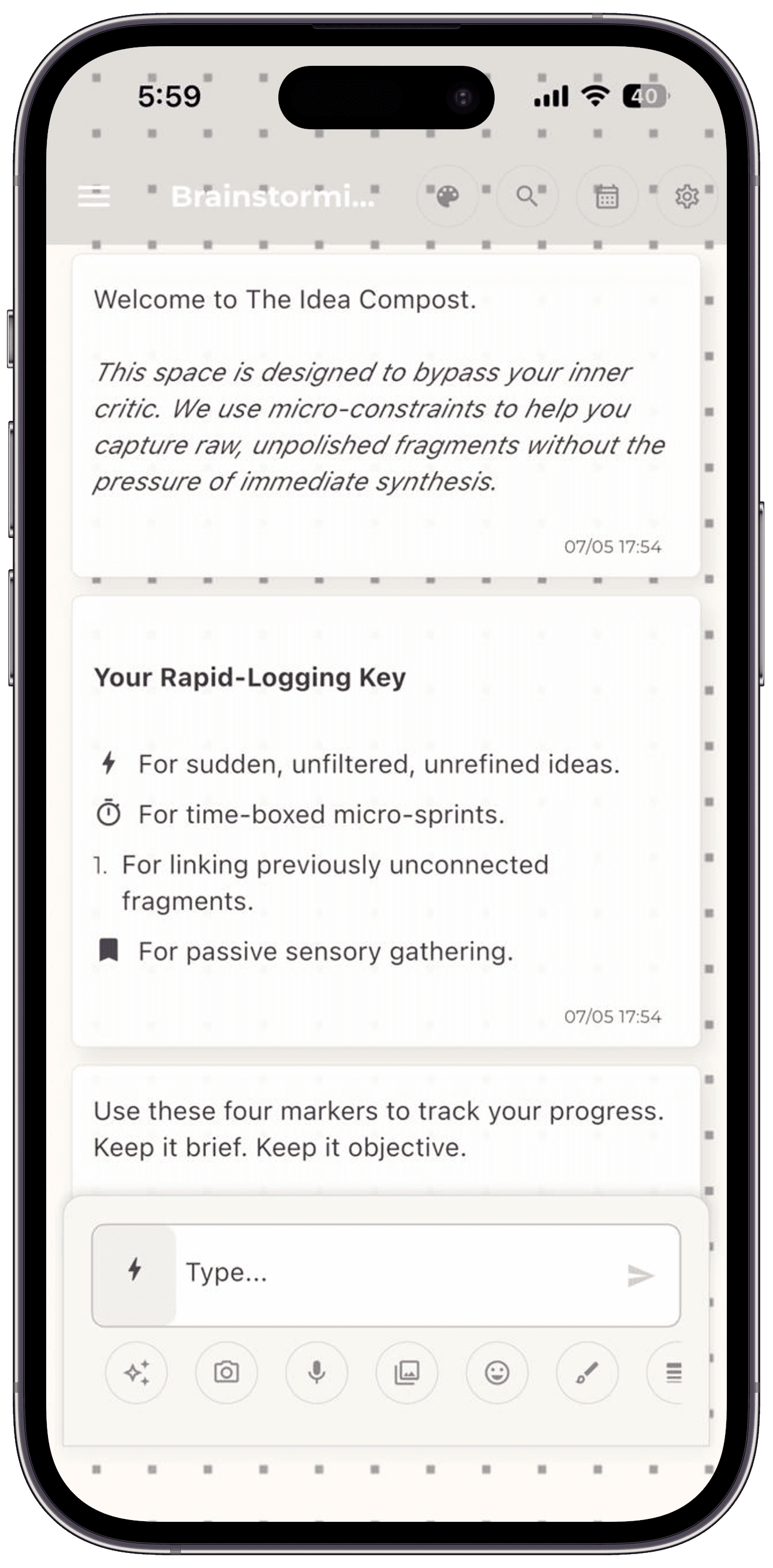
The Line Creator lets you design your own bullet markers — emoji on the left, name on the right, color, width, style. Save and reuse across diaries.
- Lightning ⚡ for sudden ideas
- Crescent ☾ for closure entries
- Sun ☀ for bright spots
- Square ☐ for micro-tasks
- Build any custom marker you can imagine
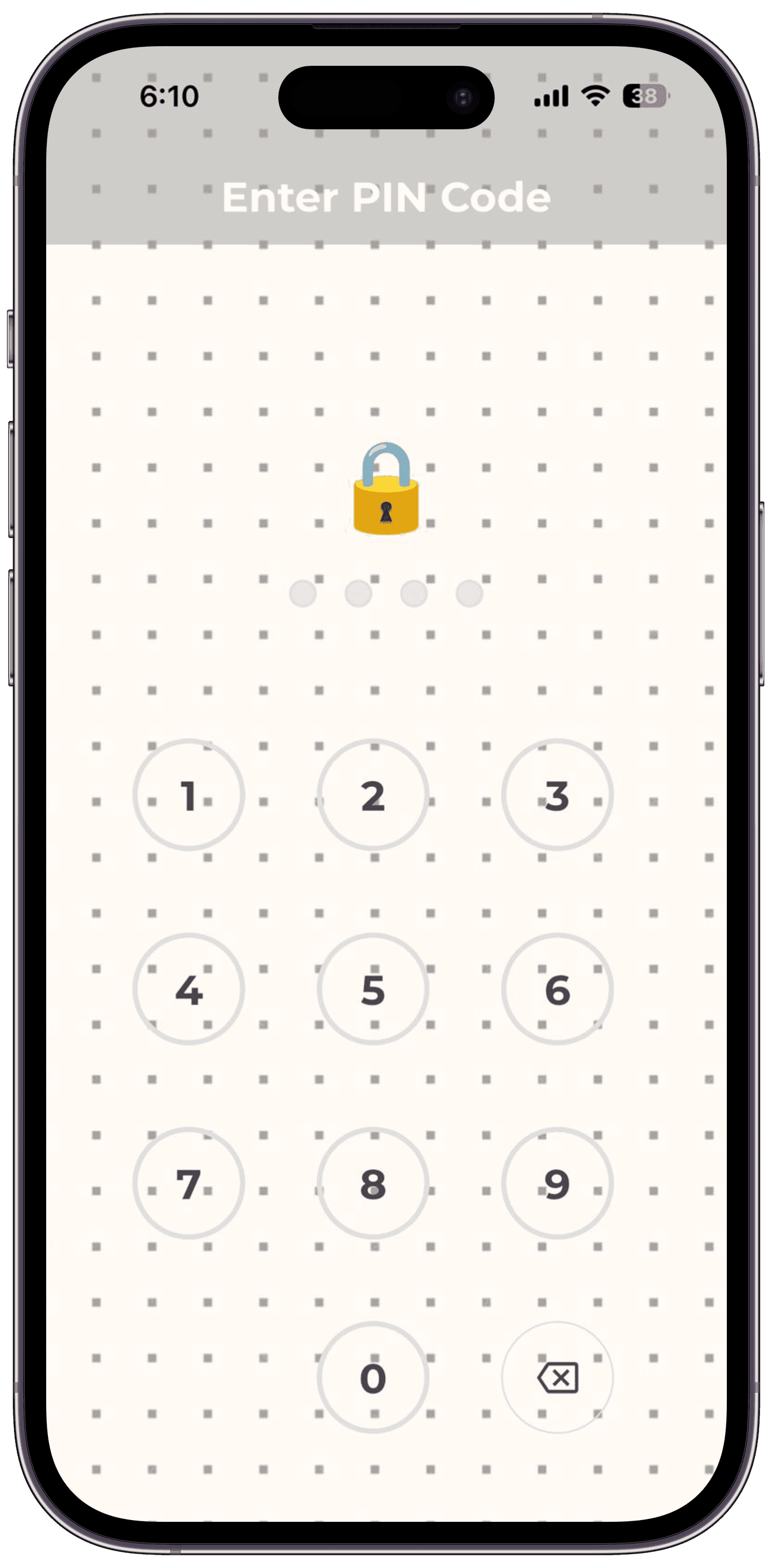
03 — Privacy & Lock
Locked from the moment you put it down.
Face ID, Touch ID, or a 4-digit PIN. The journal locks instantly when you switch apps. Optional auto-lock timer.
- Biometric or PIN lock
- Lock on background, lock on timer, or always
- Per-diary lock — lock just the sensitive ones
- No password recovery — keys live on your device
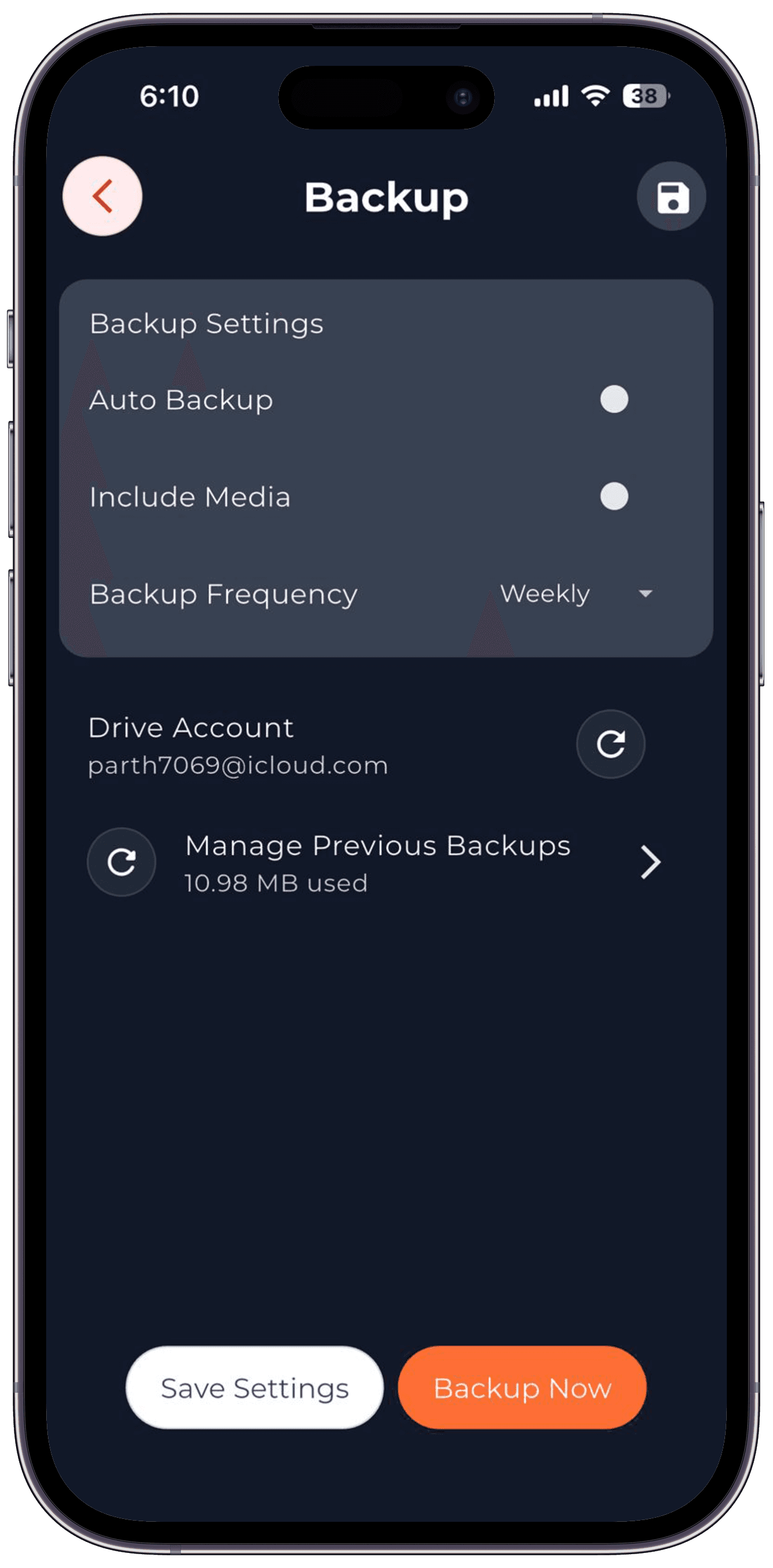
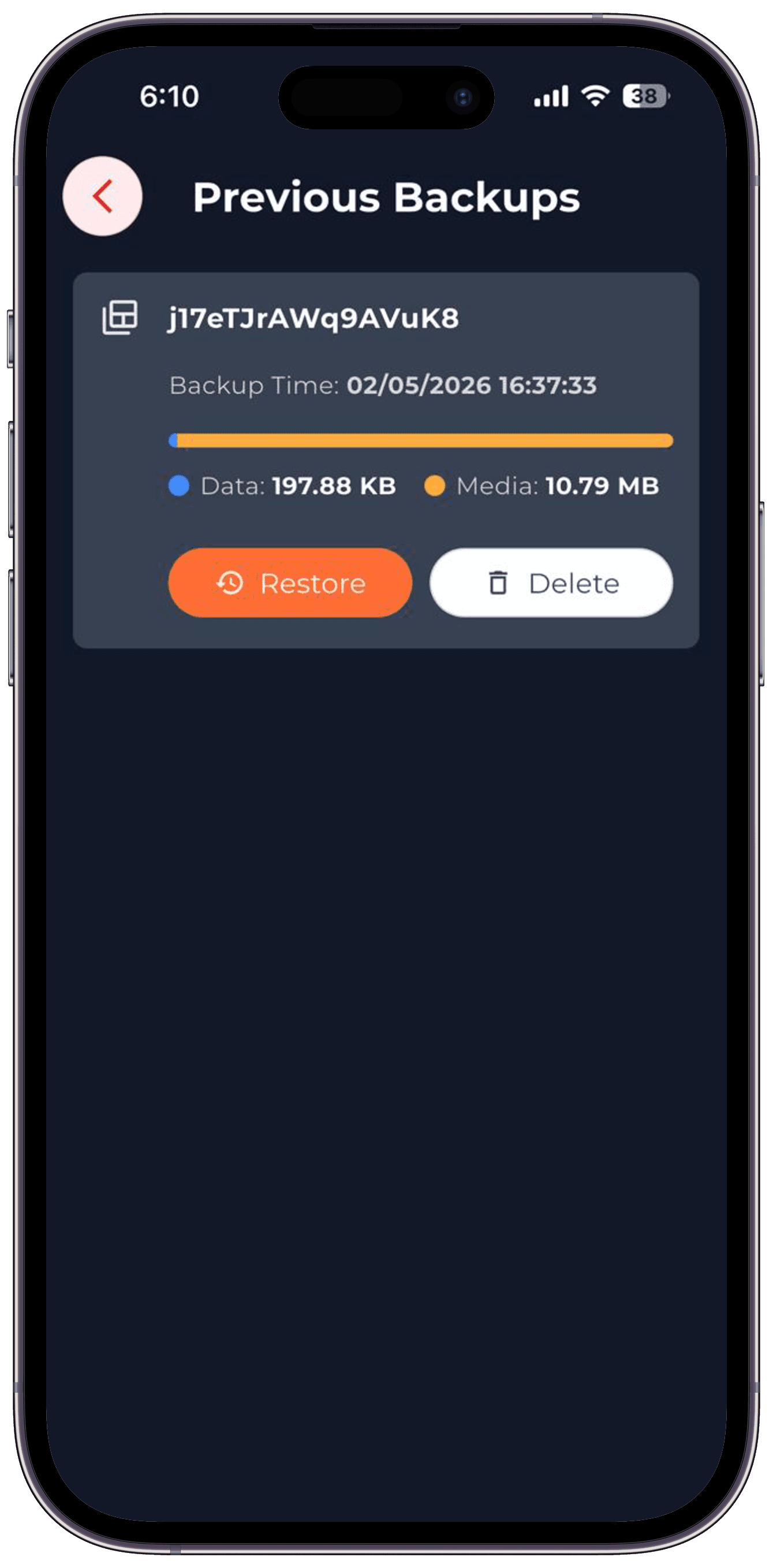
04 — Google Drive Backup
Your data. Your account. Your control.
Penso never sees a thing. Backups are encrypted on your device and uploaded directly to your Google Drive. We don't have a server.
- End-to-end encryption before upload
- Auto-backup weekly or on-demand
- Restore from any previous version
- Media included or text-only
- Manage and delete backups any time
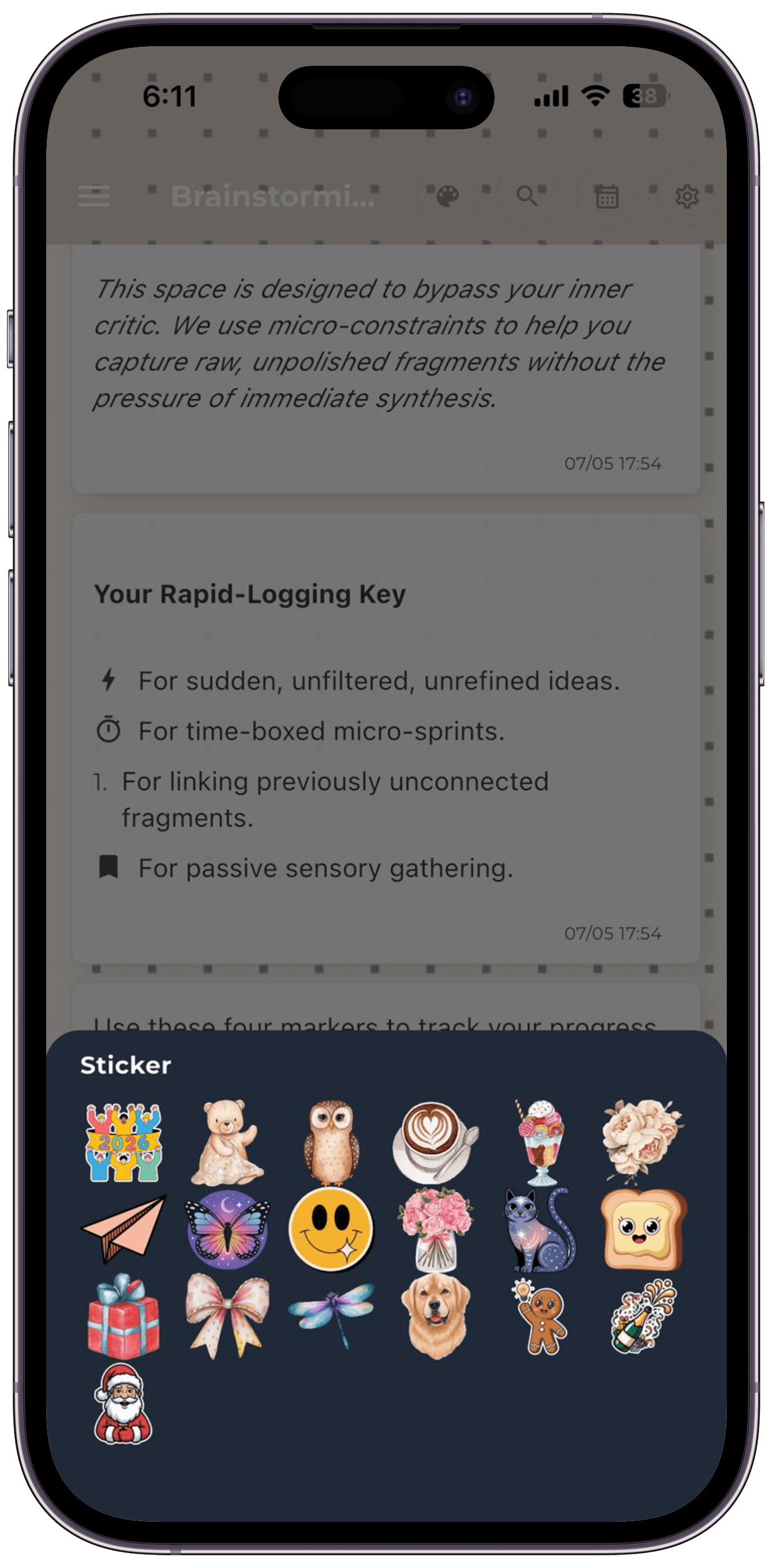
05 — Drawing & Stickers
Words aren't enough.
Pressure-sensitive brushes for Apple Pencil. Sticker library across moods, life events, and seasons. Stamp your journal the way you would a real one.
- Multiple brush types and sizes
- 200+ stickers, organized by theme
- New sticker packs added monthly
- Apple Pencil and Samsung S-Pen support
- Mix drawing, stickers, and text in any entry
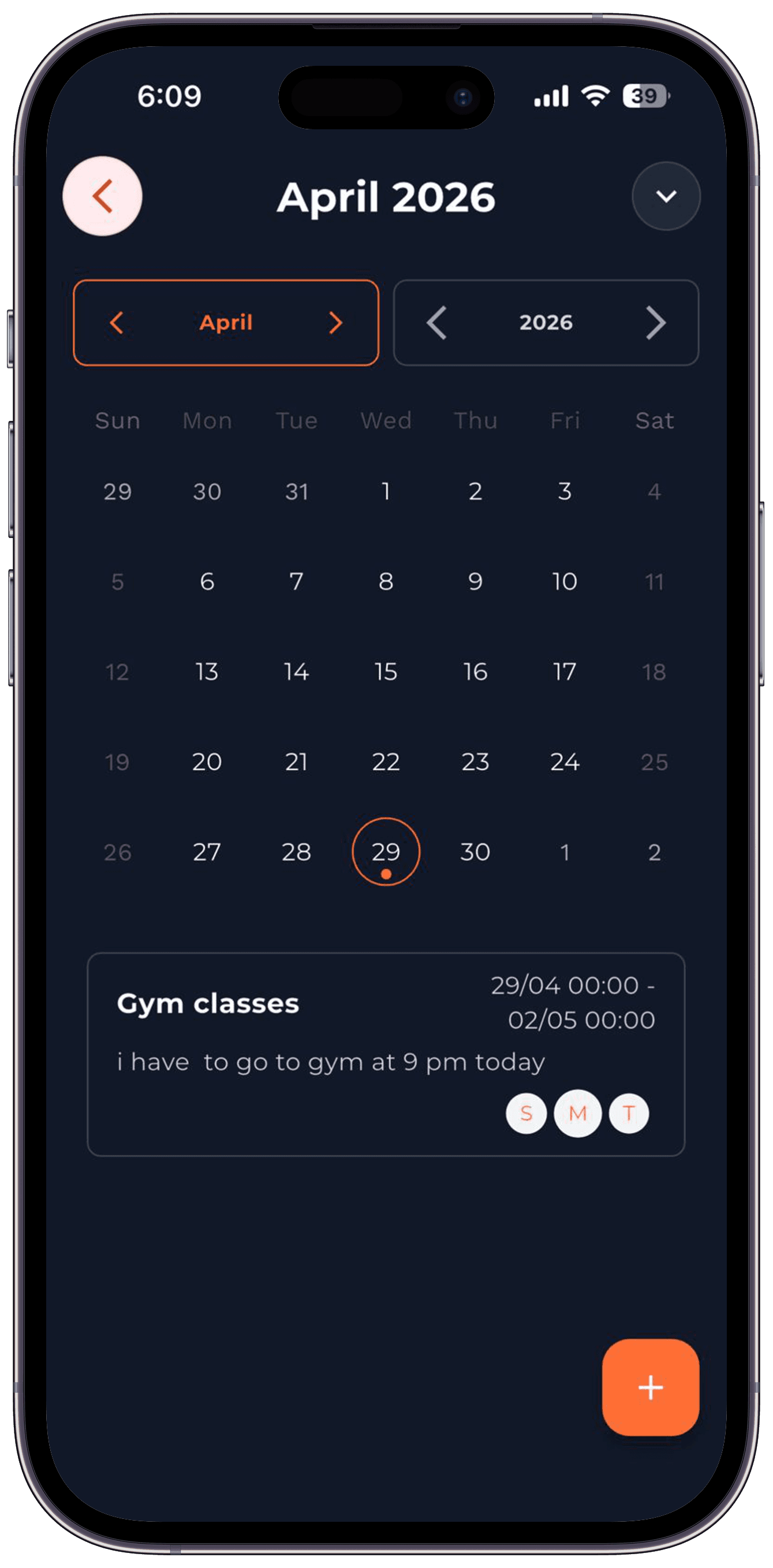
06 — Calendar & Reminders
Your day, already in the diary.
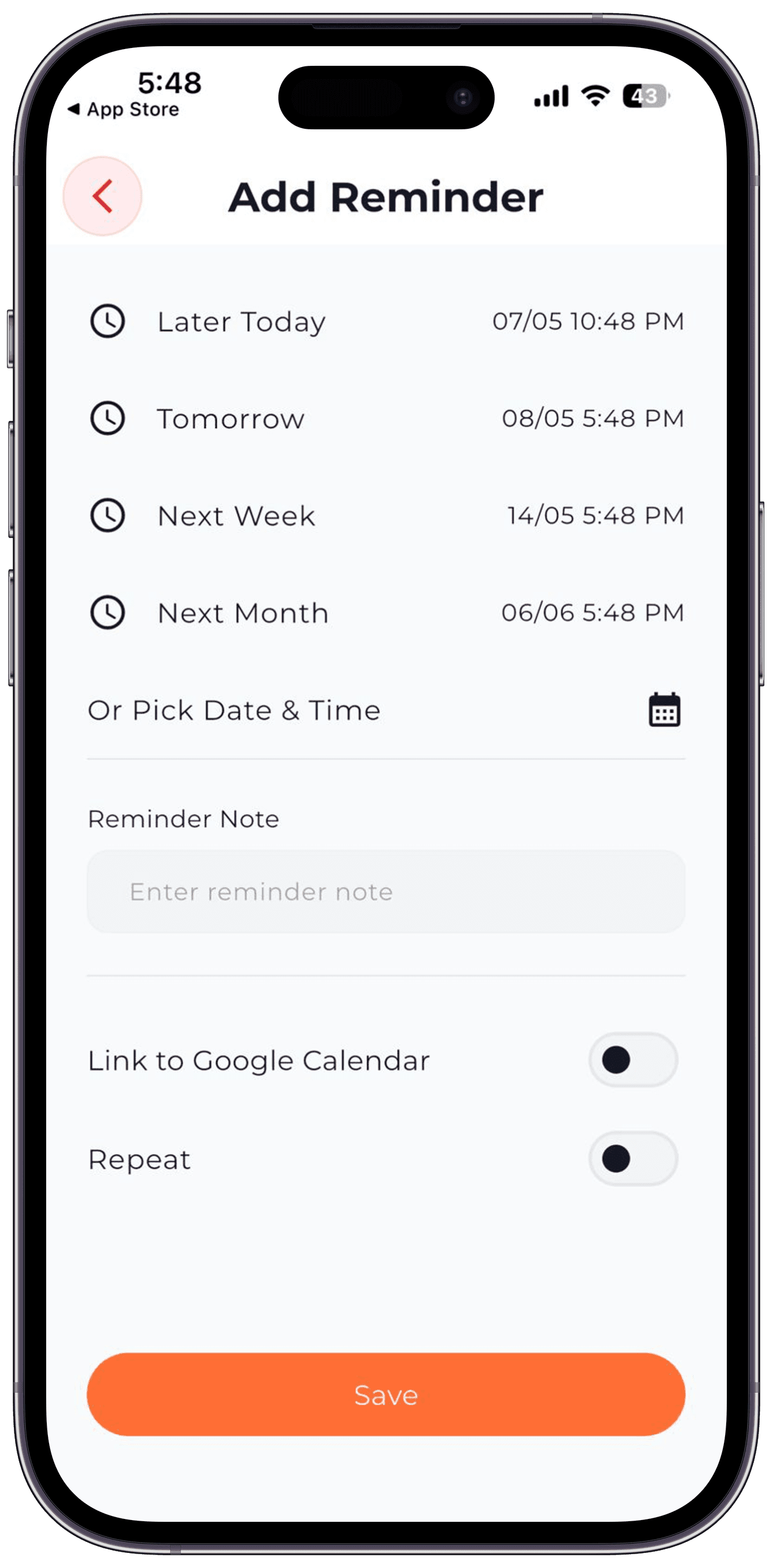
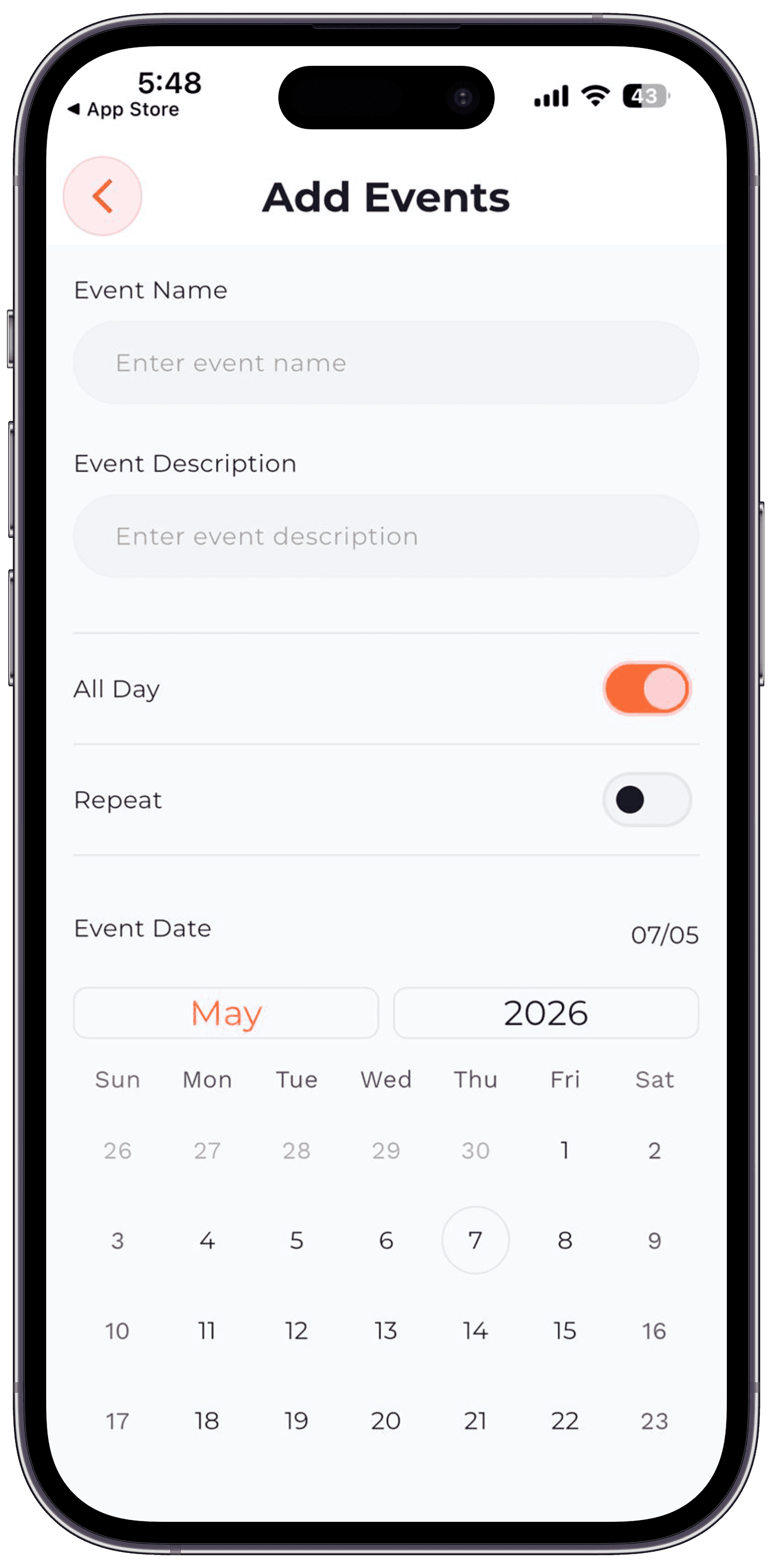
Google Calendar sync pulls your events into the daily log automatically. Reminders support recurring schedules. Add events without leaving the app.
- Google Calendar two-way sync
- Recurring reminders (daily, weekly, monthly, custom)
- Link reminders to specific diaries
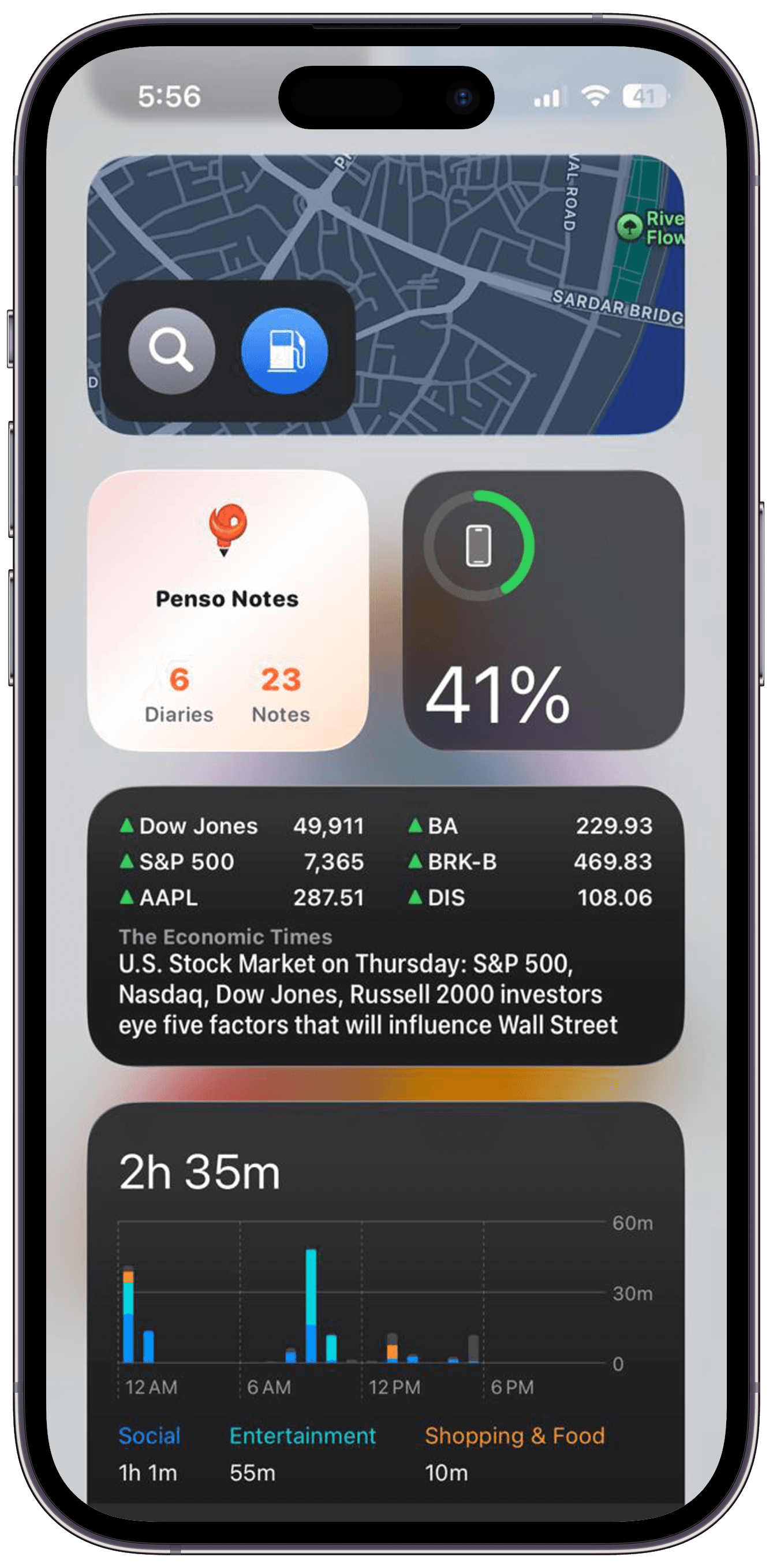
- Optional Calendar widget on the home screen
- Time-zone aware
How We Made It Simple
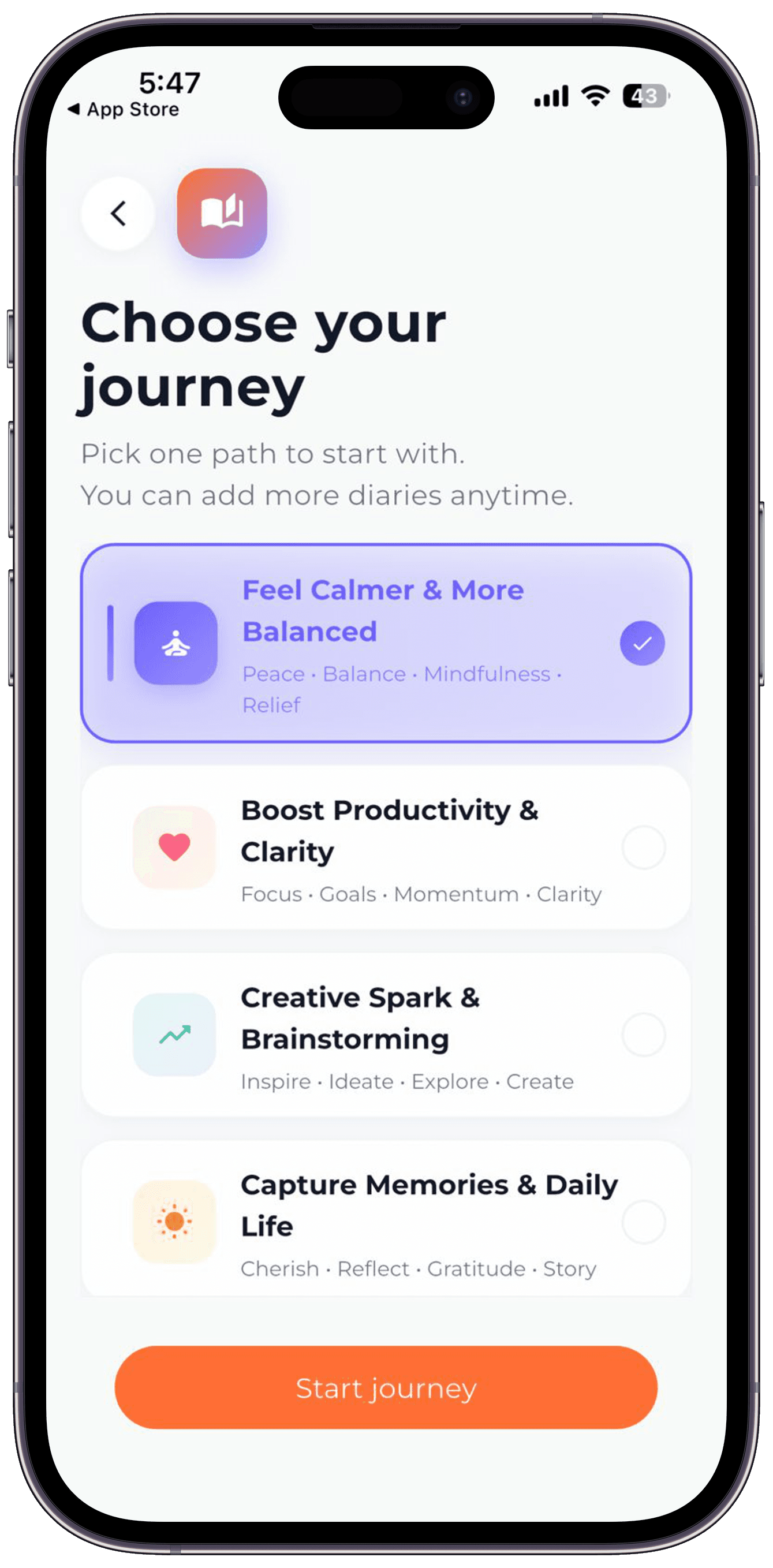
Behind the scenes, Penso handles local persistence. For users, it feels like opening a notebook: tap to write, pick a mood, choose a theme. The calendar gives a visual timeline of your life. No manual syncing, no confusing settings — entries save instantly and appear everywhere they should.
- One-tap entry creation with smart defaults
- Visual calendar instead of endless scrolling lists
- Themes and moods that make organization feel natural
- Write offline, sync when connected
Services
Tech Stack
Gallery
Related Case Studies
“Hardik joined the Penso team at very early stage. From day one it was very clear that he is an expert in development. Hardik helped to refine the ideas and then implement them into simple to use solution. The best part is how he listens to all suggestions and provide a workable development. Loved having him completely owning the development across our tech stack!! In early stages only he suggested a designer will help us consolidate our ideas. He bought in a designer freind who helped us explore user journey and give a picture to our thoughts”
Build something like this
Have a product idea or need a partner to ship to production? Let's talk about your project.
Avg. response: 1–2 hours · Remote-first — clients worldwide