A customer's email is stuck in a typo, their subscription didn't downgrade the way it should have, or a support agent just needs to "fix one field" to unblock someone who's been waiting twenty minutes on chat. Someone opens a database console or an internal tool with raw edit access, changes the value, and moves on. It feels efficient in the moment. It's also one of the quietest ways a growing product accumulates risk — not because anyone did anything malicious, but because a direct edit leaves almost none of the trail a real fix would.
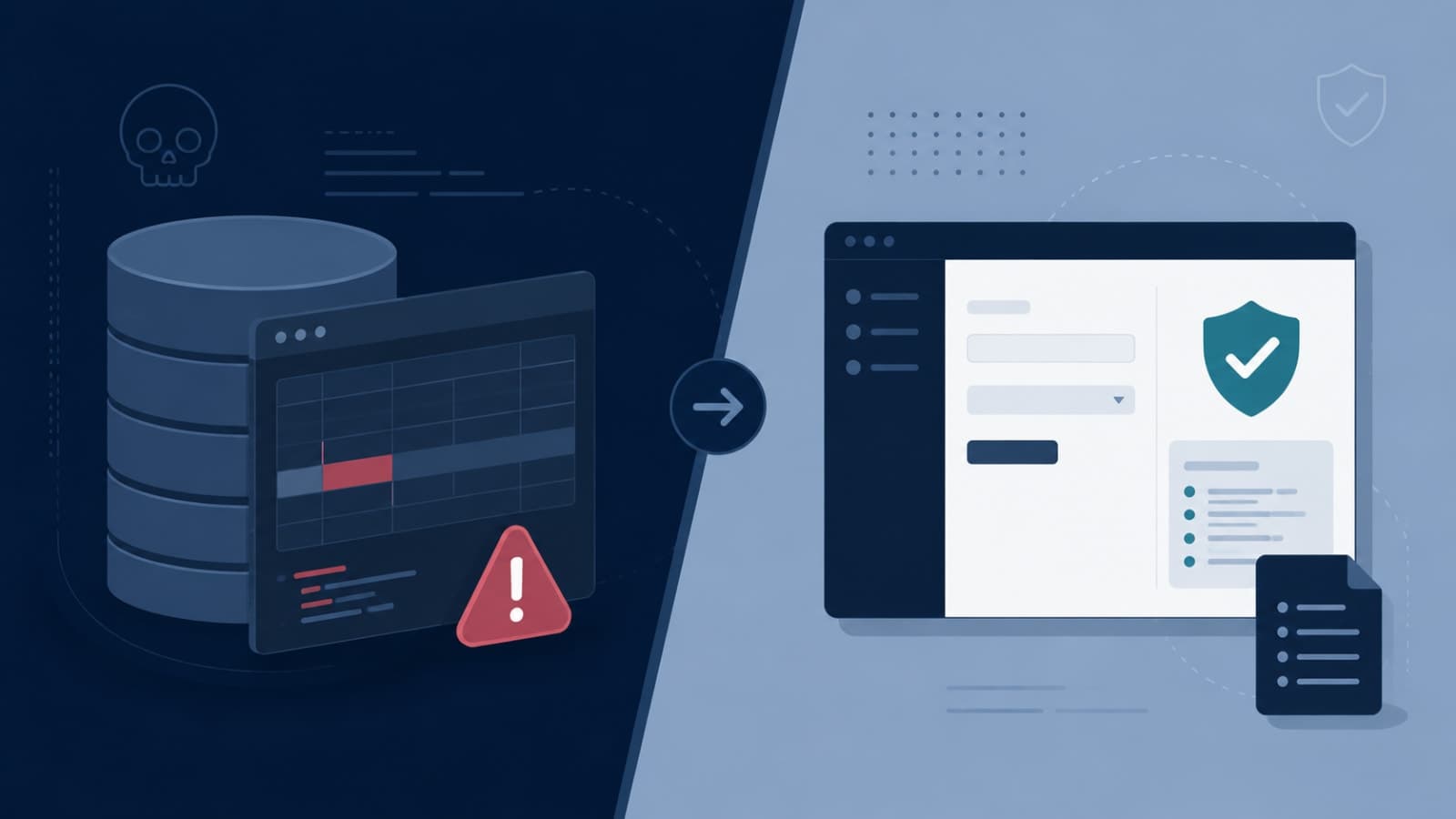
The honest answer to "should your team be able to edit customer data directly" is almost always no — not because your team can't be trusted, but because direct edits skip every safeguard that exists specifically to catch the mistakes trustworthy people still make. The better question is what to build instead, so the fix that used to take one risky database query takes one auditable, reversible action in a tool designed for it.
Why Direct Edits Feel Necessary
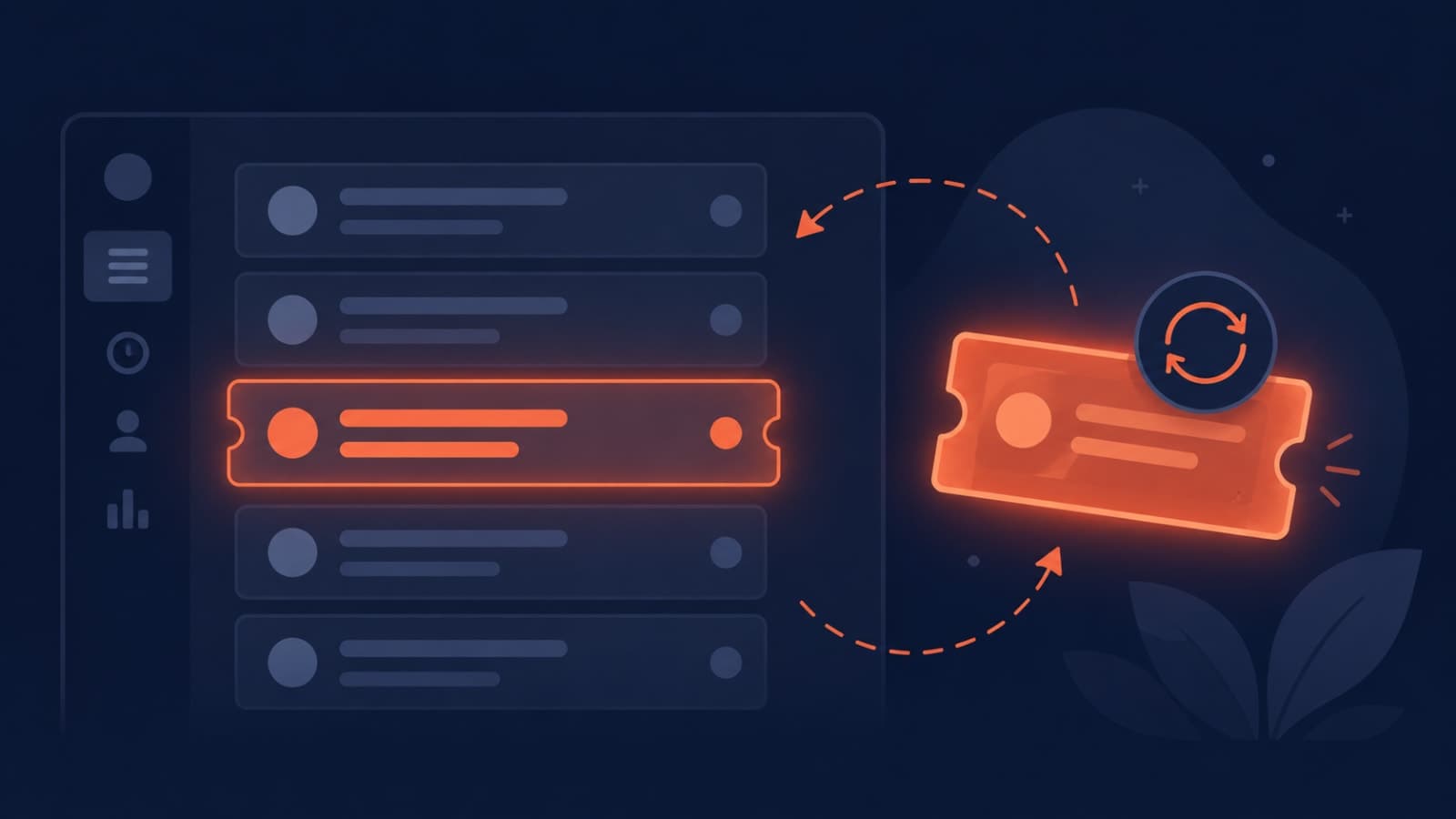
This almost never starts as a bad habit. It starts as a genuine gap: an edge case the admin tool wasn't built to handle, a support ticket that needs resolving faster than an engineering ticket would move, or a one-off correction that seems too small to justify a proper feature. Each individual instance looks reasonable. The problem is that "just this once" rarely stays once — the same edge case recurs, the same shortcut gets reused, and eventually direct data access becomes a normal part of how support resolves tickets rather than a rare exception.
What Actually Goes Wrong When Data Is Edited Directly
- No audit trail. A proper audit trail records who changed what, when, and why — the same detail expected in any dispute, compliance review, or incident investigation. A direct database edit usually leaves none of that, so six months later nobody can explain why a record looks the way it does.
- Skipped validation. Application-level business rules — required fields, valid ranges, referential integrity between tables — live in your app code, not in the raw database. Editing directly bypasses all of it, which is exactly how one "quick fix" quietly corrupts a related record somewhere else.
- No reversibility. Undoing a change made through a proper tool is usually one action. Undoing a direct edit means reconstructing what the value used to be, which is only possible if a backup happens to cover that exact moment.
- Downstream systems don't know it happened. Webhooks, notification triggers, and analytics events that should fire when a record changes usually only fire through the application layer. A direct database edit updates the record but silently skips everything downstream that depends on knowing it changed.
- Compliance and trust exposure. Regulations like GDPR give customers a right to have their data corrected through a proper process, and a direct, unlogged edit is difficult to defend as that process if a customer or regulator ever asks how a record was handled.
An audit trail is a comprehensive, time-ordered log that captures every action carried out within a system — without it, even the most careful team can't prove what happened after the fact.
Common data governance principle
The Right Way to Give Your Team Edit Access
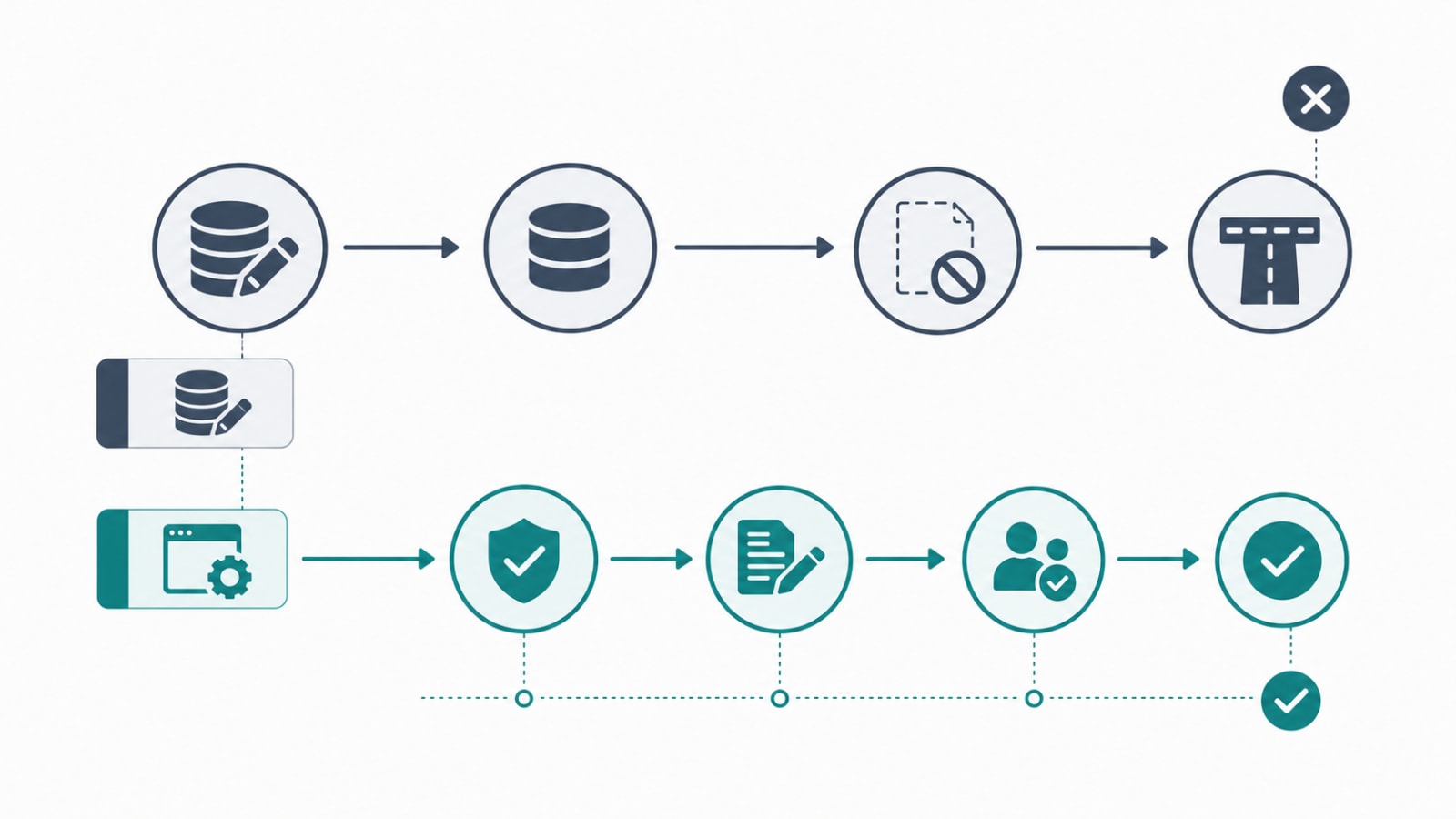
None of this means support and operations teams should never be able to fix a customer's record. It means the fix should go through a purpose-built tool with the right guardrails, not a raw connection to production data.
Build Admin Tools With Guardrails, Not Database Access
A well-designed internal admin tool applies the same validation rules the customer-facing app does, so a support agent literally can't enter an invalid value the way a raw SQL edit could. It also becomes the natural place to surface exactly the fields that are safe to edit and hide the ones that aren't — which connects directly to the point made in what your admin dashboard should tell you about your users: the dashboard isn't just a reporting surface, it's the safe interface between your team and your data.
Scope Access by Role, Not by Convenience
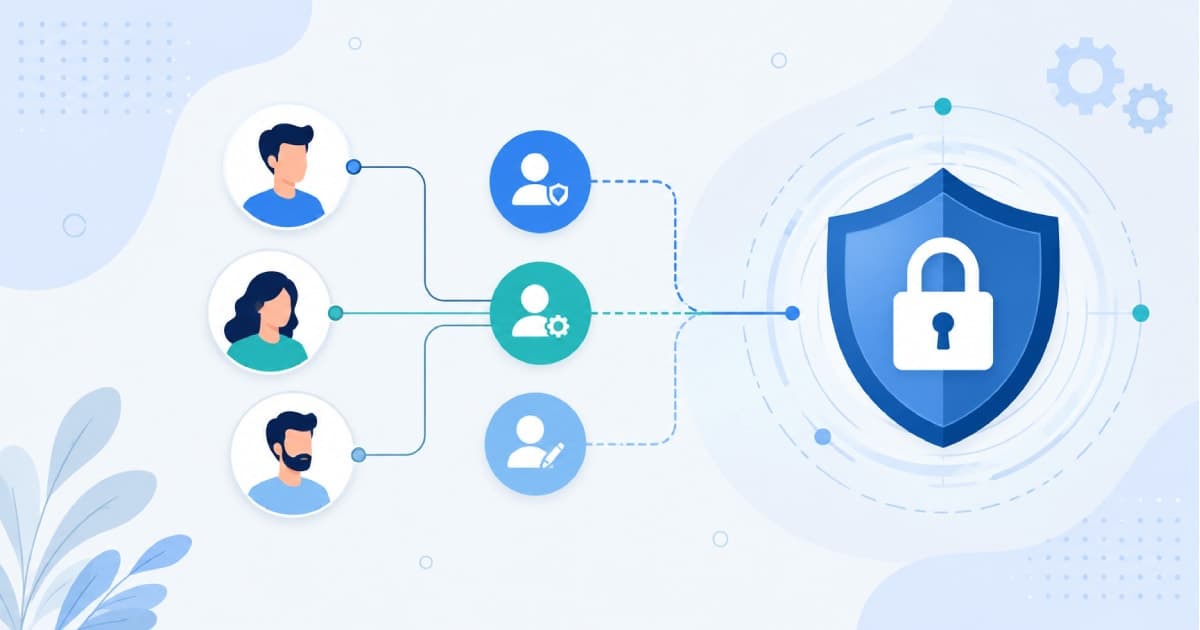
Not every support agent needs the same edit permissions as a team lead, and not every field a customer record contains needs to be editable by everyone who can see it. This is exactly the role-based access control problem covered in how role-based access control works in your system — scoping edit rights to what a role actually needs to do its job is the single biggest reduction in both accidental and malicious data risk, and it costs nothing extra to maintain once it's built correctly.
Log Every Change, Automatically
Every edit made through an internal tool should write an immutable log entry: who made the change, what the value was before and after, and ideally a required reason field for anything touching sensitive data. This log should be tamper-proof and separate from the data it's tracking, so a bad actor — or a bad bug — can't quietly erase the evidence of what happened.
Use Just-in-Time Access for Anything Sensitive
Rather than granting standing edit access "just in case," temporary, time-boxed elevated access that's requested, approved, and automatically revoked is a much smaller attack surface. It also makes the audit story simpler: instead of asking "who has access to this table," you can ask "who was granted access, when, and why" — a much narrower and more useful question during an investigation.
When Direct Access Is Genuinely the Right Call
There are real situations — a production incident, a data migration gone wrong, a case the admin tool genuinely can't handle — where someone needs to touch the database directly. In those cases, the goal isn't to forbid it outright; it's to make sure it still happens through a logged, reviewed path: a read-replica for investigation wherever possible, database-level activity logging turned on for any write, and a mandatory after-the-fact review so the exception gets documented rather than quietly repeated. An exception that's logged and reviewed is a controlled risk. An exception that's silent is a recurring one.
How This Connects to Everything Else You're Already Dealing With
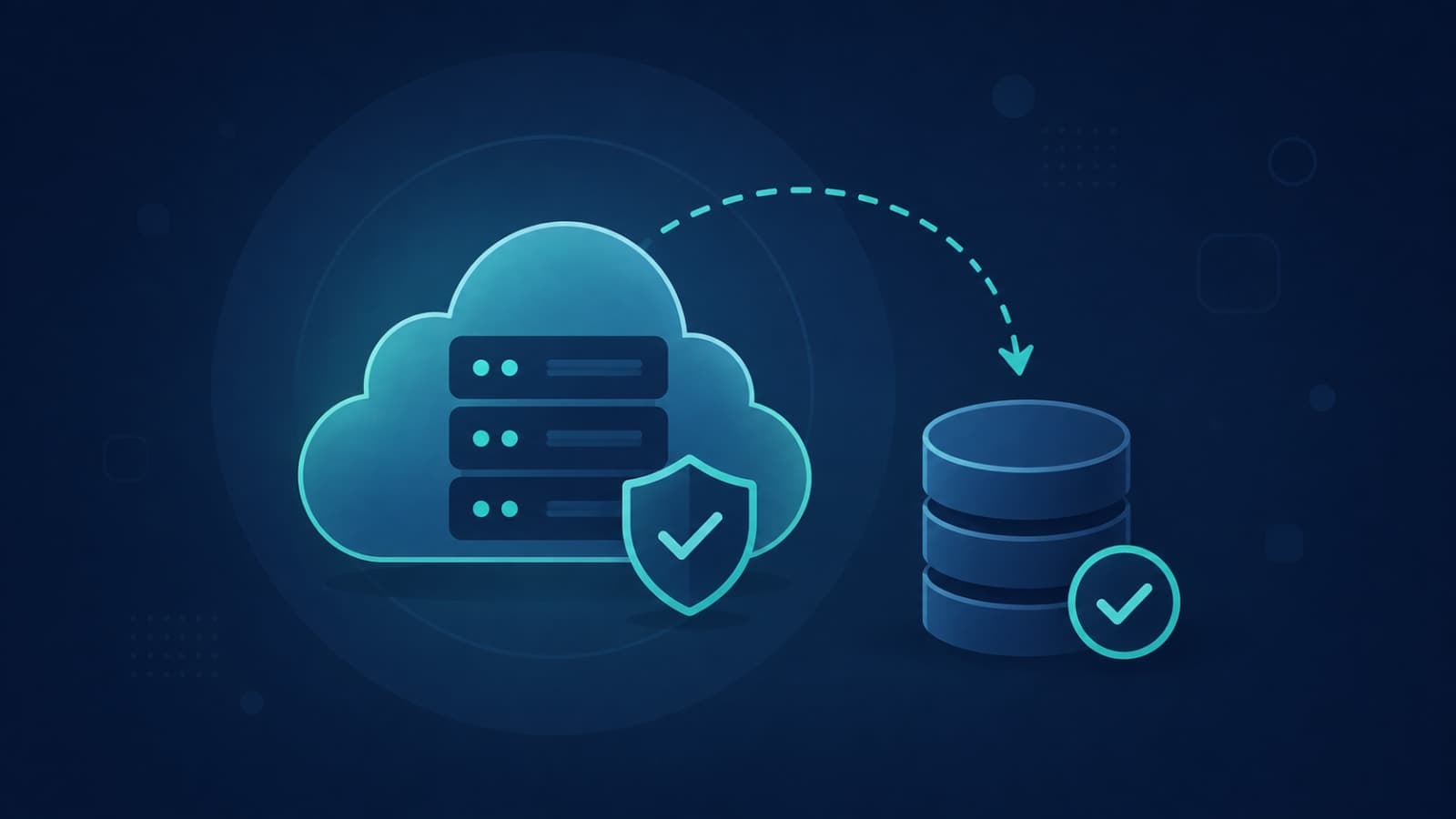
Direct data edits rarely show up as their own problem — they usually surface as symptoms of something else. A support team that keeps quietly patching the same field by hand is often working around a bug that was never properly fixed, which is the exact pattern covered in why your support team keeps escalating the same bugs. And when a direct edit does go wrong — the wrong record touched, a value overwritten incorrectly — a tested backup and restore process is what determines whether that's a five-minute recovery or a days-long reconstruction, which is exactly the question raised in do you actually need backups, or is your hosting provider handling it?
How We Build This at Fall Rise
We treat internal admin tooling as a first-class part of the build, not something added after support starts complaining. On RentEra, our property management platform, staff need to correct lease details, payment records, and maintenance requests regularly — so those edits go through a role-scoped staff app with validation and logging built in, rather than a shared database console. On Stallion Eyewear Team, an internal app connecting salesmen, distributors, and authorized parties, access is scoped tightly enough that a salesman can update their own orders and check-ins without ever touching another party's records. And on the Umiya Jari Inventory System, every one of 28 transaction types runs through ACID-compliant transactions specifically so financial records can't be left in an inconsistent state by a partial or direct edit. You can see more of how we structure this across our project portfolio.
This is the kind of thinking we bring to every backend API and custom software project, and it's part of why we treat SaaS development as an architecture conversation from day one rather than a feature list — the access model you design at the start is what determines whether "just fix it in the database" stays a rare exception or becomes a habit nobody remembers agreeing to.
The real question isn't whether your team is trustworthy enough to edit customer data directly — it's whether the tools they're using leave a trail if something goes wrong. Build the guardrails once, and every future fix inherits them automatically. If your team is still reaching for the database console more often than you'd like to admit, let's talk about building the internal tool that replaces it.