Running 3 Tools for One Business? When to Merge Your CRM, Admin Panel, and Support Tool
Sales lives in the CRM, orders in the admin panel, complaints in the help desk, and no one sees the whole customer. Here's how to tell when it's time to merge them into one system, and when not to.
Product Strategycrmadmin-paneltool-consolidationcustomer-supportbusiness-software4 min read·
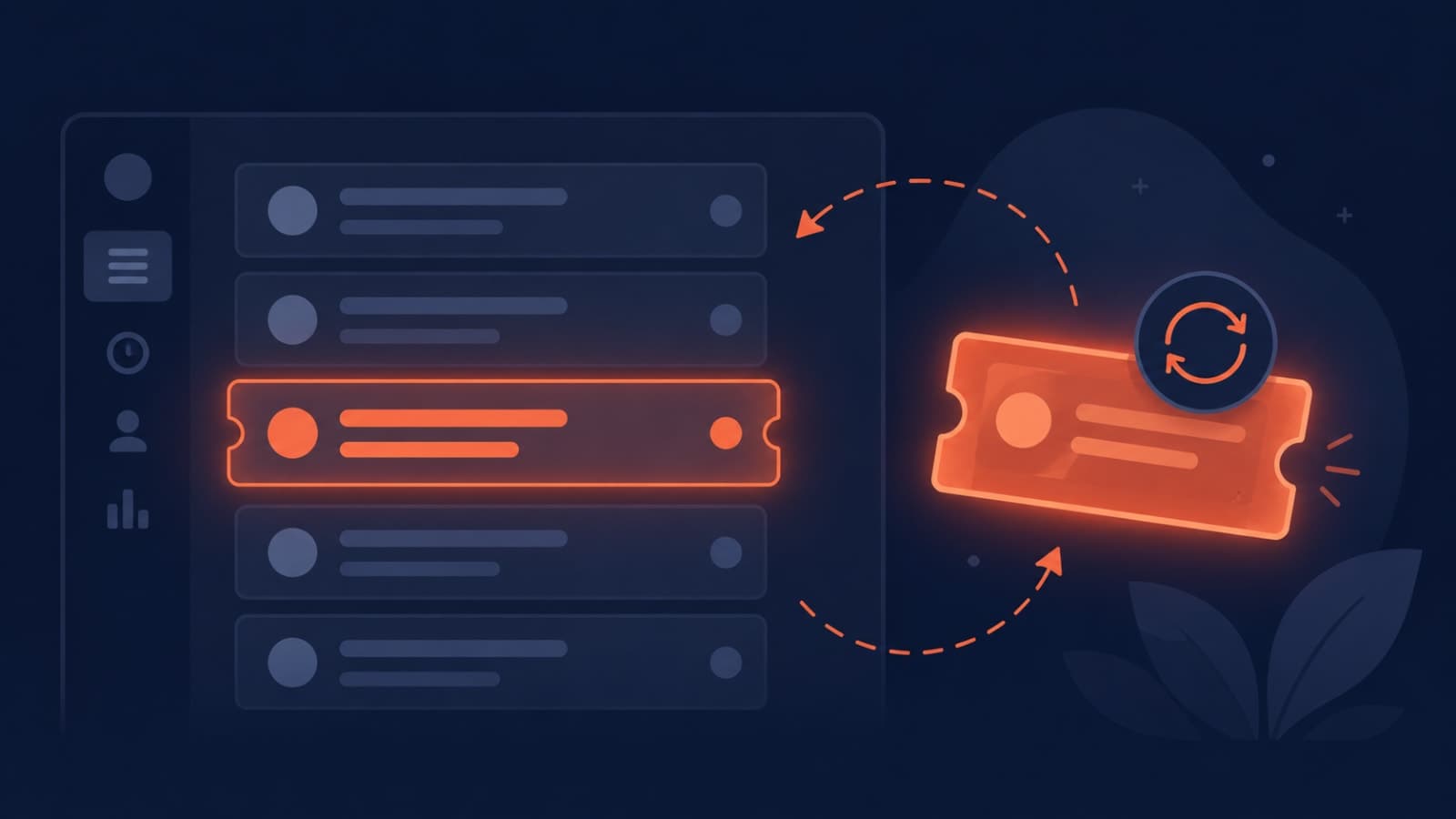
It usually starts sensibly. Sales picks a CRM. The product gets an admin panel for orders and accounts. Support signs up for a help desk. Each tool is good at its job. The trouble is that your customer doesn't live in three places. They're one person, and every team is only seeing a third of them.
Here's how to tell whether it's time to bring those tools together, and when it isn't.
6 signs your tools should be one system
Agents copy-paste IDs between tabs. Support looks up the ticket, then the order in the admin panel, then the account in the CRM, just to answer one question.
Customers repeat themselves. They explain the problem to support, then again to their account manager, who didn't know there was a problem.
Sales pitches upgrades to unhappy customers. Because open complaints aren't visible in the CRM.
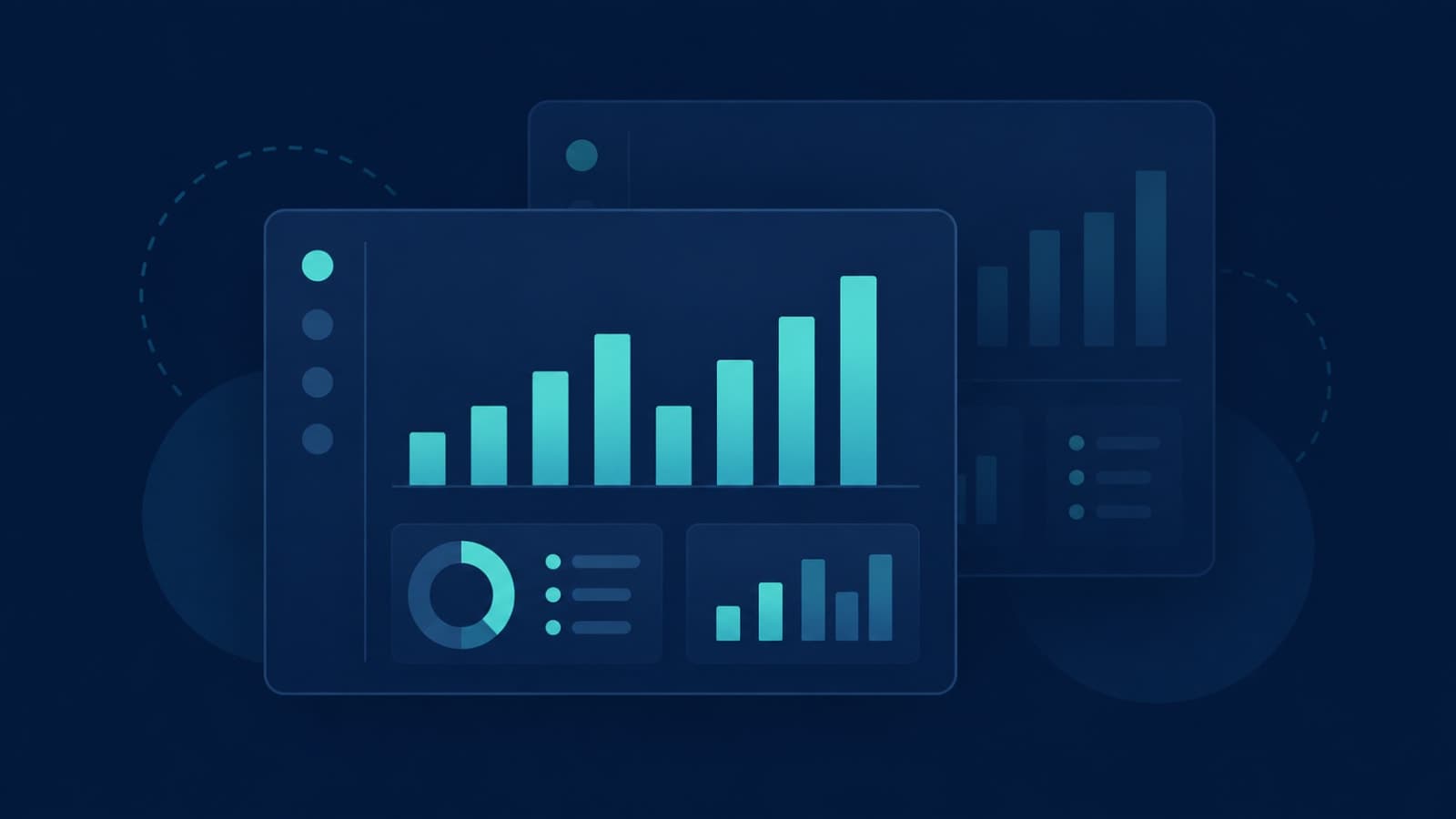
Every report starts with three exports. Someone merges CSVs by hand to answer "which customers generate the most tickets?"
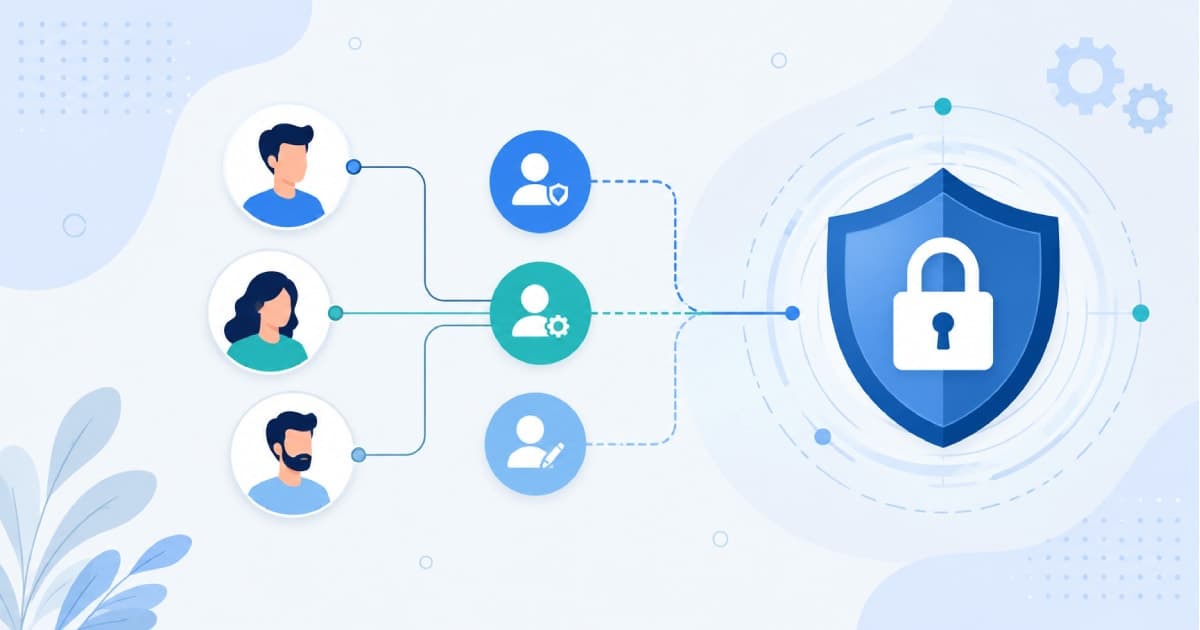
Permissions are managed three times. Every new hire and leaver means three sets of access to update, and three chances to get it wrong.
Data disagrees. A customer's email or plan is different in each tool, and nobody knows which is right.
If you're nodding at three or more, the cost isn't the subscriptions. It's the hours, the mistakes, and the customer experience.
When you should not merge
Your team is small and the tools already integrate cleanly.
Your processes are standard and well served by existing products.
The pain is occasional, not daily.
You haven't yet tried simply connecting the tools you have.
Option 1: Connect the tools around one source of truth
Keep the tools, but make one of them the master record for customers and sync the rest from it. This is faster and cheaper, but it works only if the tools have good APIs and the sync is monitored. Silent sync failures create exactly the mismatched data you were trying to fix.
Option 2: One unified system
Build one internal system where every team works on the same customer record: sales activity, orders, tickets, invoices, and history in a single timeline, with role-based access deciding who sees what.
This is the approach behind Outloom, where CRM, orders, menus, staff, roles, and analytics for a multi-outlet restaurant group share one record across web and mobile. FieldOps works the same way for trades businesses: the customer CRM holds the full job history alongside quotes and invoices.
How to merge without chaos
Start with the customer record. Agree which fields matter and where the truth lives.
Bring in the most painful workflow first. Usually support, because that's where customers feel the gaps.
Migrate history, not just current data, so the timeline is useful from day one.
Retire each old tool as its job moves over, rather than running everything twice forever.
Build reporting last, once all the data is finally in one place.
The payoff shows up quickly in support. When agents can see orders and history in one screen, fewer issues escalate. (Repeat escalations have their own root causes, which we cover here.) It also finally makes your admin dashboard tell you something useful.
If your "three tools" are actually a patched-together MVP, these 8 warning signs will look familiar.
Ready to see your whole customer in one place? As a business software solutions partner, we help teams consolidate tools into one system they own. Show us your current setup.