Nobody decides to spend thousands a month on software. It happens one card swipe at a time: a $12 seat here, a $49 plan there, a free trial that quietly converted six months ago. Then someone finally looks at the card statement and asks, "What are all of these?"
You're not alone. Zylo's 2025 SaaS Management Index found that SaaS spend now averages $4,830 per employee, up 21.9% in a year, and even companies with fewer than 500 employees run around 152 apps. The same report found 70% of SaaS spend now comes from business teams rather than IT, so no single person sees the whole picture. Two-thirds of IT leaders reported unexpected charges from usage-based or AI pricing.
Where subscription waste hides
Ghost seats. Licences still assigned to people who left, changed roles, or never logged in.
Duplicate tools. Two project-management apps, three file-sharing tools, a CRM used by sales and a different one used by support.
Over-bought tiers. Paying for the "Business" plan for one feature that three people use.
Silent auto-renewals. Annual plans that renew before anyone asks whether they're still needed.
Converted trials. Tools someone tested once and forgot to cancel.
Usage-based surprises. SMS, email, API, and AI credits that scale with activity, often without alerts.
The integration tax. Zapier-style connectors that exist only to move data between tools that should have been one system.
The 30-minute SaaS audit
Pull 12 months of card and bank statements. Filter for recurring charges. This is the only list that's actually complete.
Put every tool in one sheet with: monthly cost, billing cycle, renewal date, and an owner.
Compare seats paid vs. seats active. Most admin panels show last-login dates.
Group by job-to-be-done (communication, CRM, docs, support, billing) and highlight overlaps.
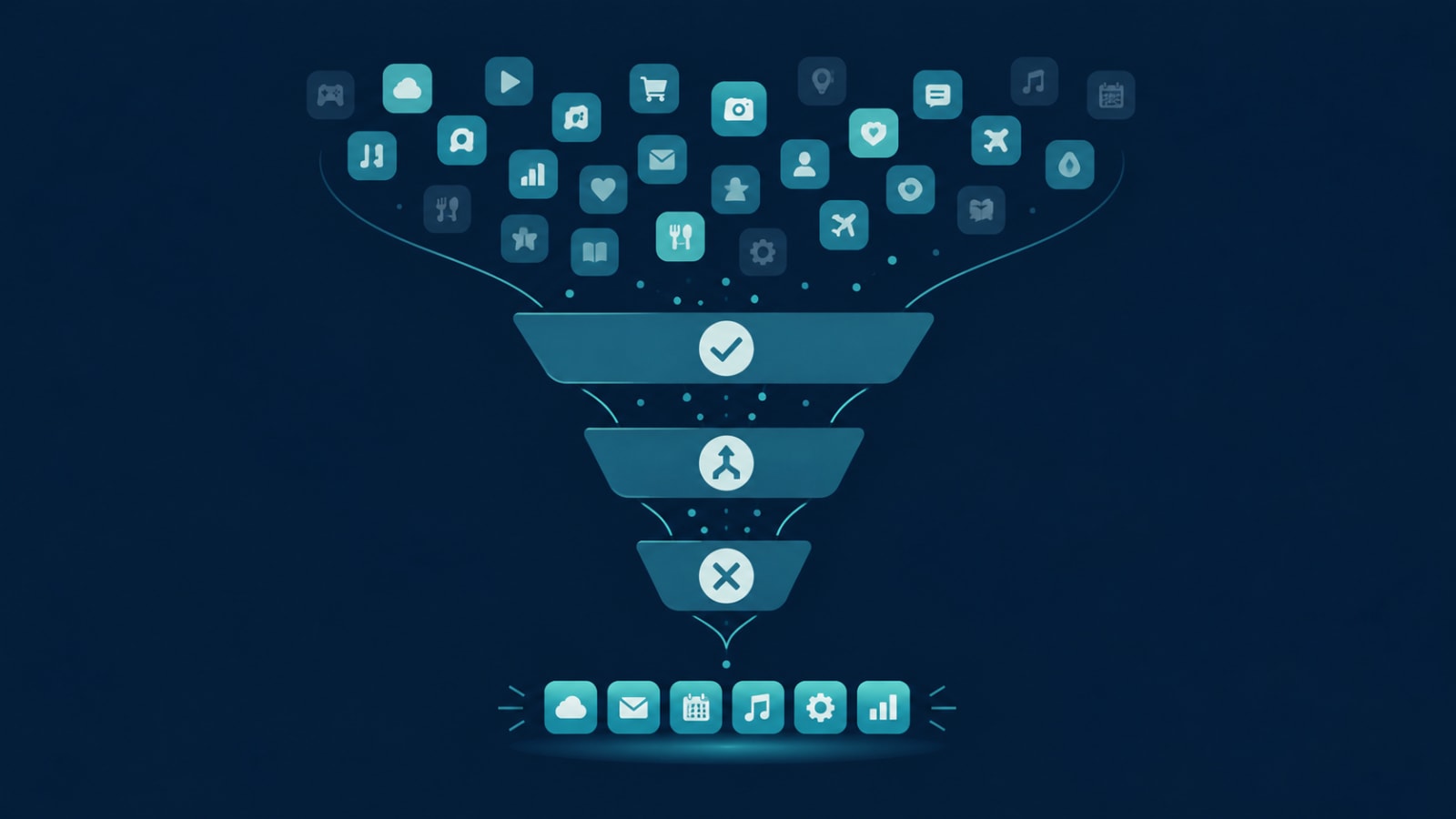
Mark each tool: keep, downgrade, consolidate, or cancel.
Set renewal reminders 30 days before each annual renewal.
Cancel, consolidate, or build?
Most of what the audit finds should simply be cancelled or downgraded. That's free money. But a pattern often shows up in the "overlaps" column: a CRM, a spreadsheet, a form tool, a support inbox, and two automation tools all stitched together to run one core workflow.
That stack isn't just expensive. It's where data goes out of sync, where no one can answer "what's the real number?", and where every new hire needs logins to six tools. At that point the real cost isn't the subscriptions; it's the hours your team spends moving information between them.
Cancel when the tool is unused or duplicated.
Consolidate onto one off-the-shelf tool when a single product covers 80%+ of the need.
Replace with one custom system when your core workflow is stitched across several tools and the combined subscription plus manual-work cost is high. Run the numbers with our custom software payback calculation first.
Why this matters for your margins
If you sell a product, software costs flow straight into your unit economics. We break down how much software should reasonably eat into your price in this margin guide. And if you're seeing the stack-of-tools pattern above, these 7 signs will tell you whether you've outgrown off-the-shelf software.
Make it a quarterly habit
A SaaS audit isn't a one-off clean-up. New tools creep back in every quarter. Put a 30-minute review in the calendar, assign every subscription an owner, and require a named owner for any new tool before the card goes in.
Found five tools doing one job? As a business software solutions partner, we help teams replace tool sprawl with one system they actually own. Tell us what's in your stack and we'll tell you honestly whether to cancel, consolidate, or build.