Signs Your "Quick MVP" Has Quietly Become 3 Unmaintainable Tools
The MVP worked, so you kept adding to it: a spreadsheet admin, a Zapier chain, a second app. Here are the signs it's now holding you back, and how to fix it without a risky full rewrite.
Product Strategymvptechnical-debtstartup-growthproduct-strategysaas4 min read·
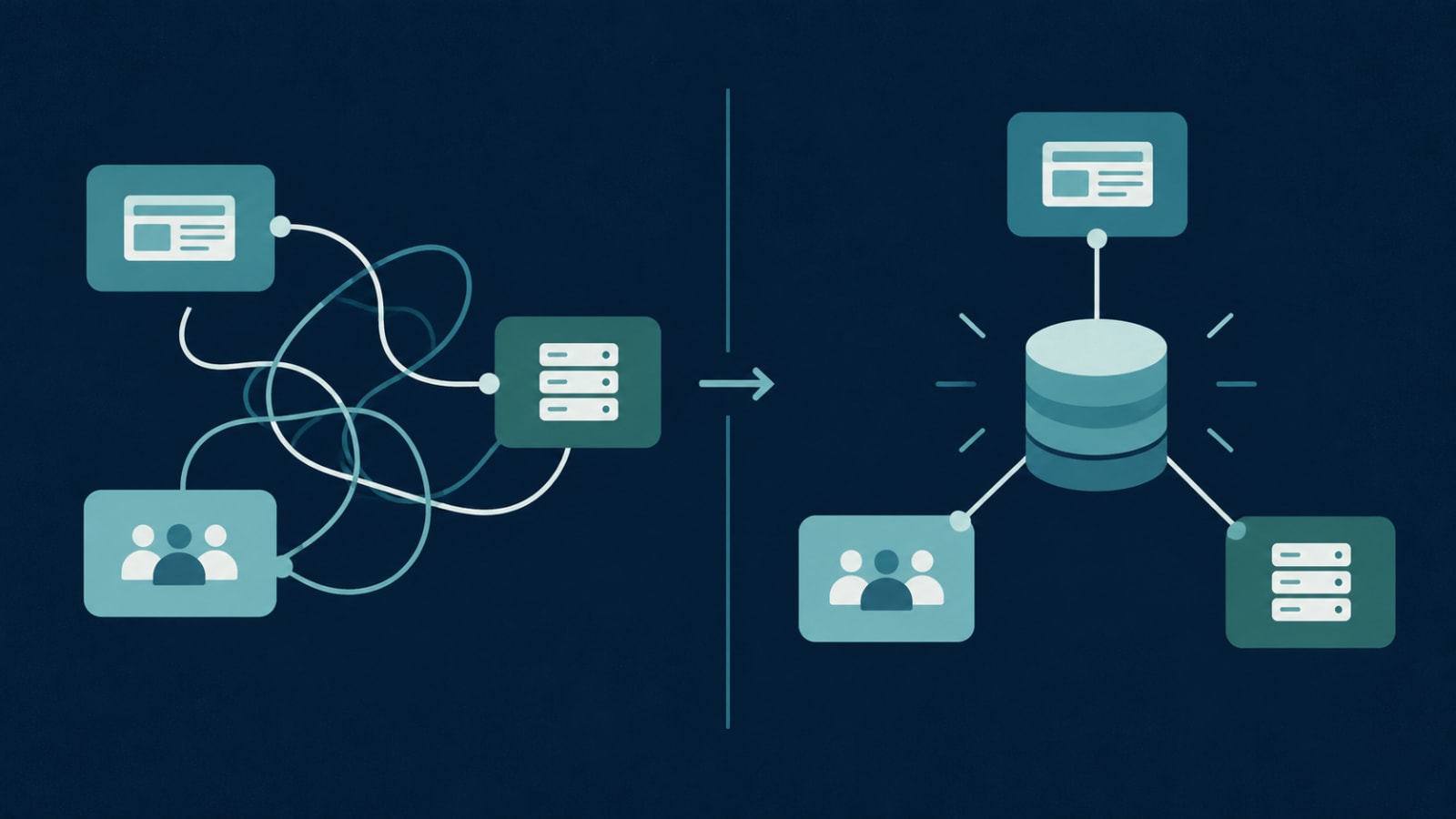
The MVP did its job. It got customers, proved demand, maybe raised a round. Then growth happened the way it always does: a Google Sheet became the admin panel, a Zapier chain started sending invoices, a freelancer built a separate app for your ops team, and a no-code form now feeds all of it.
Nobody decided to build three systems. But that's what you have now, and it's quietly slowing everything down. Here's how to tell.
8 signs your MVP has outgrown itself
1. Your team enters the same data in two places
A new customer gets added to the app, then to the CRM, then to the billing sheet. Every duplicate entry is a chance for the copies to disagree.
2. Your admin panel is a spreadsheet
Airtable or Google Sheets is a fine starting point. When refunds, account changes, and approvals all happen by editing cells, you've lost your audit trail and your validation rules.
3. Only one person can deploy
If a single freelancer or co-founder holds the knowledge (and the passwords) to ship a fix, your business has a single point of failure.
4. Every fix breaks something else
When changing the signup flow somehow affects invoicing, the parts are more tangled than anyone realises.
5. Automations fail silently
A Zap stops running, a webhook times out, and you find out a week later when a customer asks why they never got their receipt.
6. Different screens show different numbers
The dashboard says 212 active users; the export says 198. Sometimes it's a normal trade-off, often it's not. We explain how to tell in why two screens can show different numbers.
7. Onboarding a new client needs a developer
If setting up an account, changing a plan, or adding a user requires someone to run a script, you can't scale sales without scaling engineering.
The instinct is to throw it all away and rebuild "properly." Full rewrites are risky: they take longer than planned, freeze new features for months, and often reintroduce bugs the old system had already fixed. There's a calmer path.
Map what you actually have. Every tool, every automation, every place data lives, and who uses each.
Pick one source of truth for your core records (customers, orders, subscriptions) and make every other tool read from it.
Stabilise the scariest part first, usually payments or authentication, with proper logging and alerts.
Replace pieces one at a time. Move the spreadsheet admin into a real admin panel, then retire the Zap it depended on. Each step ships on its own.
A full rebuild does make sense when the core data model is wrong for your business, the original tech can't do what you now need, or nobody can safely change the code at all.