The five kinds of lock-in
- Ownership lock-in: your code, domain, cloud account, or app store listing belongs to someone else.
- Platform lock-in: your product is built inside a no-code or proprietary platform with no way to take the logic out.
- Data lock-in: you can't get a full, usable export of your own data.
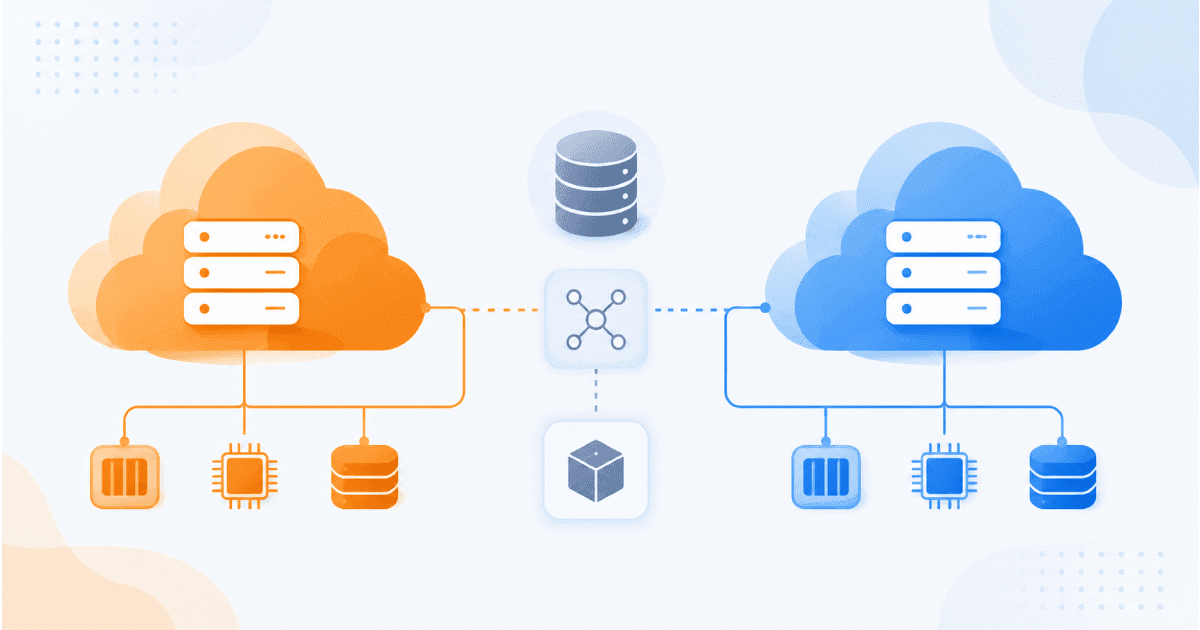
- Cloud lock-in: your app depends heavily on services only one provider offers.
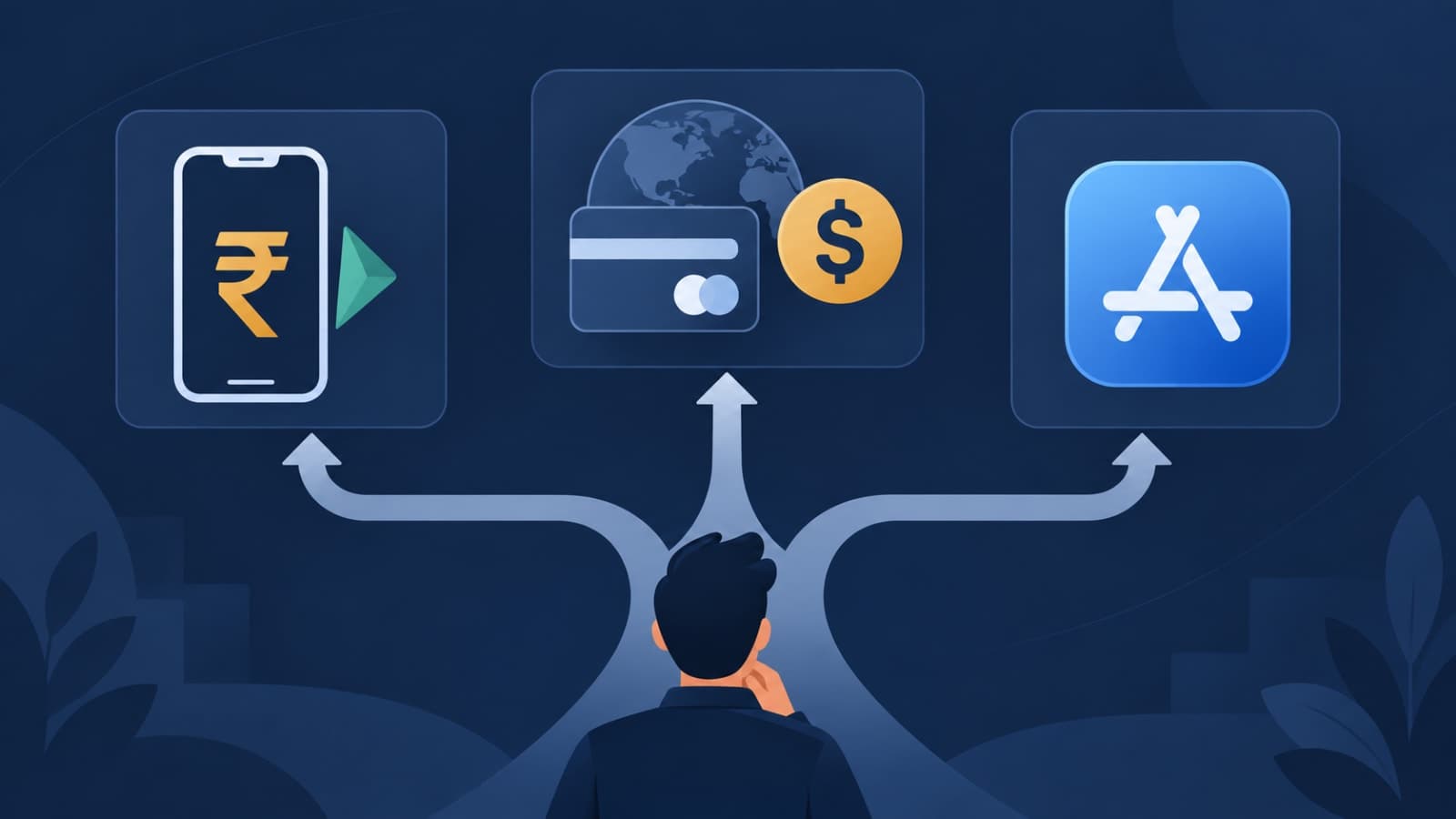
- Integration lock-in: payments, SMS, email, or AI are wired so deeply into your code that switching providers means a rewrite.
7 cheap habits that keep your exit open
1. Own every account from day one
Code repository, cloud account, domain, app store developer accounts, analytics: all in your company's name, with your agency or developers added as users. This costs nothing and prevents the most painful lock-in of all. It's also one of our 12 questions to ask an agency.2. Choose mainstream technology
Popular frameworks and standard databases mean any competent team can pick up your code later. Obscure tools make you dependent on the few people who know them.3. Package the app so it can run anywhere
Containerising an application (with Docker, for example) means it runs the same on any major cloud. It's a small upfront effort that makes a future move far simpler.4. Put a thin layer between your app and third-party services
Instead of calling a payment, SMS, or email provider directly from everywhere in your code, route those calls through one internal module. Switching providers then means changing one place, not fifty. This matters for payment rails and verification providers alike, and increasingly for AI models.5. Keep your own backups and exports
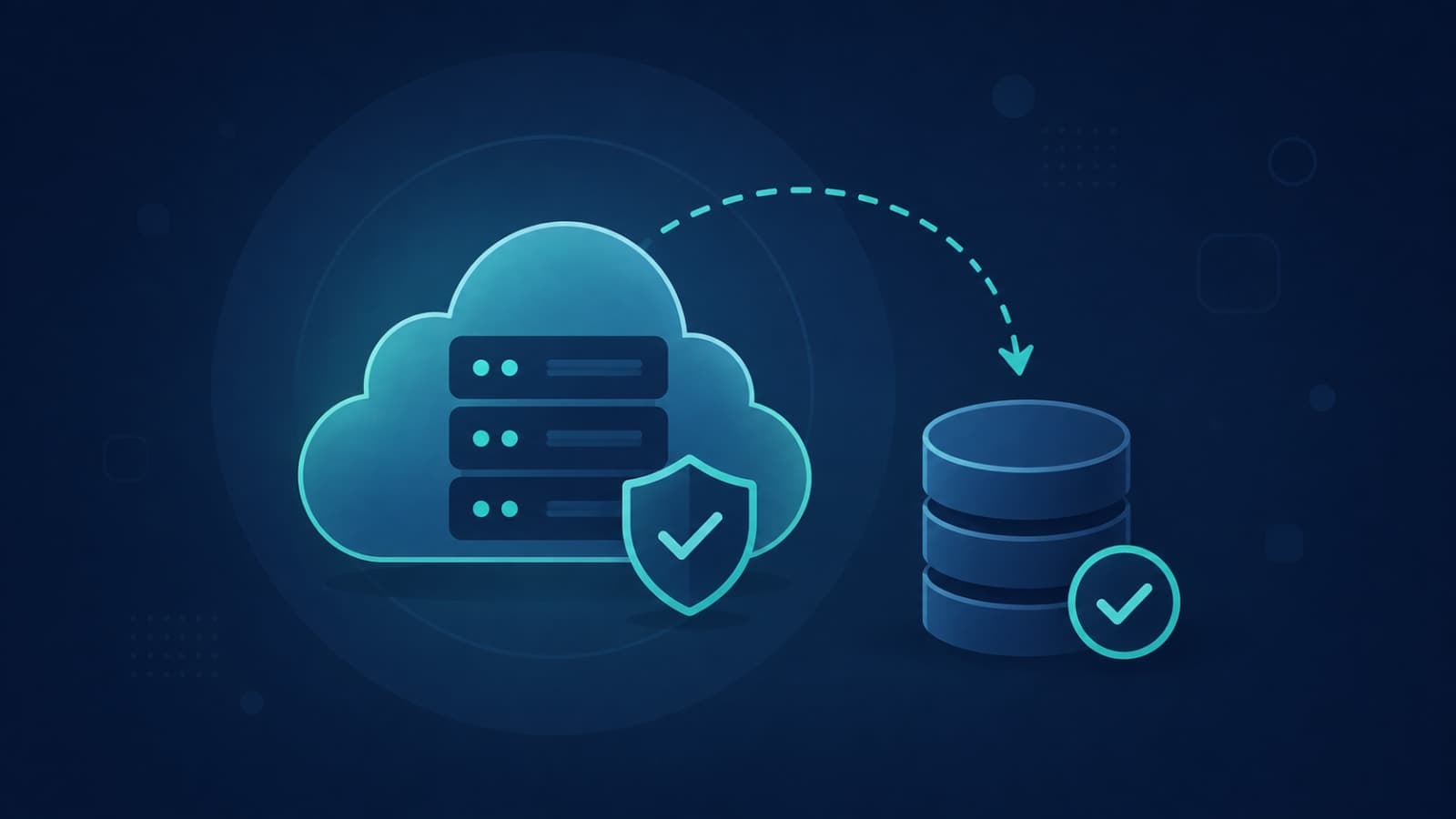
Schedule regular exports of your data to storage you control, and test that they can actually be restored. Your hosting provider's safeguards aren't the same thing.6. Check export options before you buy any SaaS
Before committing a core process to a tool, find out how to get all your data out, in what format, and how often. If the answer is vague, treat that as a warning.7. Write down how things fit together
A short document covering where things are hosted, which services are used, and how to deploy is what lets a new team take over. Without it, knowledge itself becomes the lock-in.
What not to do on day one
- Don't go multi-cloud "just in case." It doubles complexity for a risk you probably don't have yet.
- Don't avoid every managed service. Running your own database servers to stay "portable" costs more than it saves at startup scale.
- Don't build what you can rent. In-house email delivery or payment processing is rarely worth it. See our build vs buy framework.
The simple rule
Choosing a cloud provider? Our GCP vs AWS comparison covers the trade-offs for startups. Want a lock-in check on your current setup? Our hosting and deployment and backend teams build products you fully own, on infrastructure you can move. Ask us to review your stack.Accept lock-in when it buys you speed. Just know what it would cost to leave, and make sure you'd be able to.