The Shared Responsibility Model, in Plain English
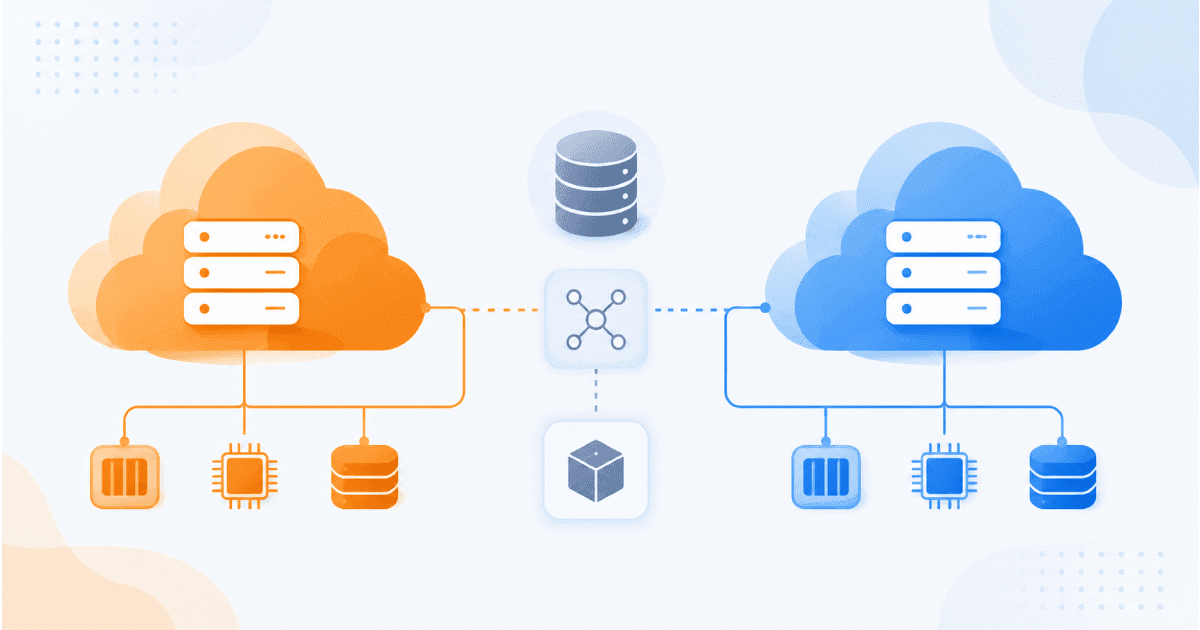
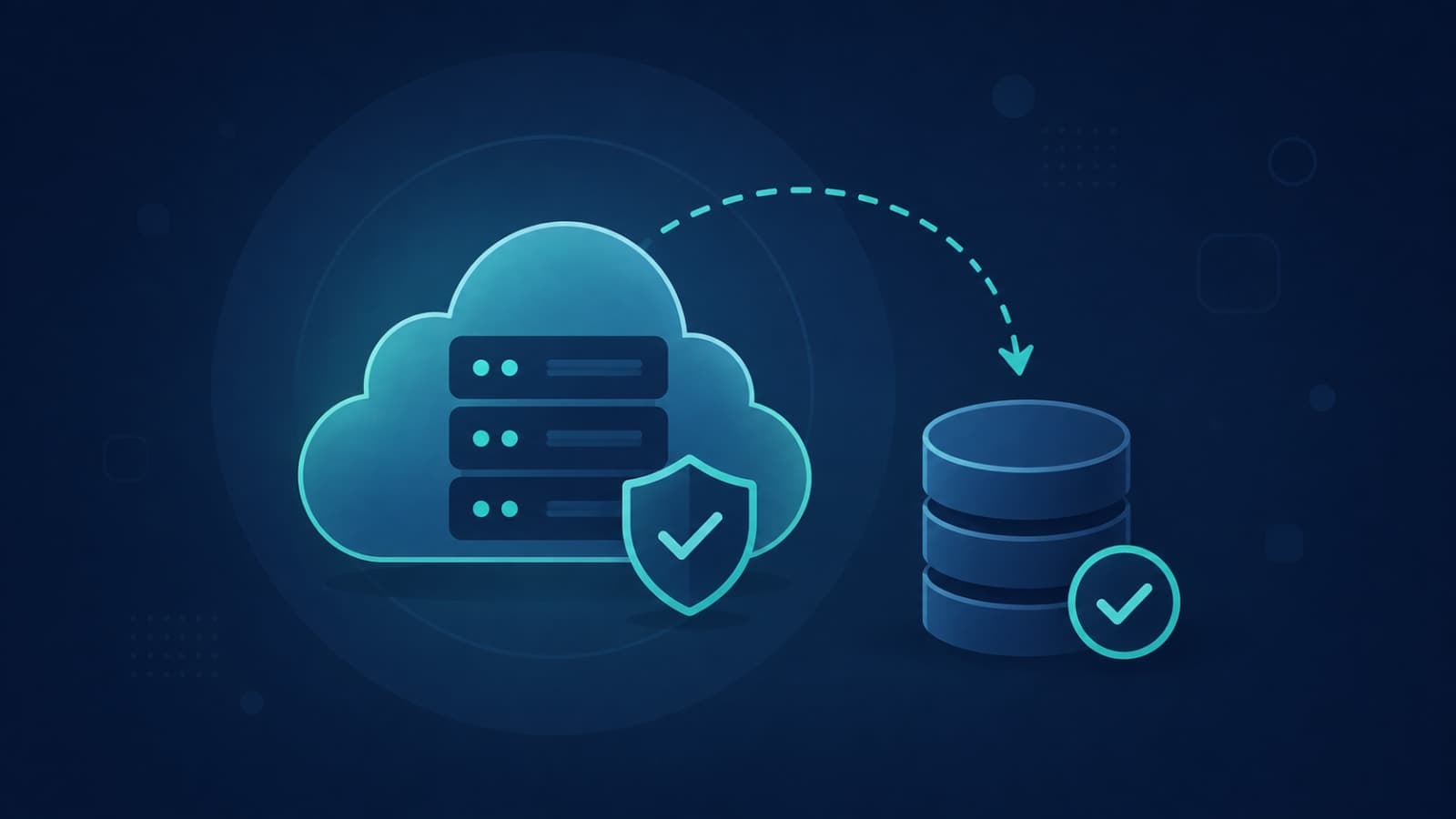
Every major cloud and database provider — AWS, Google Cloud, MongoDB Atlas, and the rest — operates on what's called a shared responsibility model. The provider guarantees the infrastructure itself won't fail: the physical servers, the network, the underlying platform. What happens to your data on top of that infrastructure is, by default, your responsibility to configure. A managed database like MongoDB Atlas or Amazon RDS can absolutely take automated snapshots with point-in-time recovery — but often only once you've explicitly turned that feature on and chosen a retention window. Skip that step, and the provider isn't lying when it says your data is safe from hardware failure; it just never promised to protect you from a bad deployment, a dropped table, or a developer's mistaken command.What Your Hosting Provider Actually Backs Up
The honest answer is: it depends entirely on what you're using, and the differences are bigger than most founders expect.- Fully managed databases (MongoDB Atlas, Amazon RDS, Supabase) — typically offer automated, continuous backups with point-in-time recovery, but usually as an opt-in setting with its own retention period and, often, its own line item on the bill.
- Container-based hosting platforms (Railway and similar) — commonly run your database as a container on their infrastructure and leave backup scheduling, retention, and restore testing to your team, even though the platform itself has strong uptime guarantees.
- A bare virtual server (a plain AWS EC2 instance or a DigitalOcean droplet) — backs up nothing by default. Anything that isn't explicitly snapshotted or exported disappears the moment something goes wrong.
- Frontend and static hosting (Vercel, Netlify) — your deployed code is safe because it lives in version control, but this tells you nothing about the database or file storage your app depends on, which usually sit on a separate provider entirely.
It's Not Just the Database — Three Things Founders Forget to Back Up
Webhook Events You Can't Get Back
A huge share of modern apps run on webhooks — Apple notifying your server that a subscription renewed, Google notifying your server that a calendar event changed, Razorpay notifying you that a payment succeeded. These events are usually delivered once, sometimes twice, and if your server is down or your handler throws an error at the wrong moment, that event can be gone for good unless you've built in retry logic and a way to replay missed events. We cover exactly this problem for calendar sync in our Google Calendar integration guide — the same principle applies to any third-party service that talks to your backend through webhooks, not just calendars.Subscription and Purchase Records Living Partly on Apple's Servers
If your app sells subscriptions through the App Store, part of the source of truth for who's paying and who's cancelled lives on Apple's infrastructure, not just your database — delivered to your backend through App Store Server Notifications. If your handling of those webhook events is untested, or your database copy of subscription state gets wiped without a recent backup, reconciling it against Apple's records is a real engineering project, not a five-minute fix. We've written a full technical walkthrough of testing this properly — local StoreKit testing, the sandbox, and TestFlight — in how to test App Store subscriptions, worth a read if you're shipping iOS subscriptions.Anything That Only Exists in a Dev or Staging Environment
This one isn't really about backups at all — it's about never needing one in the first place. A proper staging or sandbox environment, kept separate from production, is where a risky change gets tested before it touches real user data. Teams that skip this step and test changes directly in production are the ones who end up needing a restore the most often. The App Store's own sandbox and TestFlight environments exist for exactly this reason, and the same discipline — a dev copy that mirrors production without touching it — applies just as much to your web backend and database as it does to iOS subscriptions.How to Actually Check What's Covered
You don't need to be technical to ask the right questions. Five, asked directly to whoever manages your infrastructure, will tell you almost everything:- How often are backups taken — hourly, daily, or only on-demand?
- How long are old backups kept before they're deleted?
- Has anyone actually restored a backup recently, or has it only ever been tested in theory?
- If we lost the production database right now, how many hours or days of data would be gone?
- Who has permission to trigger a restore, and how long would it realistically take?
A backup you haven't restored isn't a backup — it's an assumption. The only way to know it works is to have actually pulled data back out of it at least once.
Common wisdom among infrastructure engineers
How We Approach This at Fall Rise
When we take on hosting and deployment for a client, backup configuration and restore testing are part of the handover checklist, not an afterthought discovered during an incident. For a platform like RentEra, where property listings, tenant records, and payment history all have to stay intact, losing even a day of data isn't a minor inconvenience — it's a trust problem with real people on both sides of a lease. The same logic applies to any product handling money, bookings, or user-generated records: the backup strategy should be decided during backend architecture planning, alongside decisions like which cloud provider to build on, not patched in after a scare.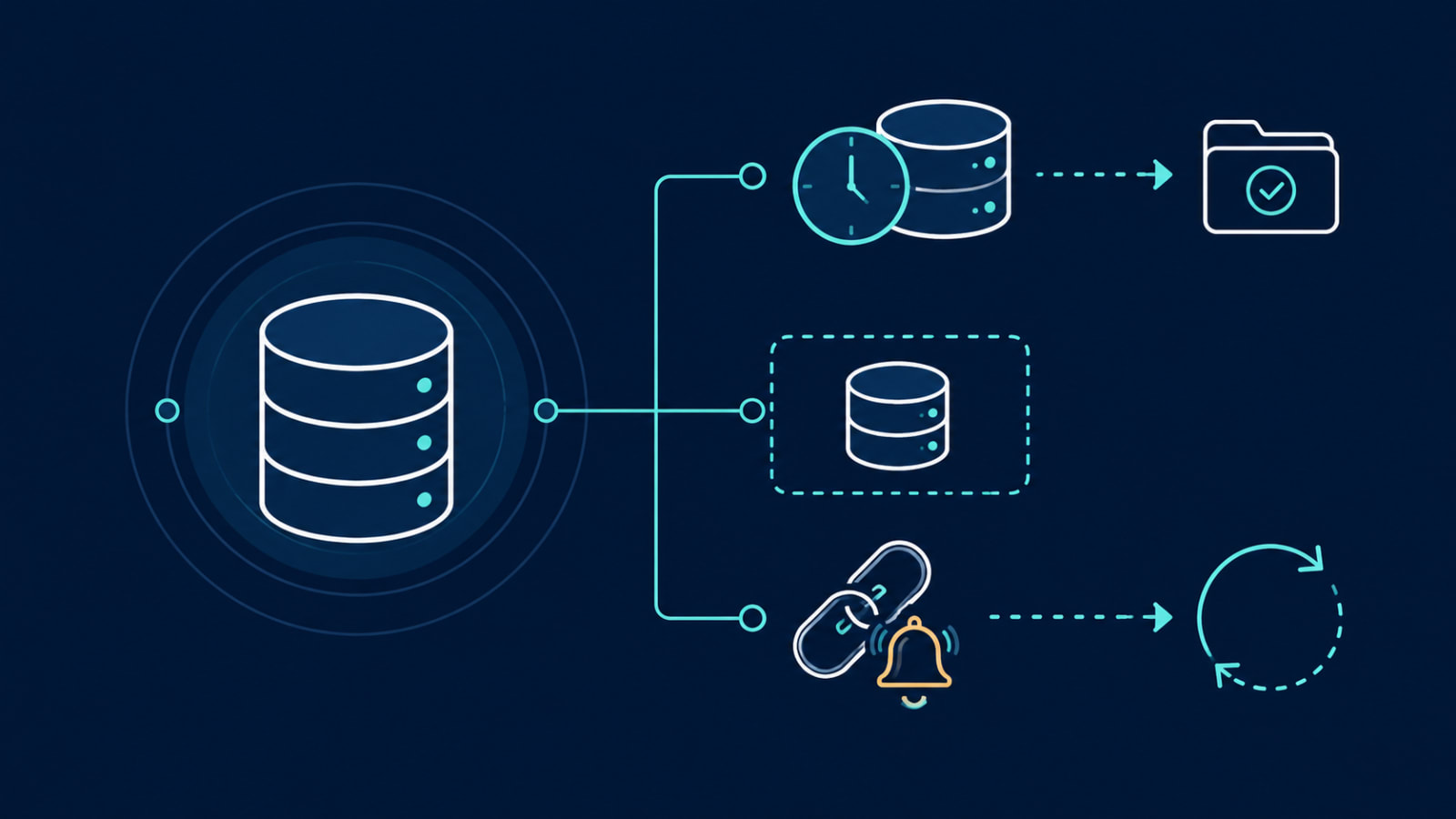
Backups aren't glamorous, and it's easy to assume your hosting provider has it handled — right up until the day you need to restore something and discover exactly where the gap was. If you're not sure what's actually covered in your current setup, or you're planning infrastructure for a new build, let's talk. A short audit now is far cheaper than finding out during an outage.