How Businesses Are Actually Using AI in Operations (Not Just Chatbots)
Most companies now use AI somewhere, yet few see it on the P&L. Here's where AI actually pays off in day-to-day operations, and how to start without another pilot that goes nowhere.
Businessai-in-operationsbusiness-automationai-for-small-businessoperationsback-office-automation5 min read·
Ask any business owner whether they're "using AI" and most will say yes. Someone on the team drafts emails with ChatGPT, the website has a chatbot, and there's probably a Copilot licence somewhere. But ask whether AI has changed how the business actually runs (fewer hours on data entry, faster order processing, lower support costs) and the answer gets a lot quieter.
The data backs that up. McKinsey's latest State of AI survey found that nearly nine in ten organisations now use AI regularly in at least one business function, but only around a third attribute any EBIT impact to it. MIT's NANDA initiative went further in its 2025 GenAI Divide report: about 95% of organisations were getting no measurable return from their generative AI pilots. The same report found that some of the biggest documented savings came from unglamorous back-office automation, not from flashy customer-facing features.
So the question isn't whether to use AI. It's where in your operations it actually pays off. Here's what we see working.
7 places AI is genuinely useful in operations
1. Reading documents so your team doesn't have to
Invoices, purchase orders, delivery notes, KYC documents, lease applications. Most businesses have someone retyping information from PDFs and photos into a system. Modern AI models can extract that data, check it against what's expected, and flag only the exceptions for a human. This is the single most reliable AI win we see because the input is repetitive and the output is easy to verify.
2. Triaging and drafting support replies
AI is good at reading an incoming ticket, working out what it's about, pulling the customer's order or account history, and drafting a reply for an agent to approve. It won't fix a recurring product bug, but it can cut the time spent on the routine 60% of tickets.
3. Scheduling and dispatch suggestions
For field service, logistics, and staffing businesses, AI can suggest which technician or driver should take a job based on location, skills, and current load, leaving the final call to the dispatcher. In a platform like FieldOps, the dispatch board already holds the live data AI needs to make those suggestions useful.
4. Forecasting stock and reorders
If you have a year or more of clean sales and inventory data, AI-assisted forecasting can suggest reorder quantities and flag slow-moving stock earlier than a spreadsheet ever will. The catch is the word clean. Forecasts built on messy inventory records are confidently wrong. Systems like Umiya Inventory, where every stock movement is a recorded transaction, give forecasting something reliable to learn from.
5. Cleaning and classifying data
Duplicate customers, inconsistent product names, free-text addresses. AI can normalise and categorise records far faster than a person. That makes it a strong first step before any reporting or migration project.
6. Answering internal "how do we…" questions
Connecting AI to your SOPs, policy documents, and past tickets lets staff ask questions in plain language instead of interrupting the one person who knows. This is where approaches like the Model Context Protocol (MCP) come in: they let an AI assistant securely read from your own systems. We cover this in our MCP integration service.
7. Turning numbers into summaries
A weekly operations summary that explains why margin dipped or which branch is behind is often more useful than another dashboard. AI can write that narrative from your data, provided the data is already in one place. (If you're unsure which you need, see dashboards vs reports.)
Where AI in operations usually fails
The process itself is broken. Automating a messy, undocumented process just produces mess faster.
The data lives in five tools. AI can't reason across information it can't reach. Most AI projects stall on integration, not on the model.
It's bolted on as yet another app. If staff have to copy-paste between your system and an AI tool, adoption dies within a month.
No one measured the baseline. Without knowing how long a task took before, you can't prove AI saved anything.
No human checkpoint. Anything touching money, compliance, or customers needs an approval step, at least at first.
A 5-step way to start (without another dead-end pilot)
Pick one high-volume, repetitive process: invoice entry, ticket triage, order confirmation. Not your most complex workflow.
Measure it today: hours per week, error rate, turnaround time.
Build AI into the system your team already uses, not as a separate tool they have to remember to open.
Keep a human in the loop for approval until accuracy is proven over a few hundred cases.
Compare against the baseline after 30–60 days, then decide whether to expand.
If you're building a product rather than running internal operations, the calculation is different. We cover that in Should your startup build AI features?
The bottom line
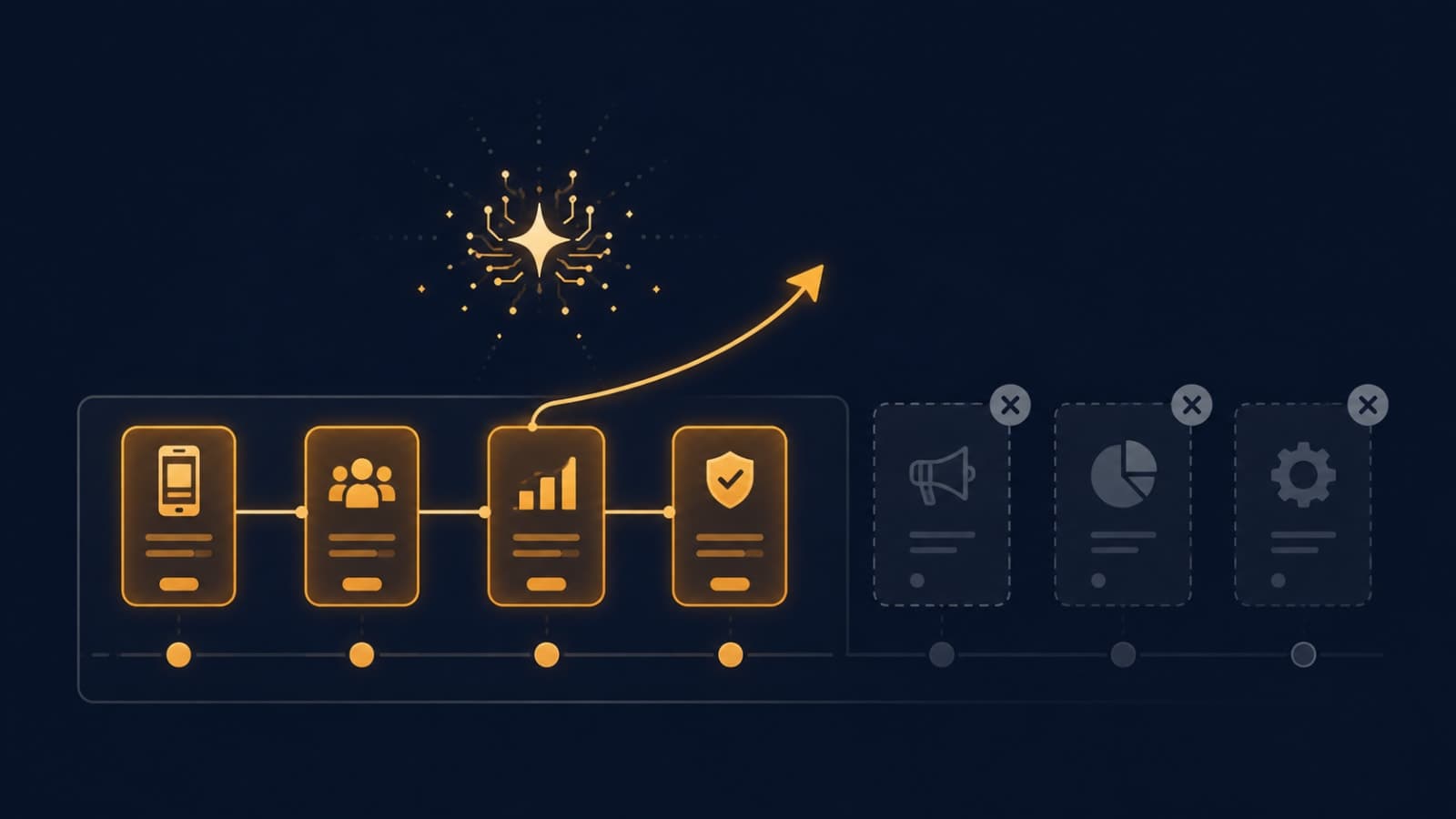
The businesses getting real value from AI aren't the ones with the most AI tools. They're the ones that pointed AI at a specific, measurable, boring operational task, and connected it to systems where their data already lives. Our AI development services start exactly there: one process, one baseline, one measurable result. When the underlying system needs work first, our custom software development team fixes the foundation.
Not sure which process in your business AI should tackle first?Tell us how your team spends its week and we'll point you to the one with the fastest payback. We usually reply within 1–2 working hours.