Why Your Customers Keep Calling to Ask "Where's My Order?" (and How a Self-Service Portal Fixes It)
Status calls don't mean customers are impatient. They mean the information lives in your team's heads. Here's what a self-service customer portal should show, and how it frees up your team.
Businesscustomer-portalself-servicecustomer-experienceoperationsorder-tracking3 min read·
"Hi, just checking on my order." "When is the technician coming?" "Did you get my payment?" If your team hears these questions dozens of times a day, it's tempting to blame impatient customers. But customers call for one simple reason: they can't see the answer themselves.
In e-commerce this is so common it has a name: WISMO, short for "where is my order?" And it's just as common in logistics, field service, property management, and B2B supply. Every one of those calls is someone on your team stopping real work to look something up and read it back.
The real cause: status lives in people's heads
In most growing businesses, the current status of an order or job lives in a dispatcher's memory, a WhatsApp group, or a spreadsheet only one person updates. Customers have no window into it, so they ask. And the busier you get, the more they ask.
We've seen this pattern in phone-based cargo booking and in trades businesses running dispatch on paper. The fix isn't a bigger support team. It's giving customers the same view your team has.
What a good self-service portal shows
Live status: received, scheduled, on the way, completed, pulled directly from your operations system.
ETAs: when the driver or technician will arrive, updated in real time.
Documents: quotes, invoices, receipts, and contracts available to download any time.
Approvals: accept a quote or sign off on work without a phone call.
Payments: pay an invoice online and see it marked paid immediately.
Requests: raise a new job, change, or complaint, with the history attached.
History: every past order or job in one place.
What it looks like in practice
Field service: the FieldOps customer portal lets customers approve quotes, track the technician's ETA in real time, and pay invoices online.
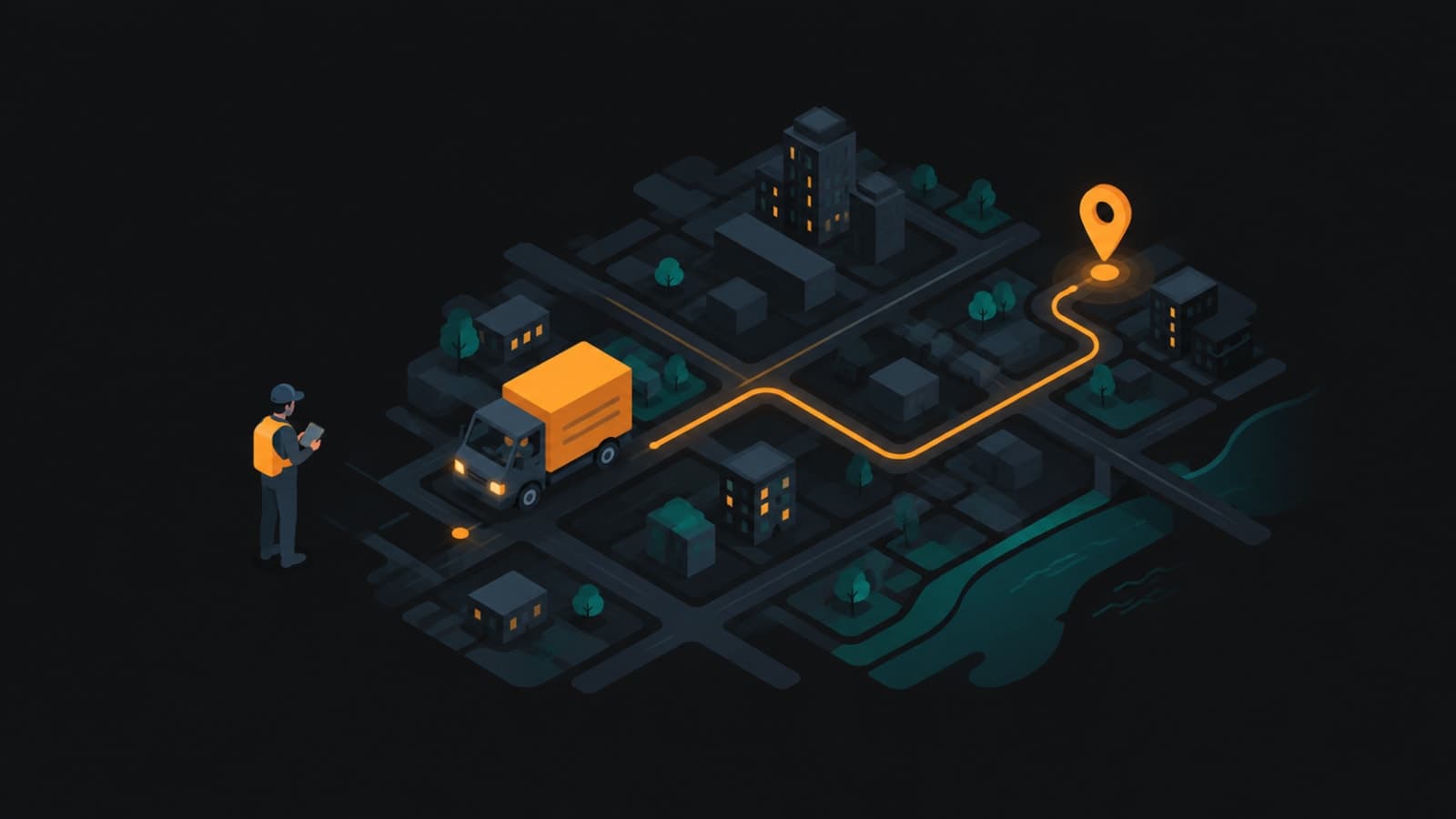
Logistics:Bhaada gives shippers live tracking and OTP-secured delivery, so the "where's my shipment?" call becomes a glance at a phone.
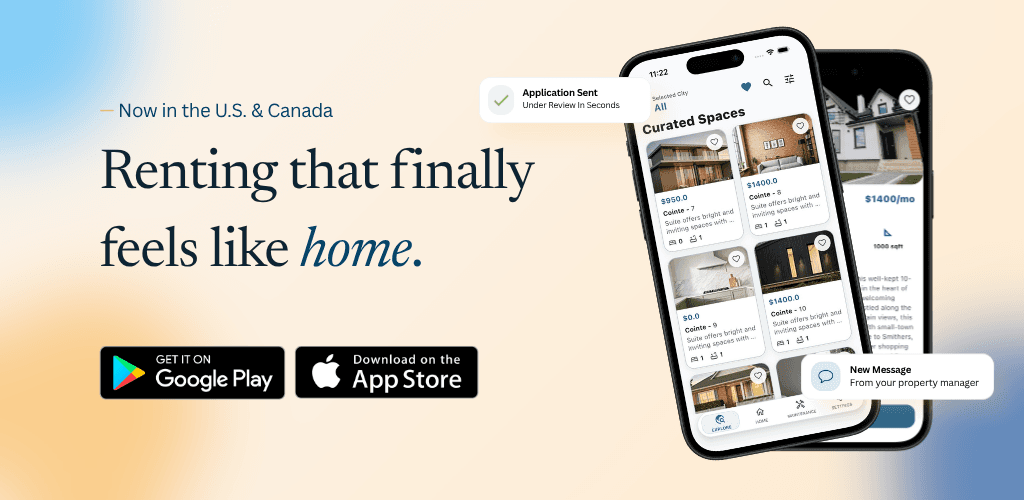
Property management: the RentEra Tenant app lets renters pay rent and track maintenance requests without calling the office.
Hospitality:Stavera guests manage their reservations in "My Trips" instead of phoning the property.
Go one step further: tell them before they ask
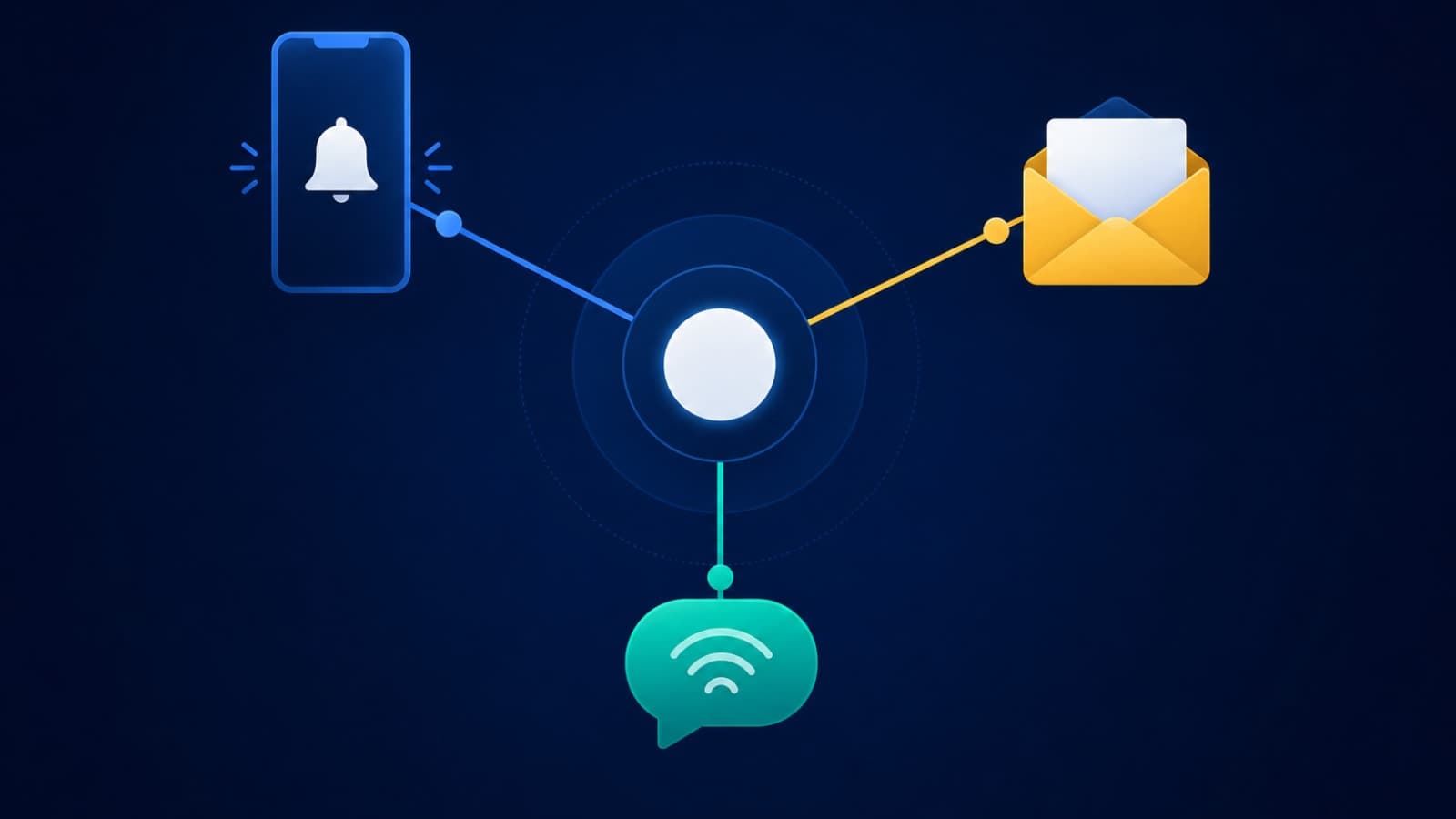
A portal answers questions when customers look. Proactive updates answer them before customers think to ask: "Your technician is 20 minutes away," "Your invoice is ready," "Your delivery is complete." These need to be triggered by real status changes, which is harder than it looks. Here's why notification systems need proper budgeting.
Why a portal only works on top of a real system
A portal is a window. If behind it there's still a spreadsheet updated twice a day, customers will see stale information and call anyway. The portal must read from the same system your team works in, so when a dispatcher marks a job done, the customer sees it instantly.
Measure the win
Count status-related calls and messages for one week.
Estimate minutes per call, and multiply by your team's hourly cost.