
RentEra Tenant
Avg. response: 1–2 hours · Remote-first — clients worldwide
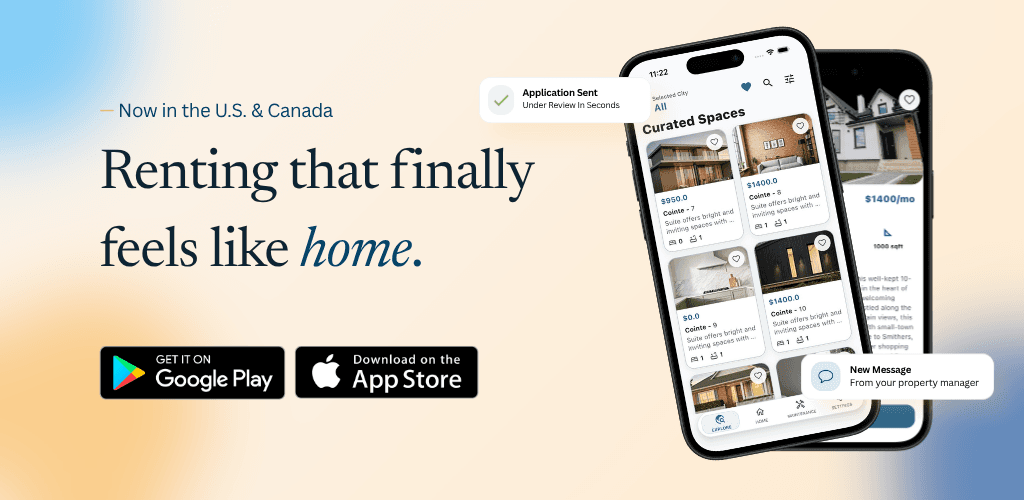
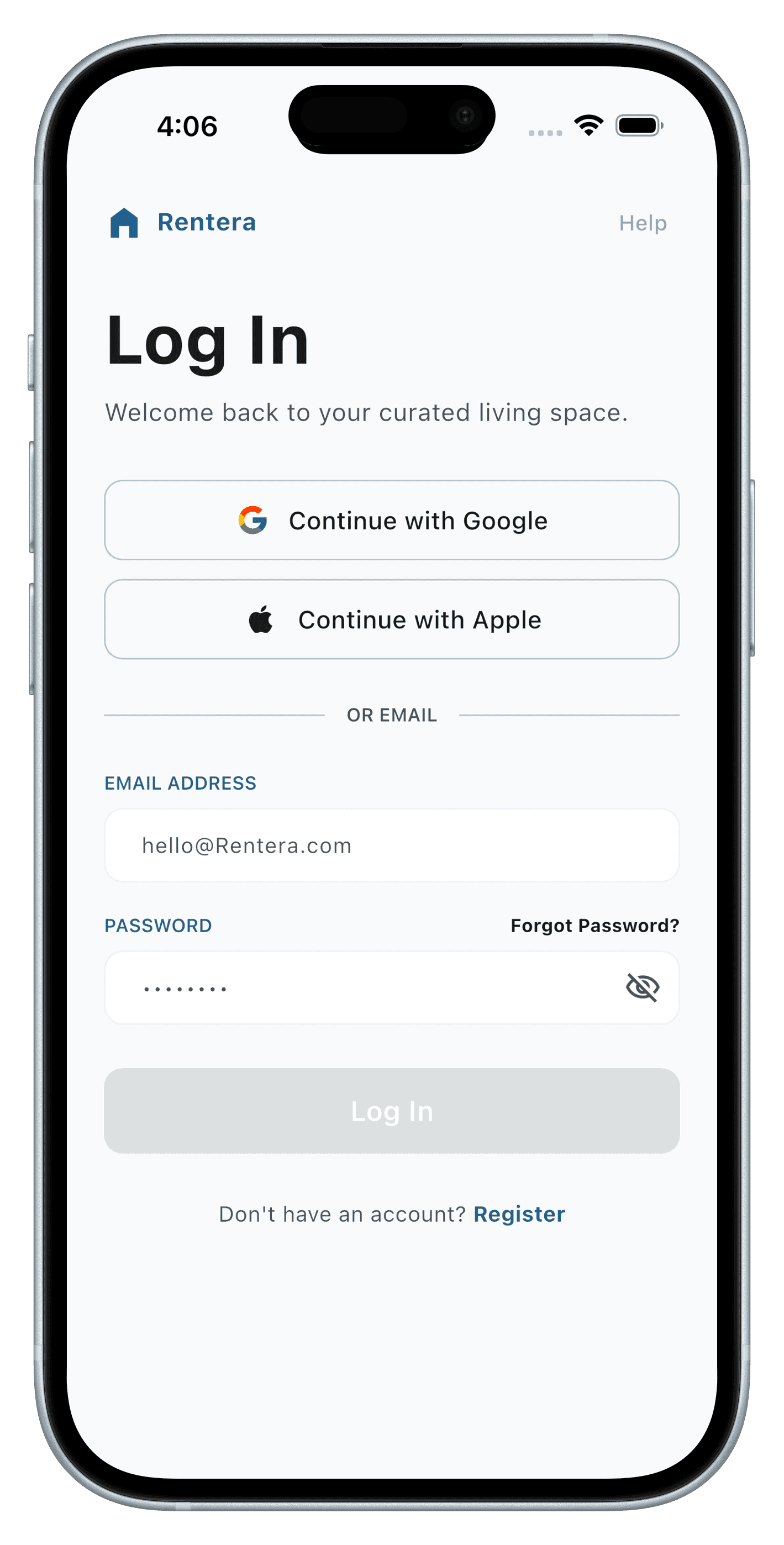
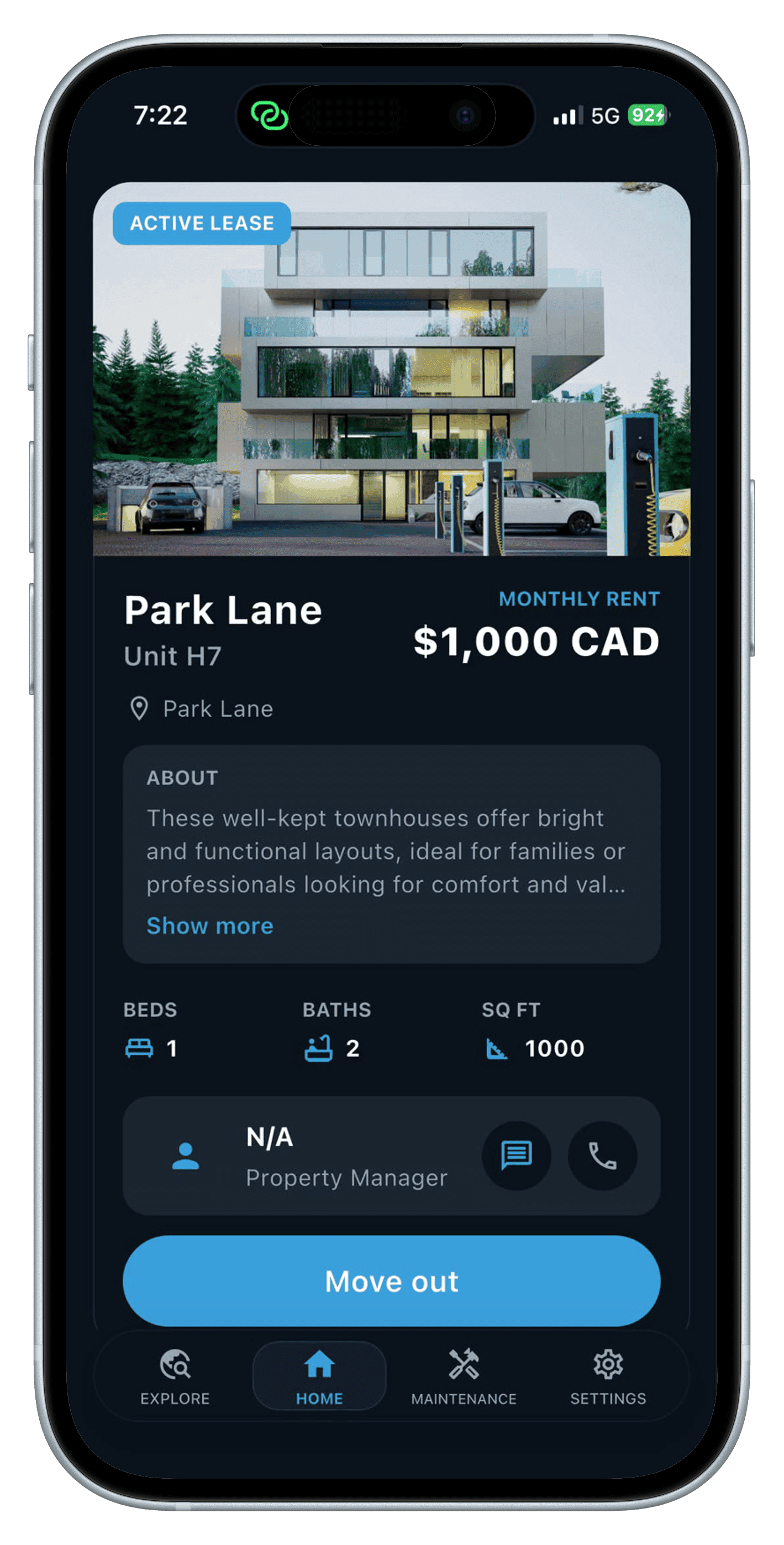
The tenant-facing app for RentEra — explore properties, apply with a co-applicant, sign digitally, pay rent and bills, and manage the entire renting lifecycle from one app.
Timeline
5 months (in development)
Team Size
2 engineers
Region
Canada
Tech Stack
The Problem We Solved
Before RentEra, a tenant applying for a rental had no single place to browse listings, apply alongside a co-applicant, sign a lease, or pay rent — every step ran through a different disconnected tool, or a phone call to the office. Once moved in, there was no self-serve way to view notices, pay a bill, or raise a maintenance request without contacting staff directly.
The Complexity — From Application to Move-In to Move-Out
Renting a home is a long-running process, not a single transaction: an application with a co-applicant, an admin approval, a legally binding lease signature, a rent authorization that has to hold up for the length of the tenancy, and then months of bills, notices, and maintenance requests — all before a tenant might explore a new unit and transfer. Every stage has to reflect the same lease and payment state the staff app and admin see on their side.
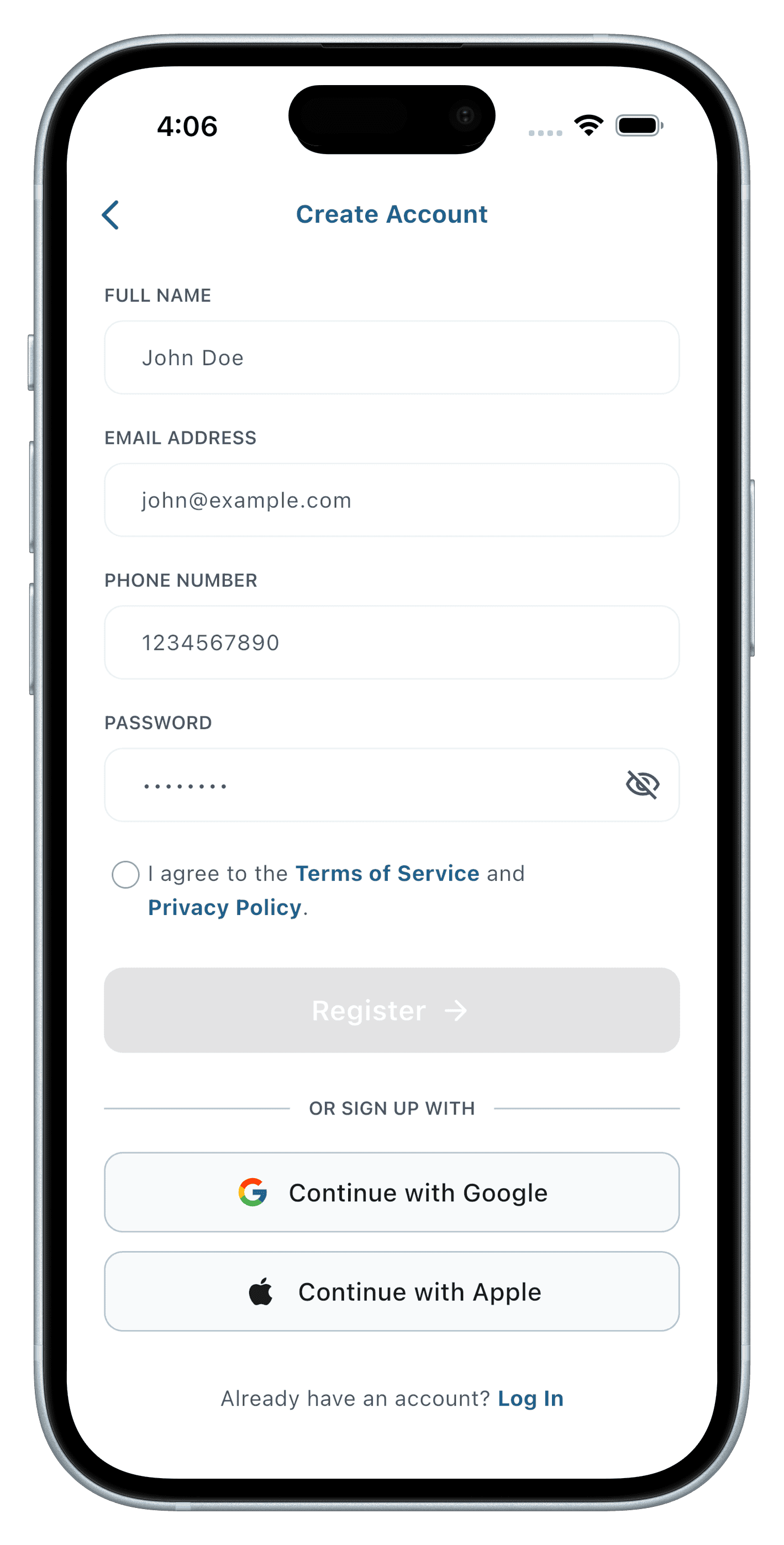
- Property search and application with co-applicant details
- DocuSeal-based lease e-signature for tenant and co-applicant
- Card and ACH/EFT rent authorization via Helcim
- Bill payments, notices, maintenance requests, and property transfers, all in one flow
The Solution — A Flutter App on a DocuSeal + Helcim Backend
We built a single Flutter app for Android and iOS, backed by a Node.js, Express, and TypeScript API. DocuSeal generates and routes lease documents for e-signature the moment an admin approves an application, capturing both tenant and co-applicant signatures. Helcim processes every rent authorization and saved-method bill payment, so tenants never have to re-enter payment details after move-in.
Feature Showcase
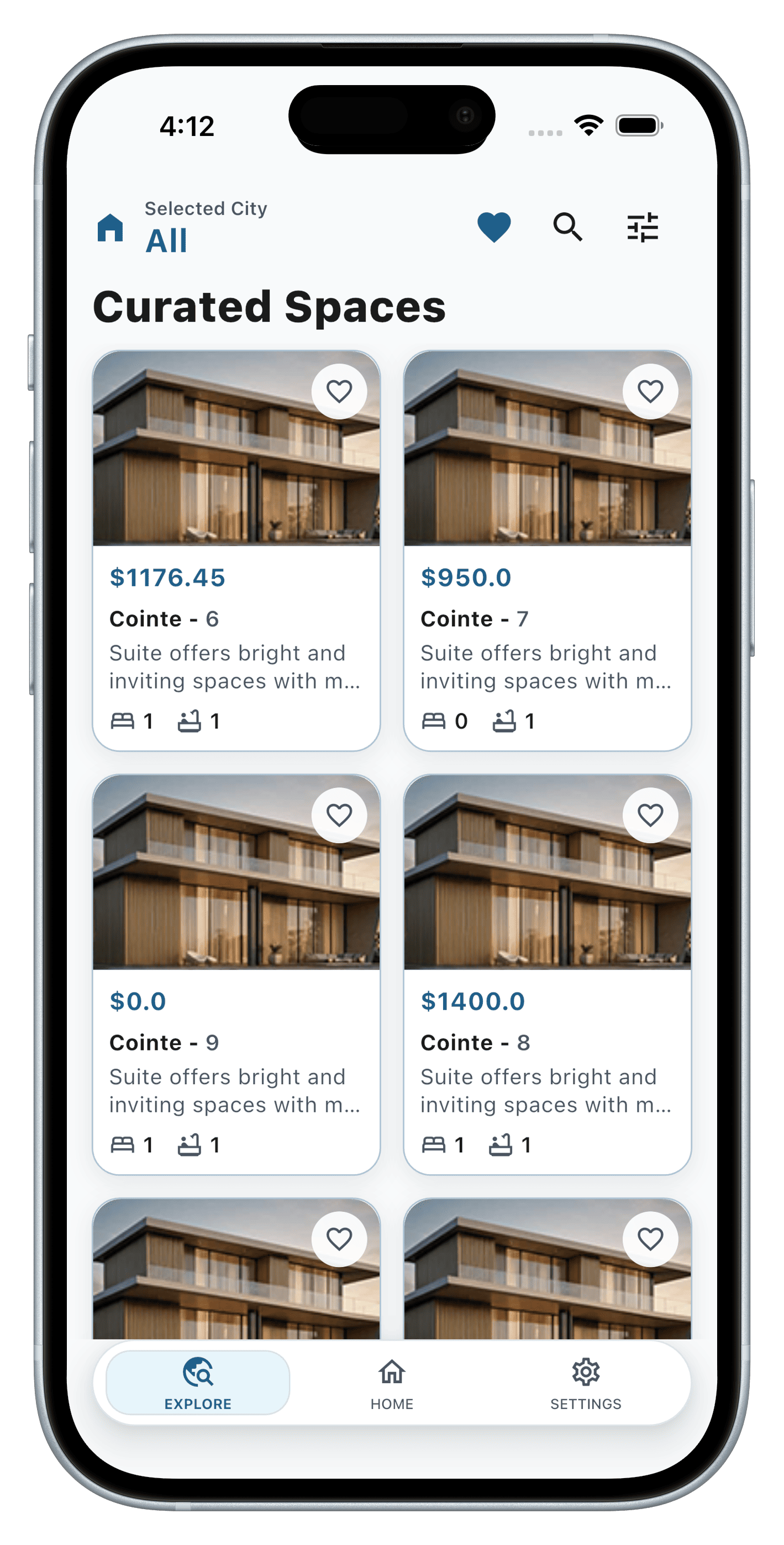
01 — Explore & Apply
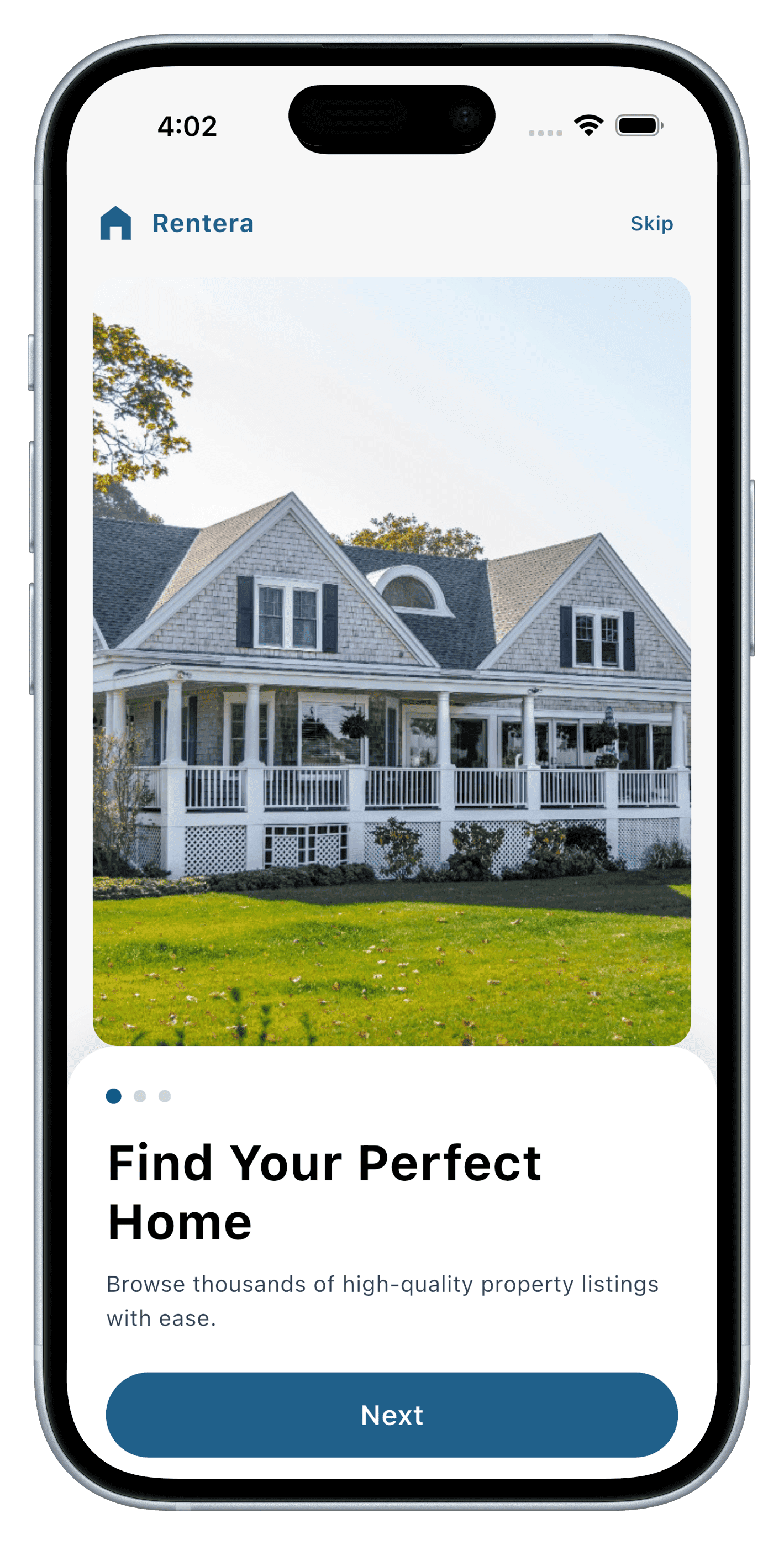
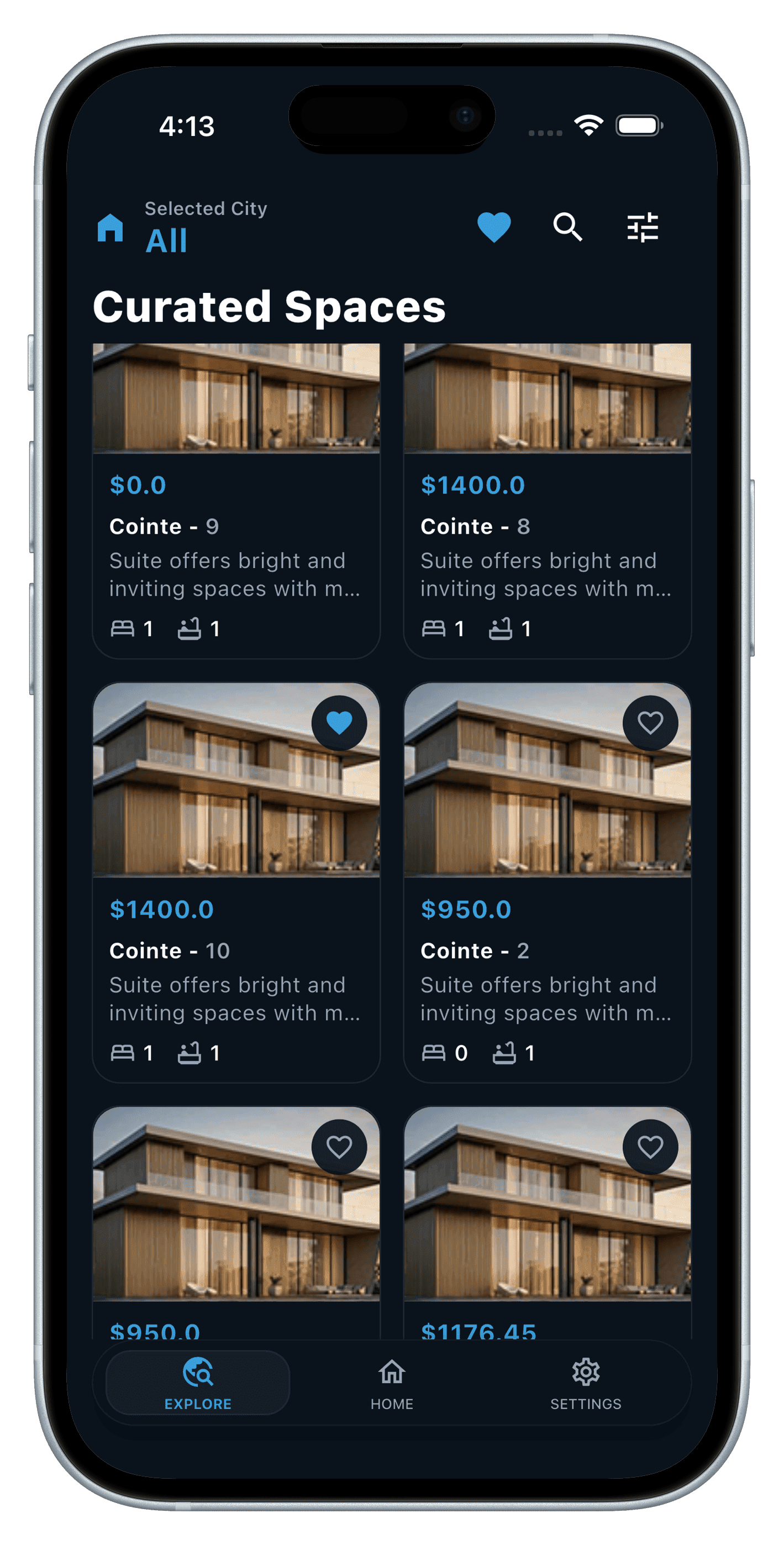
Find a place, apply with a co-applicant.
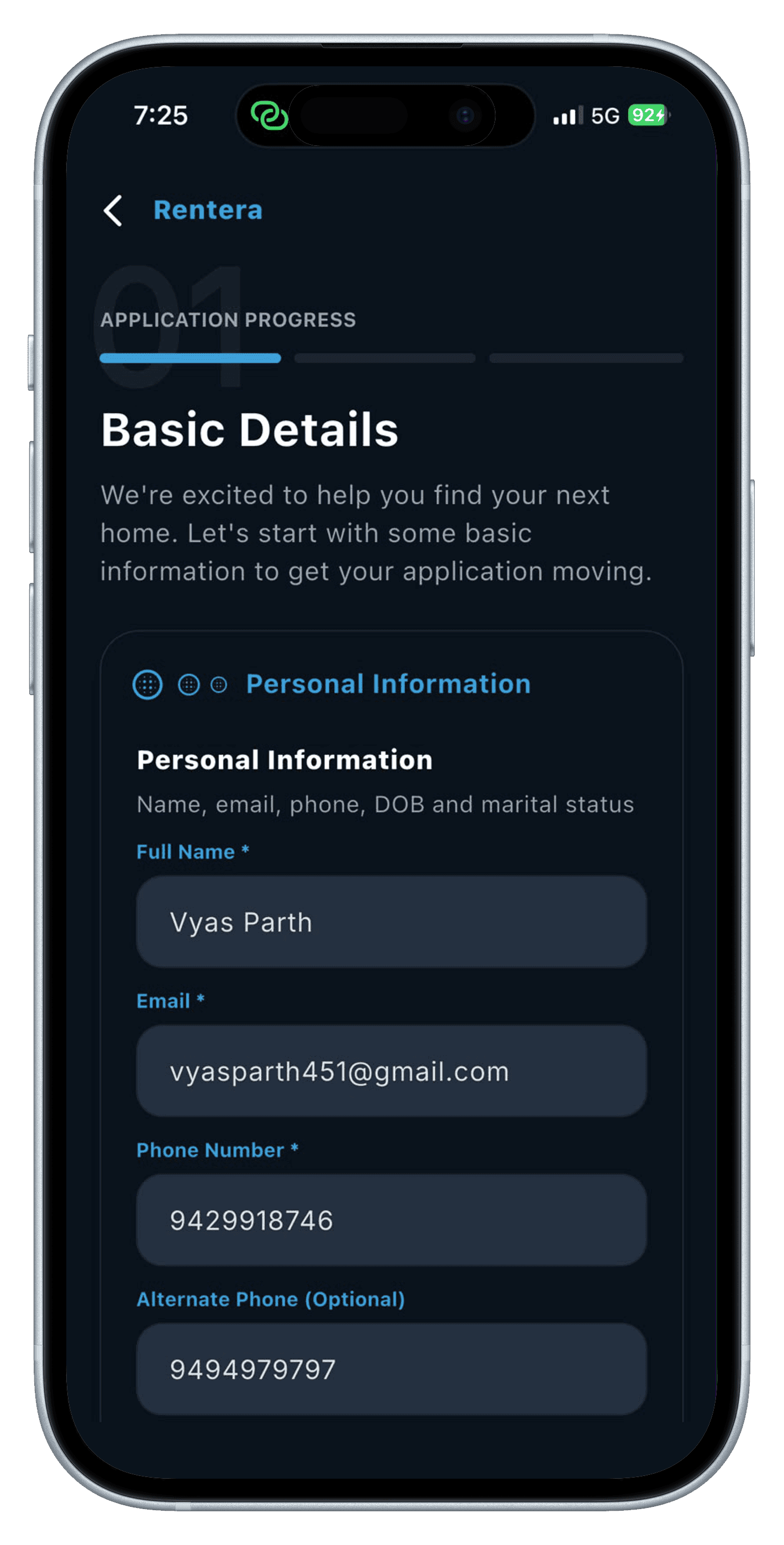
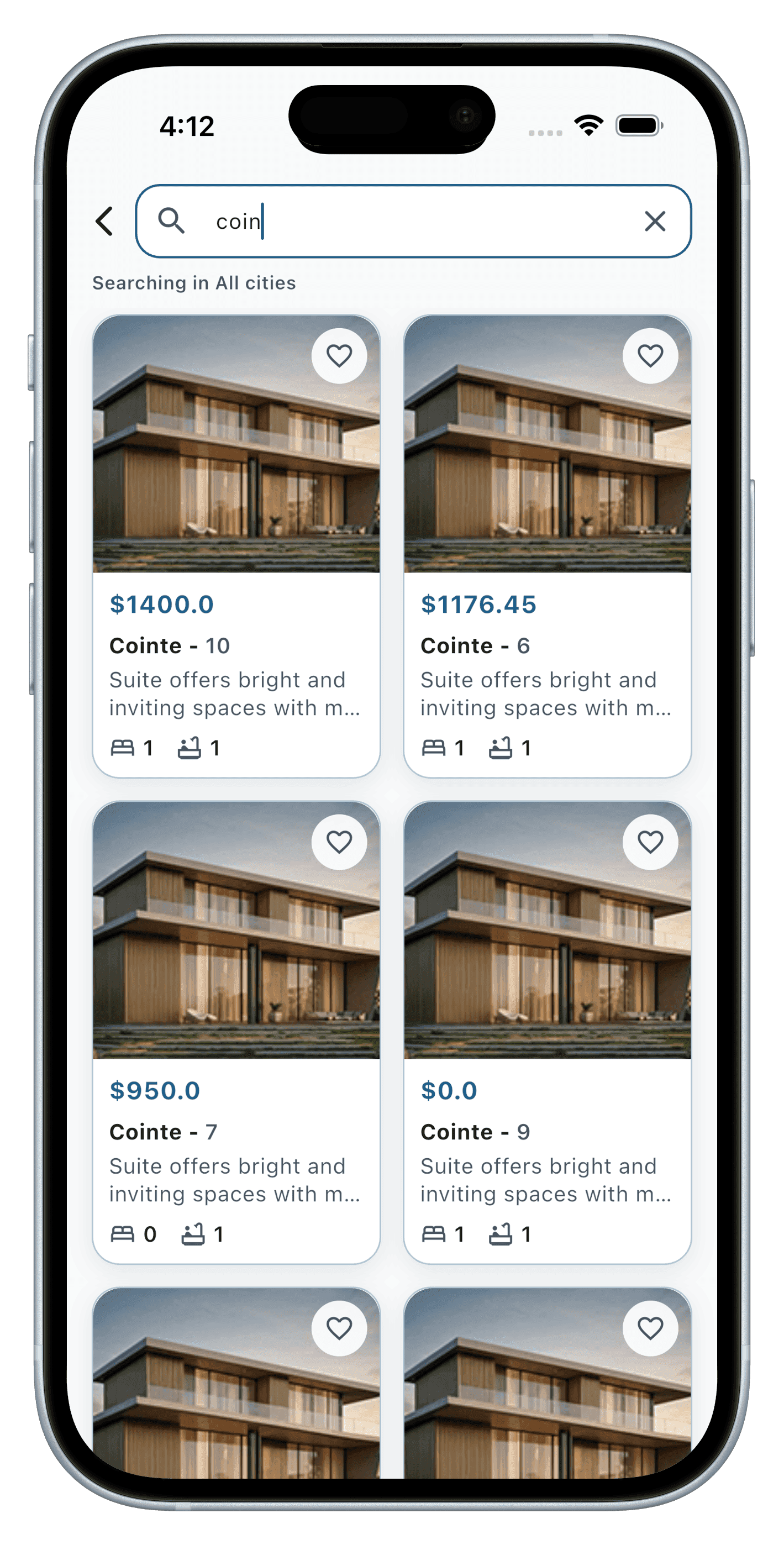
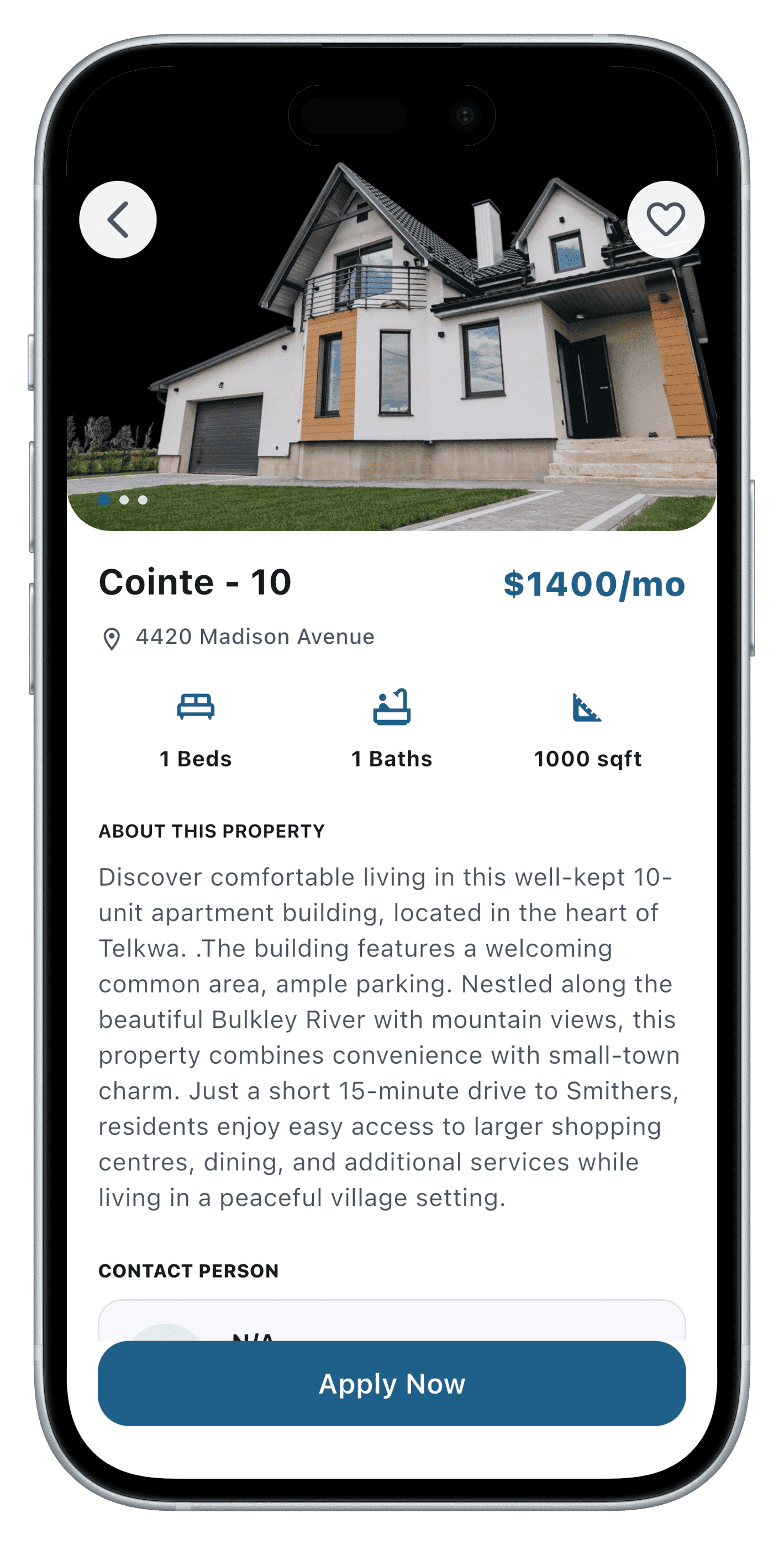
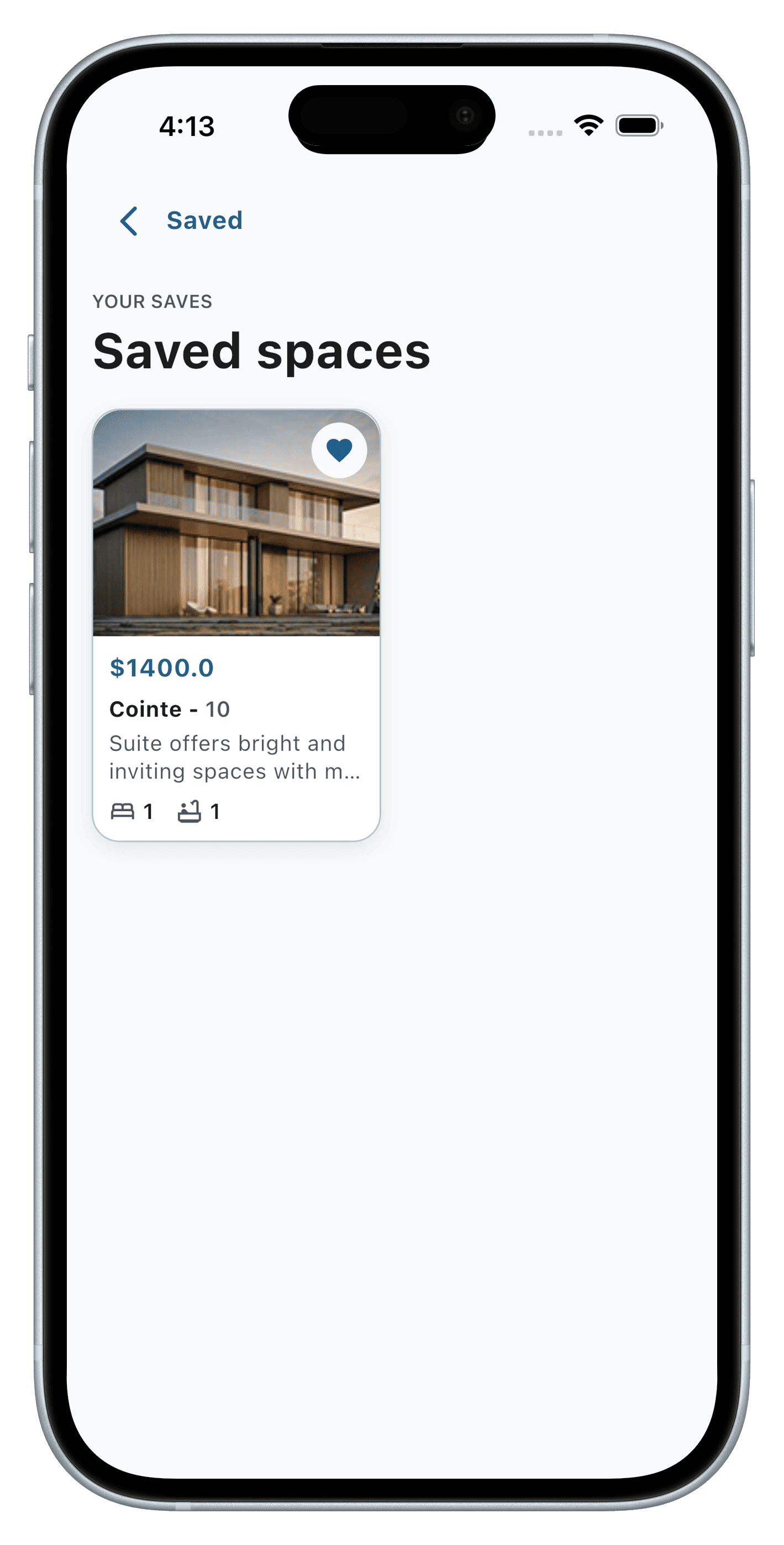
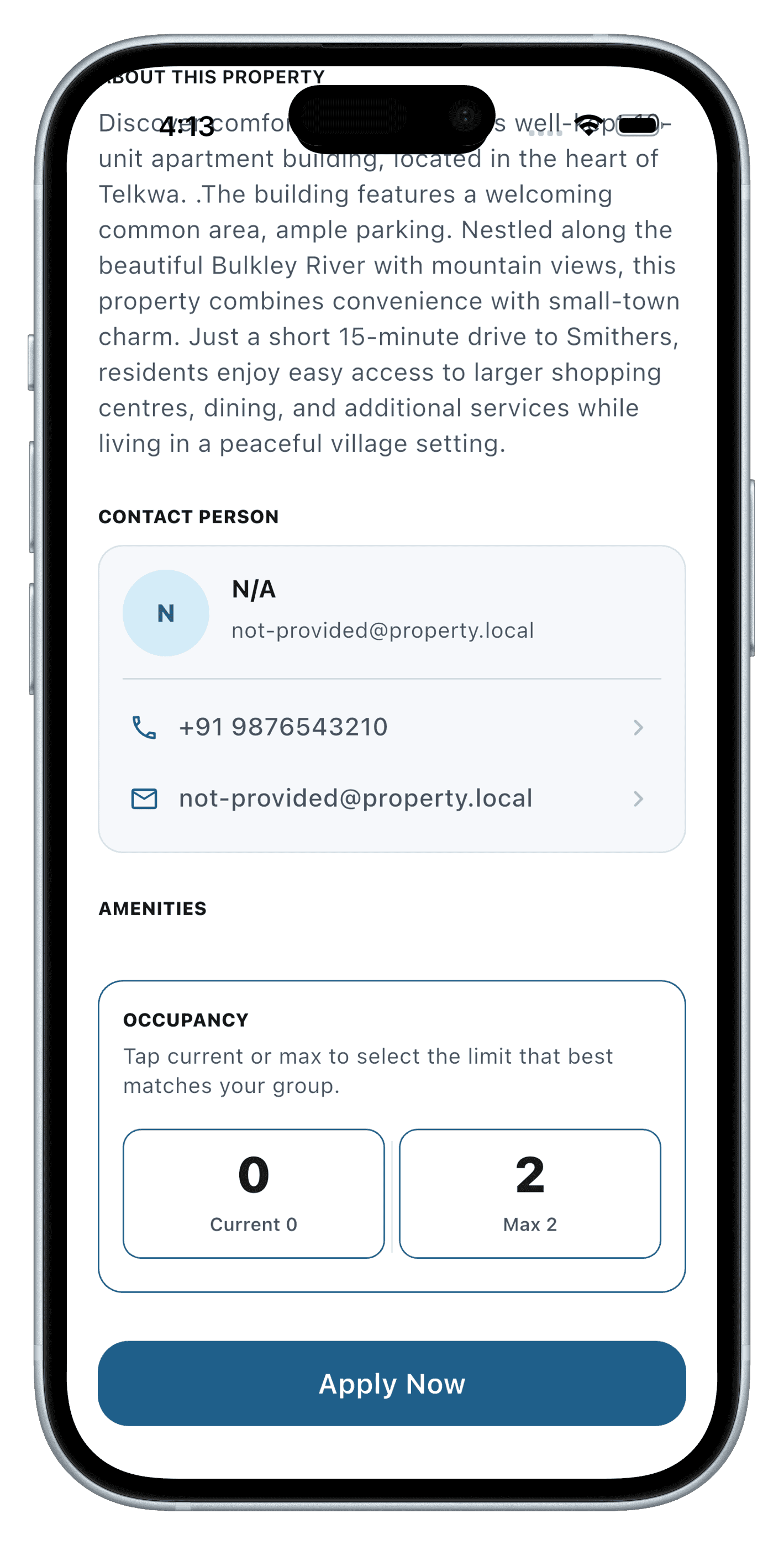
Tenants search and save listings, then apply with full co-applicant details in the same flow — no separate paperwork or a second application to track.
- Property search, explore, and saved listings
- Application flow with co-applicant details
- Admin review, approval, or rejection
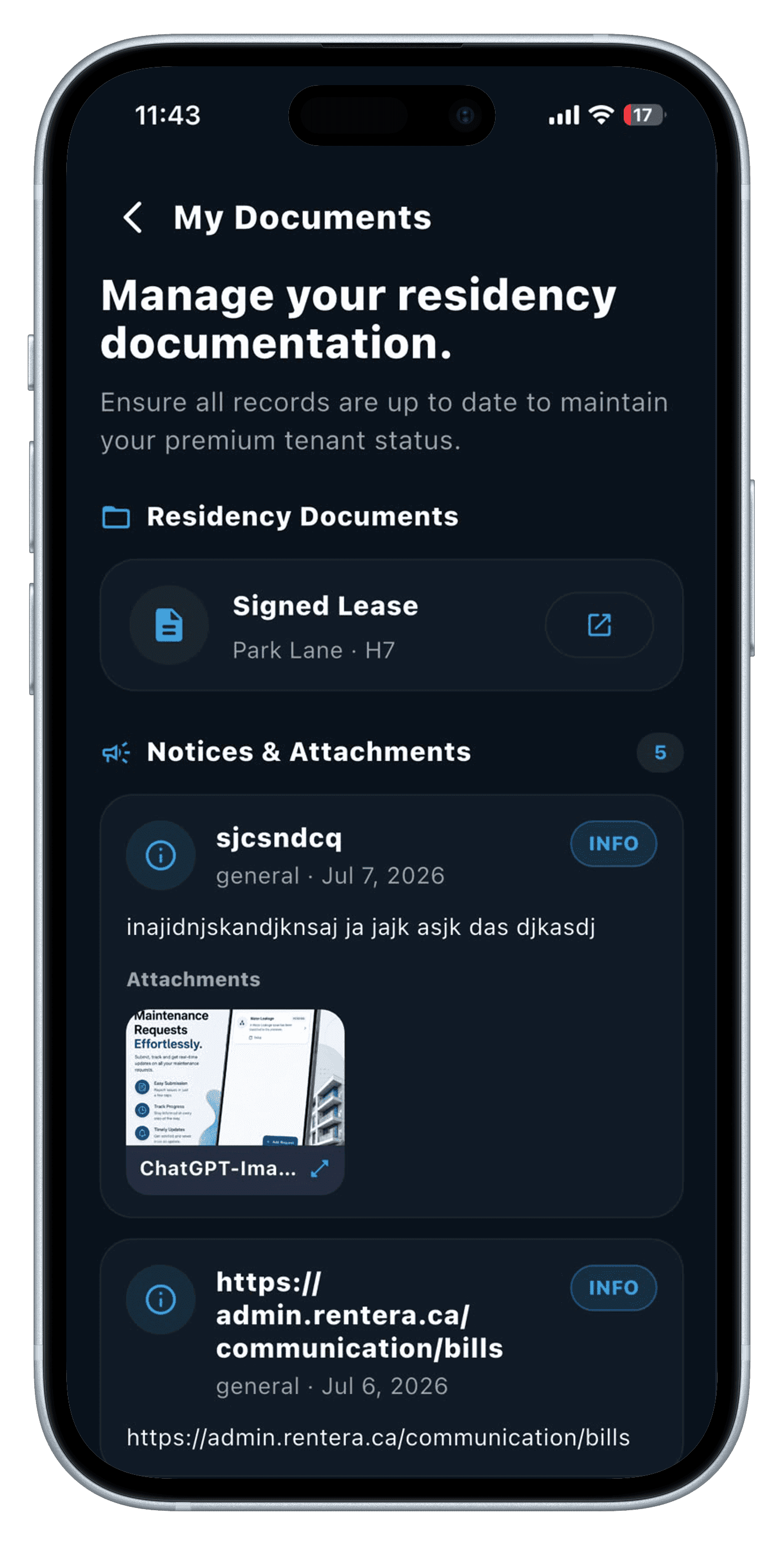
02 — Digital Lease Signing
Sign your lease, no printer required.
Once an admin approves an application and generates the lease, DocuSeal routes it straight to the app for the tenant — and co-applicant — to review and sign digitally.
- DocuSeal e-signature for tenant and co-applicant
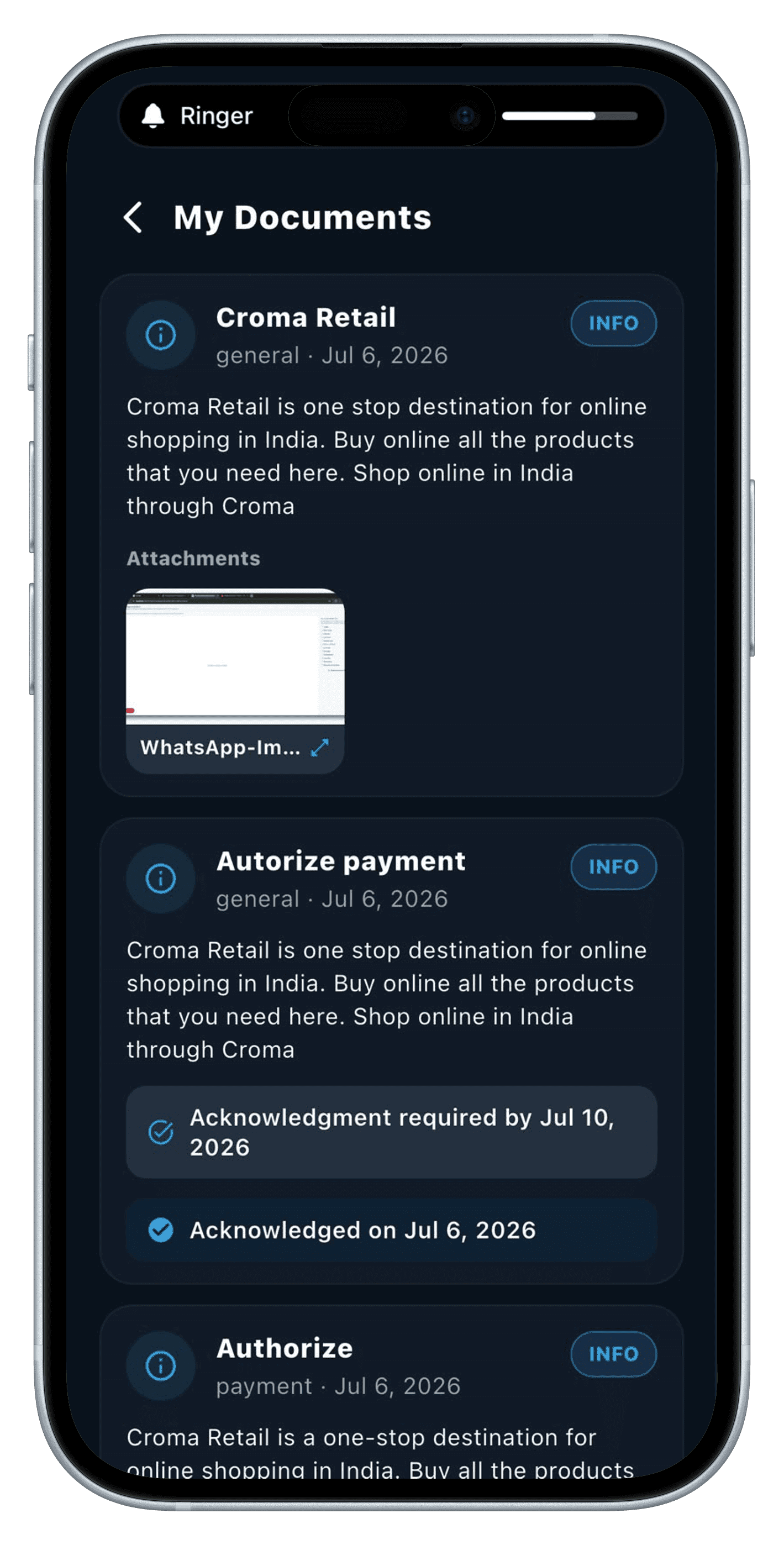
- Lease documents accessible any time after signing
- No printing, scanning, or in-person paperwork
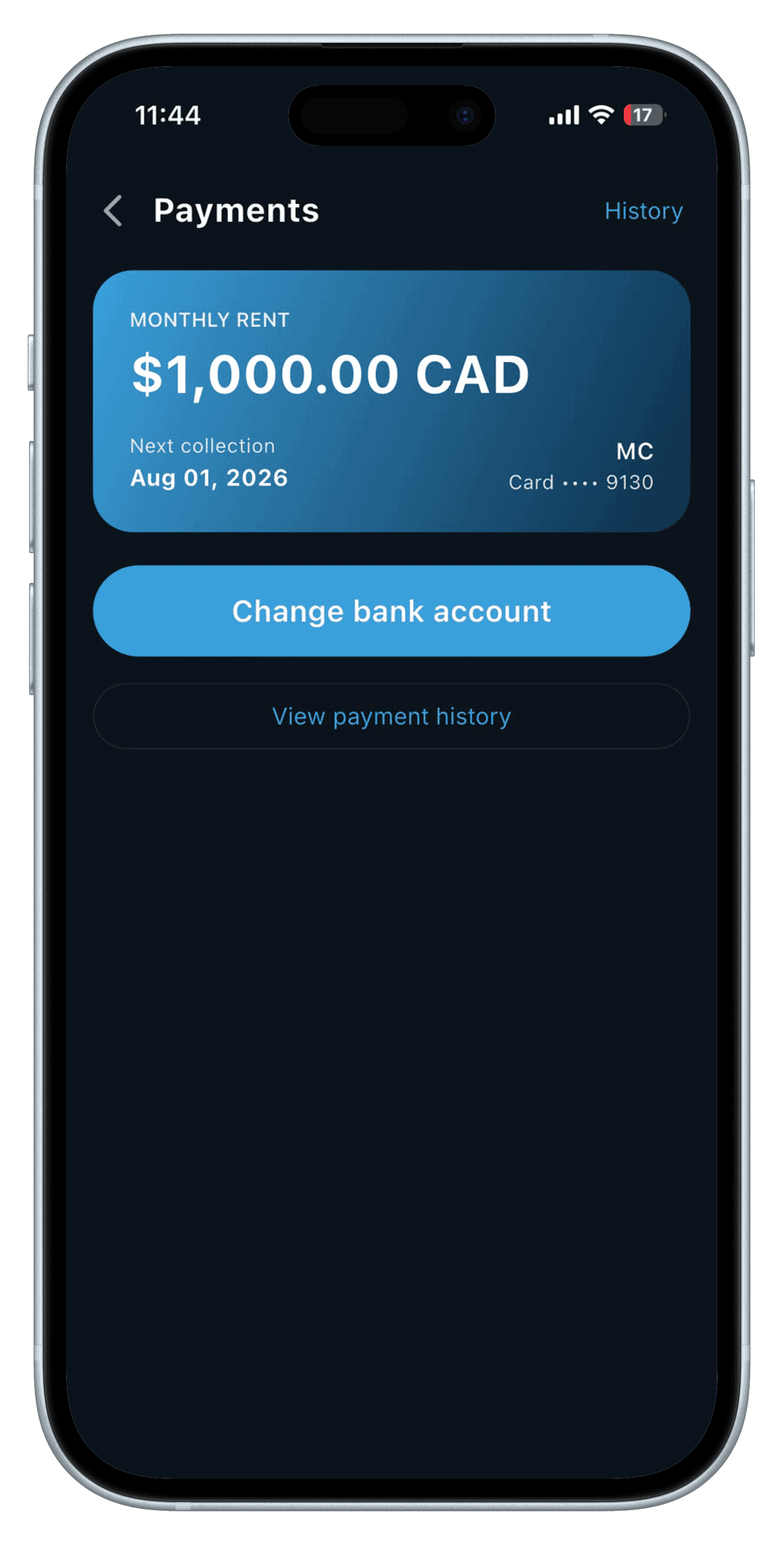
03 — Rent & Bill Payments
Authorize rent once, pay bills anytime.
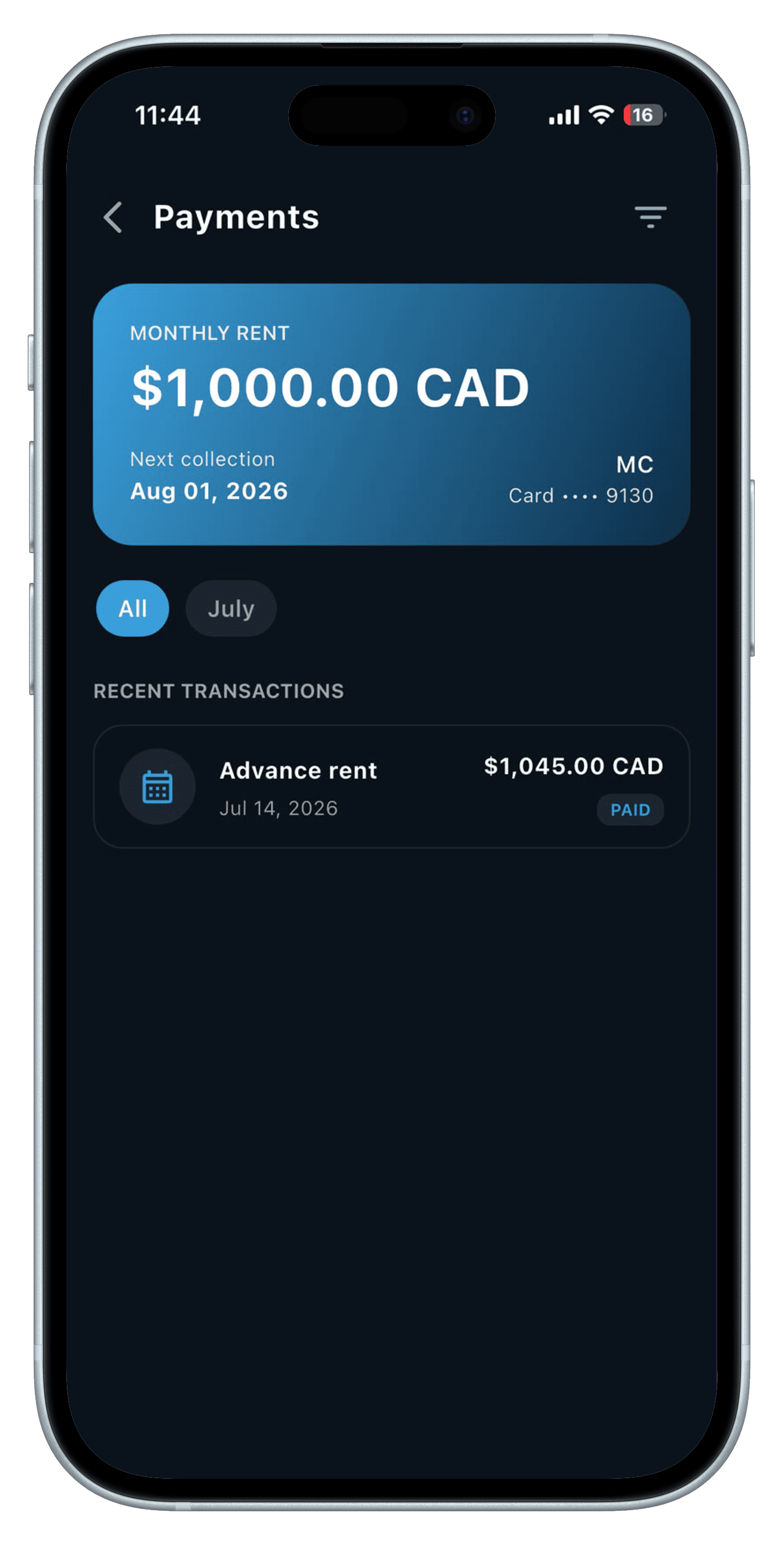
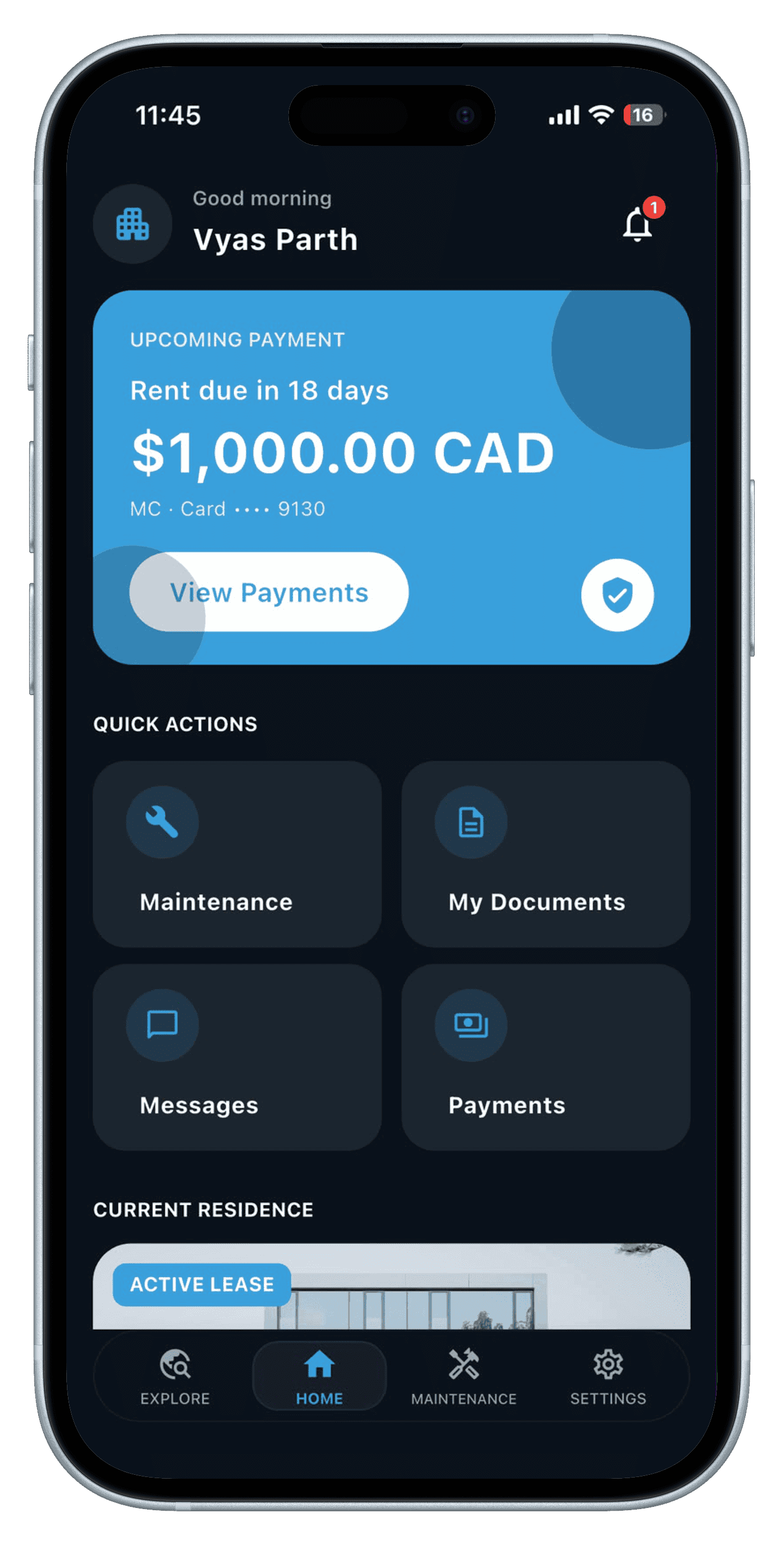
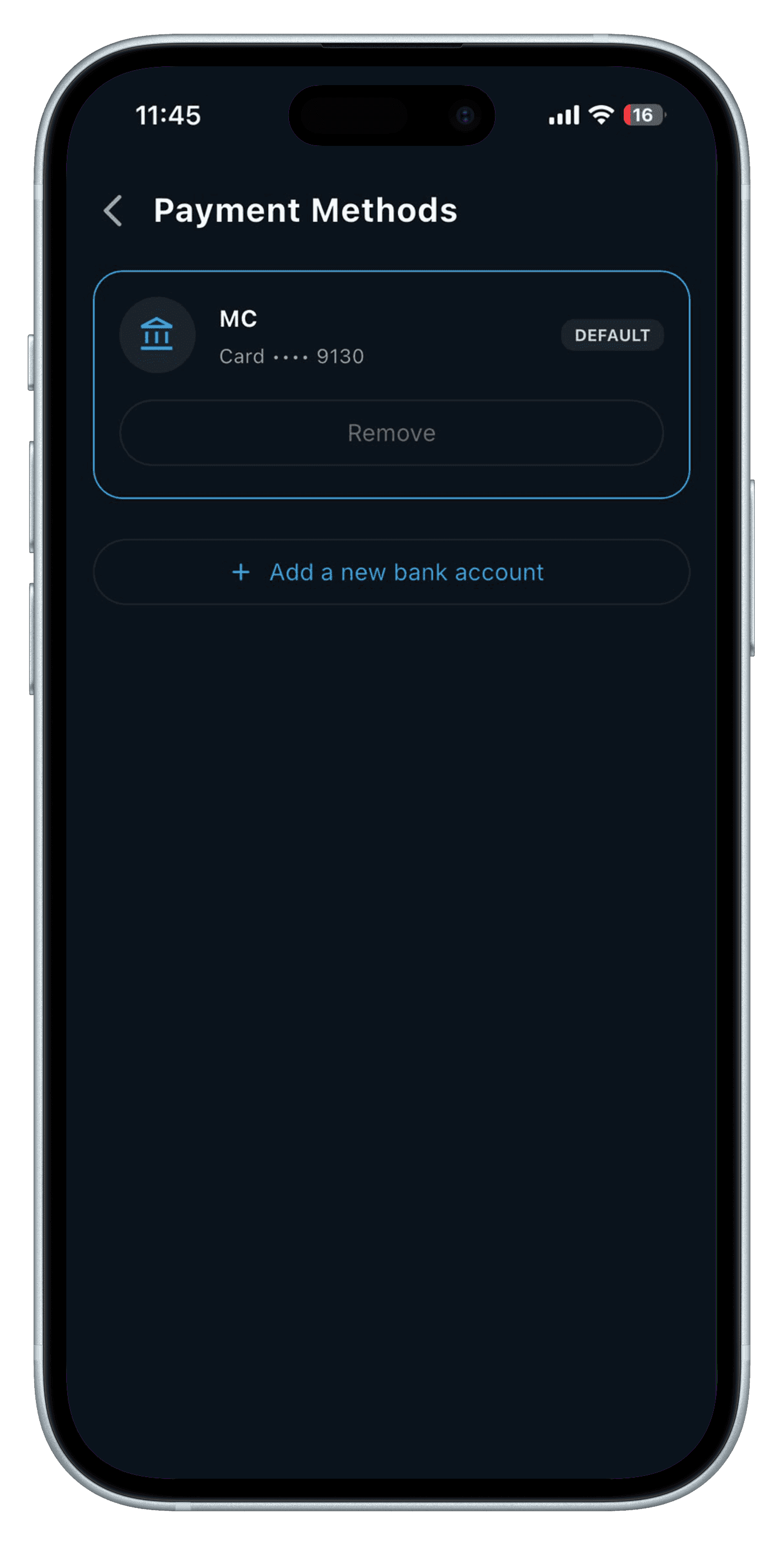
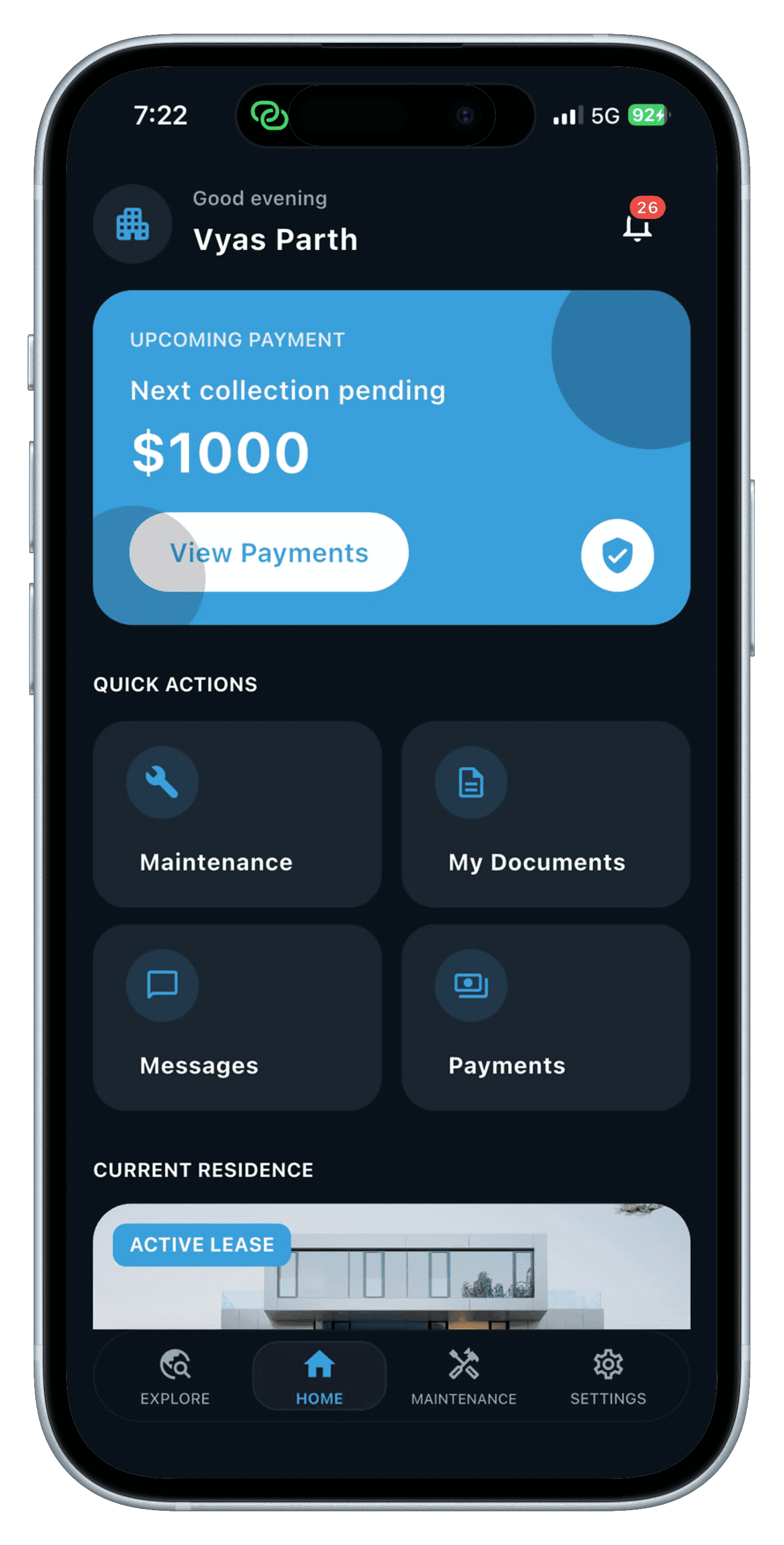
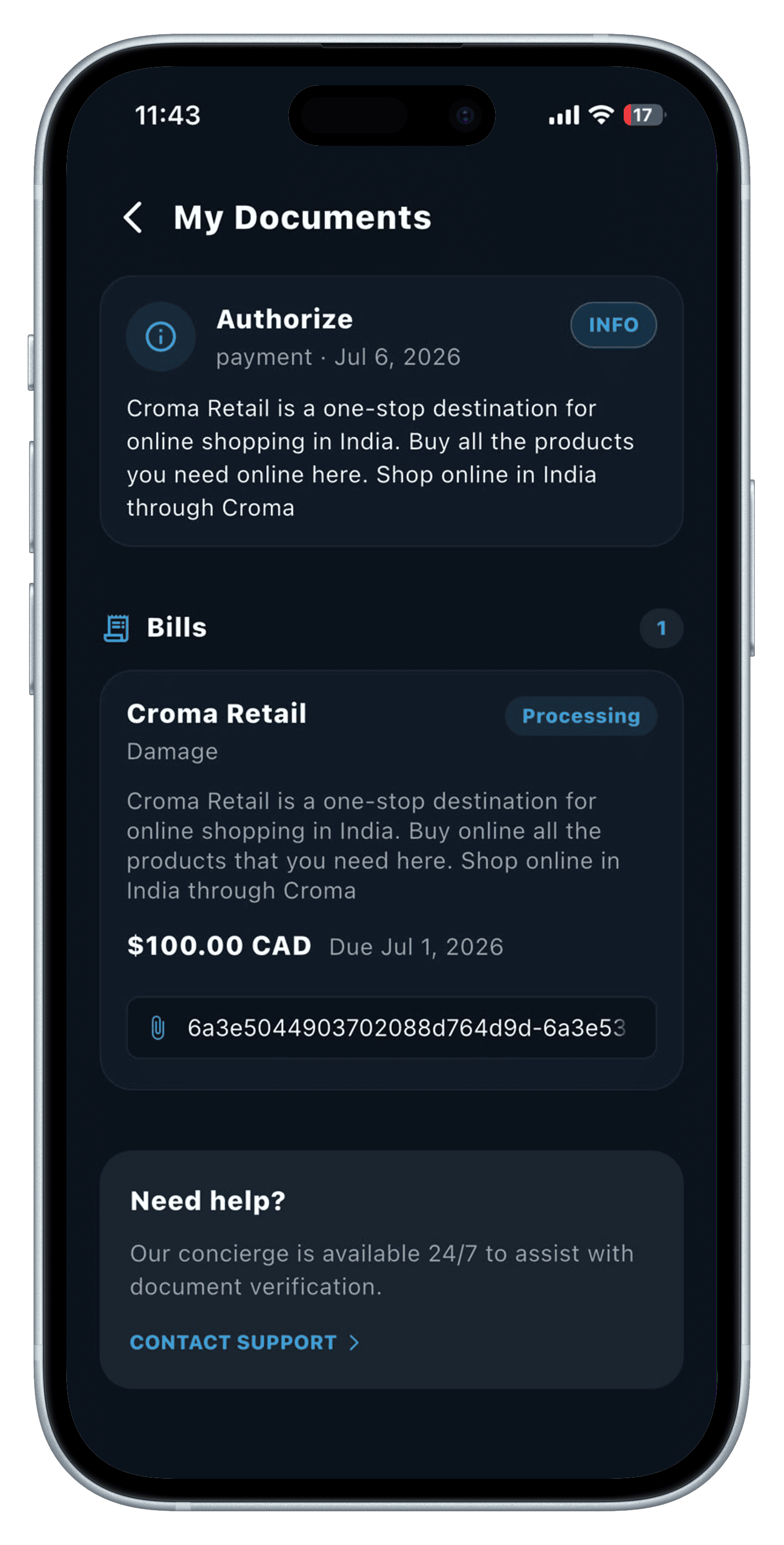
Tenants authorize rent by card or ACH/EFT through Helcim, then reuse saved payment methods to pay bills as admin sends them — no re-entering card or bank details every cycle.
- Card and ACH/EFT rent authorization via Helcim
- Saved payment methods for recurring bill payments
- Full payment history at a glance
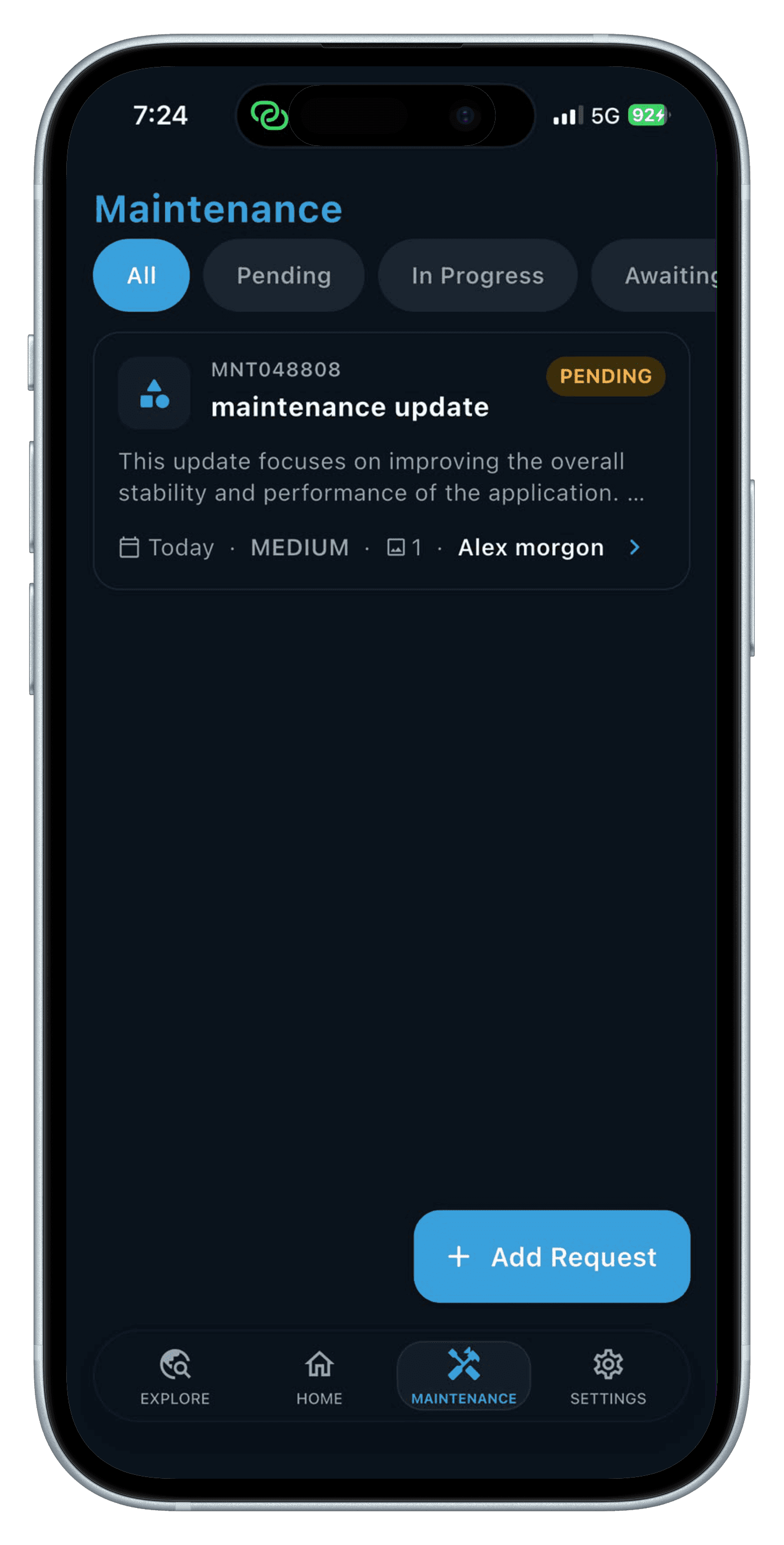
04 — Maintenance & Notices
Request, track, and approve maintenance.
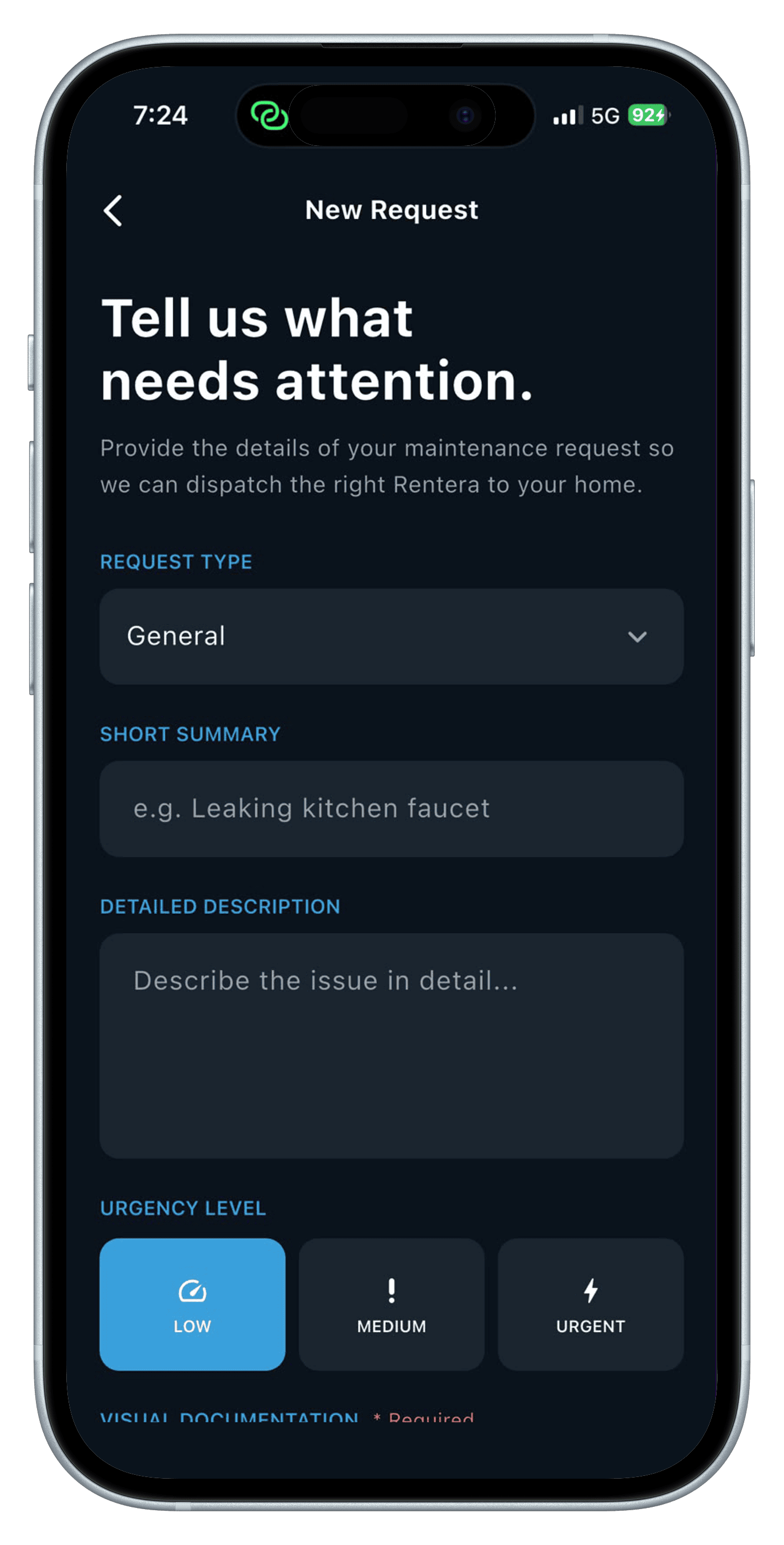
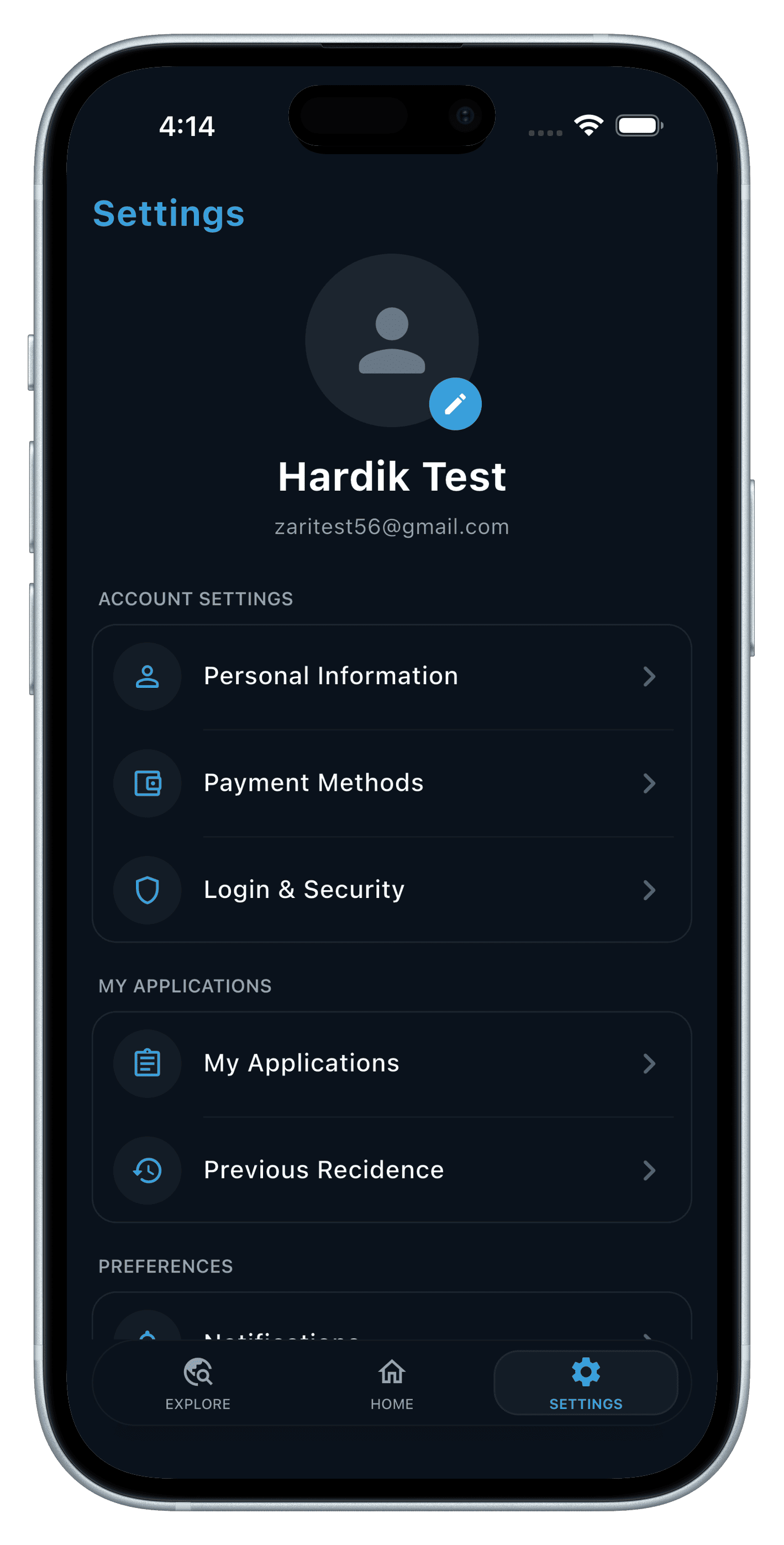
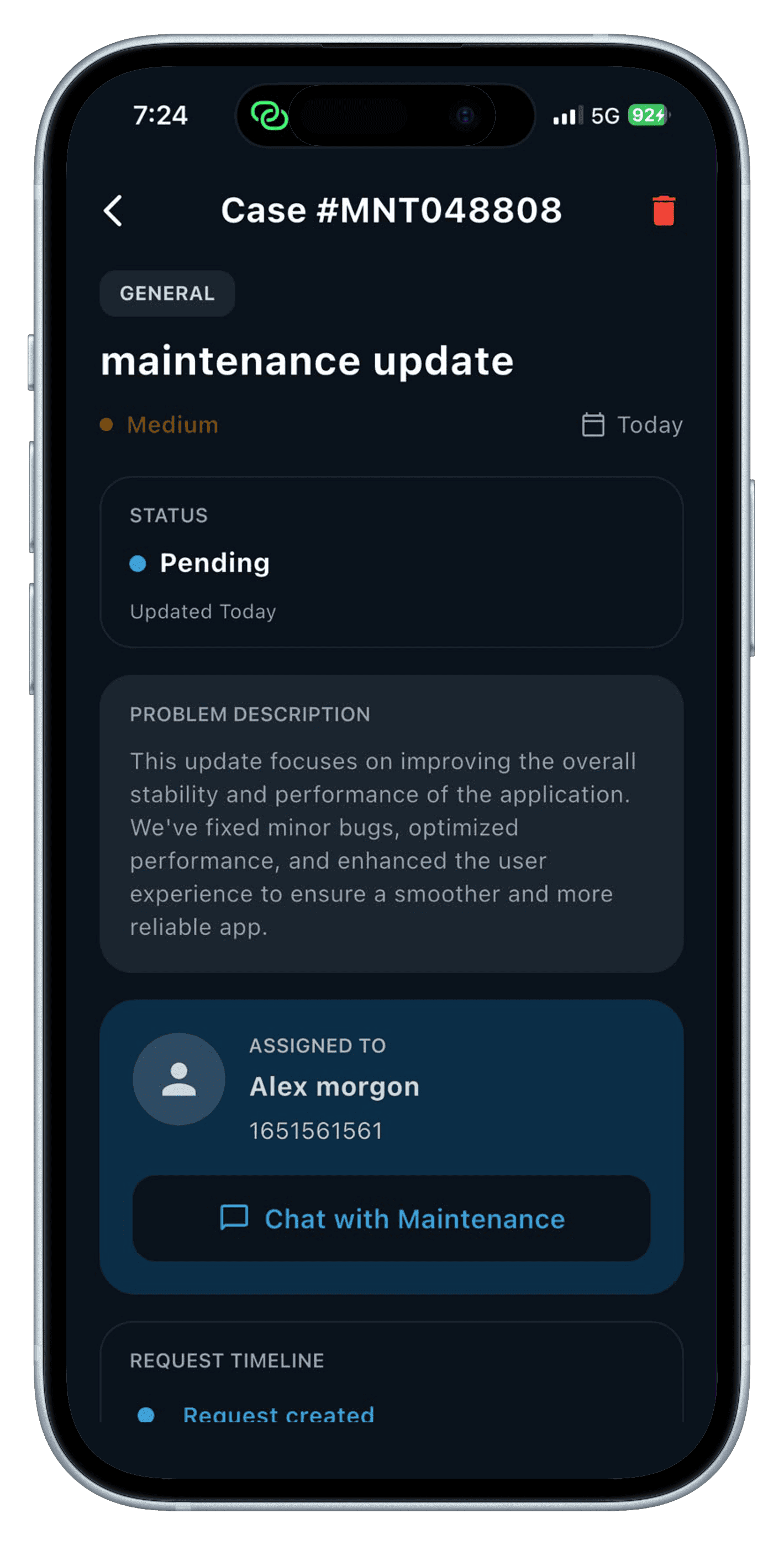
Tenants raise a maintenance request, follow it through to a staff visit, and approve completion when the work is done — while notices from admin surface right in the app.
- Maintenance request creation and status tracking
- Approve maintenance work on completion
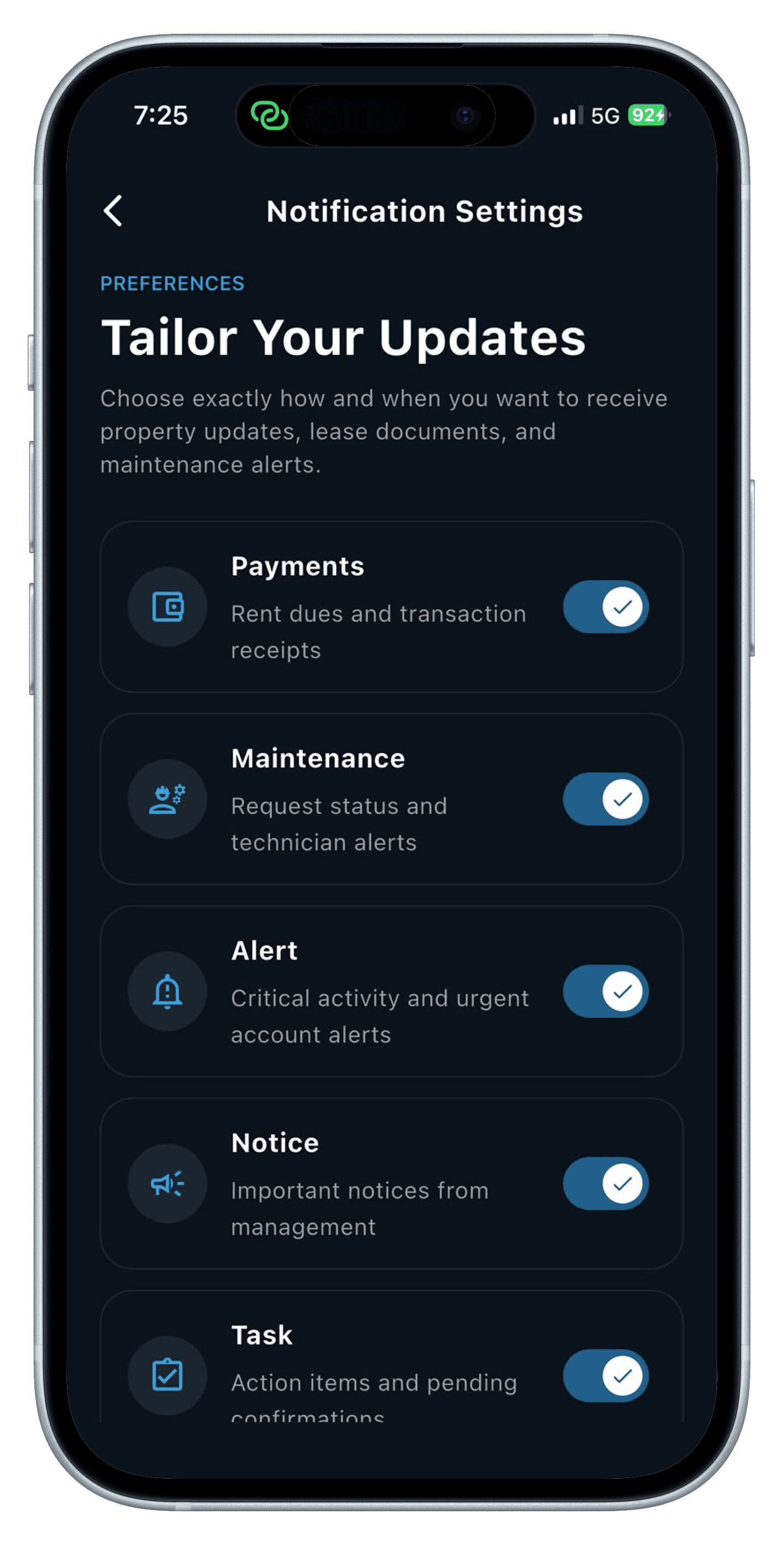
- Notices from admin and property management
05 — Chat & Next Move
Talk to your property manager, or find your next home.
In-app chat connects tenants directly to their property manager or staff, and the same explore flow that got them their first unit lets them apply for a new one and transfer when they are ready to move.
- In-app chat with property manager or staff
- Explore and apply to a new property while a tenant
- Transfer to a new unit on approval
How We Made It Simple
Renting with RentEra follows one thread from start to finish: explore, apply, sign, pay, live. DocuSeal and Helcim handle the legal and financial complexity invisibly, so a tenant only ever sees a review-and-confirm screen — never a manual document or a re-typed card number.
- One flow from application to lease signature
- Saved payment methods instead of re-entering details
- Maintenance requests tracked to completion, not left open-ended
- Explore and transfer without starting a new application from scratch
Services
Tech Stack
Gallery
Build something like this
Have a product idea or need a partner to ship to production? Let's talk about your project.
Avg. response: 1–2 hours · Remote-first — clients worldwide