Admin Panel Development Cost in India: What Drives It (2026)
An admin panel can be a simple data editor or the system your whole operations team runs on. Here's what drives admin panel and dashboard development cost in India, when a template stops being cheaper, and how to scope one.
Businessadmin-paneladmin-dashboardback-office-softwarecustom-software-costinternal-tools5 min read·
Short answer: admin panel cost depends on what the panel has to do, not how many screens it has. A simple panel that lists and edits records is a small job. An operations portal with roles, approvals, pricing rules, finance views, and audit logs is a real product in its own right. The biggest drivers are the number of roles, the workflows and approvals, the reports, and the integrations. This guide breaks those down and explains when a template stops being the cheaper option. If you're planning one now, see how our admin dashboard development team scopes it.
Three kinds of admin panel
Typical admin panel types
Type
What it does
Typical timeline
Data panel
Lists, searches, and edits records (users, orders, products) for one or two internal roles
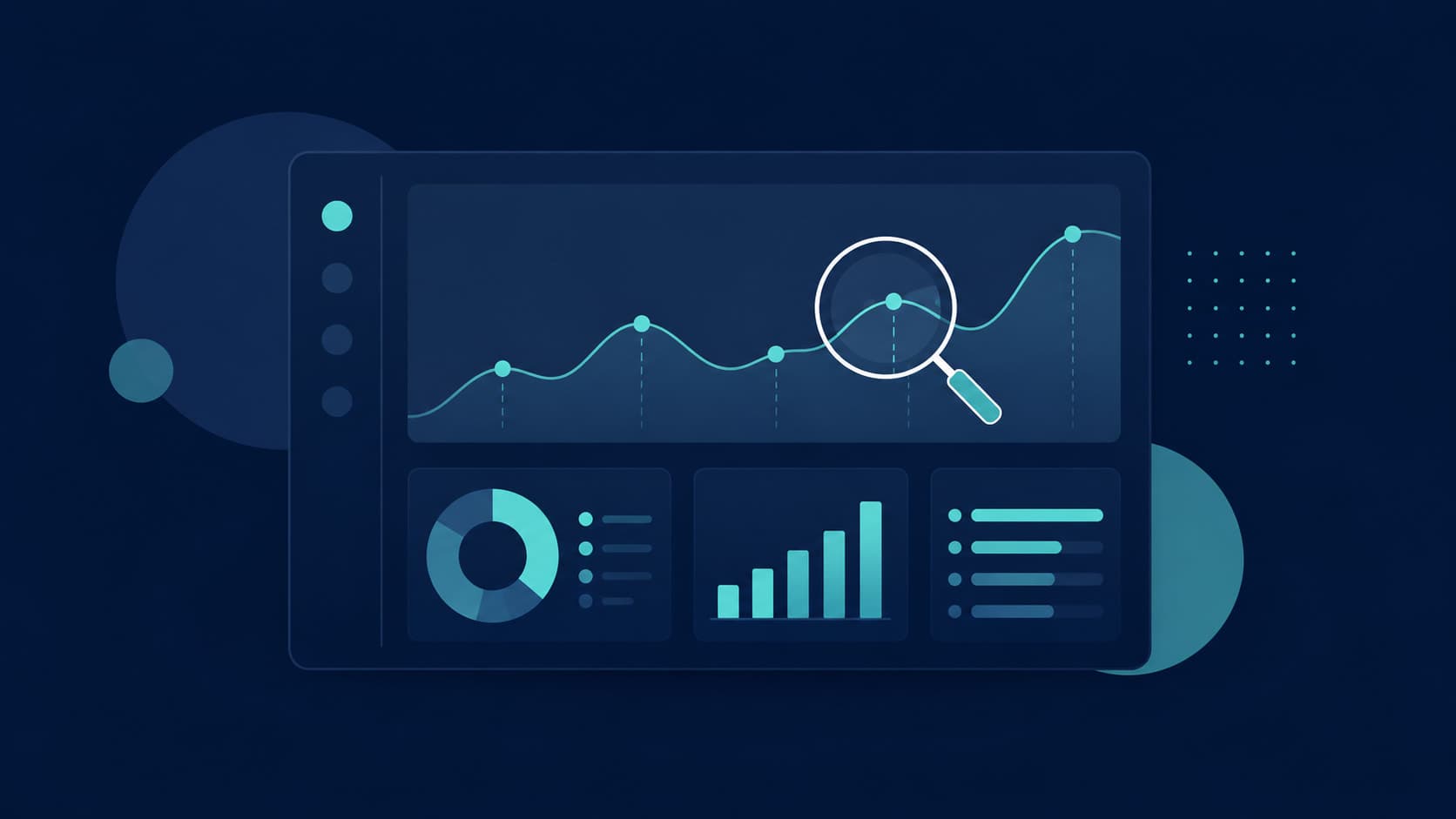
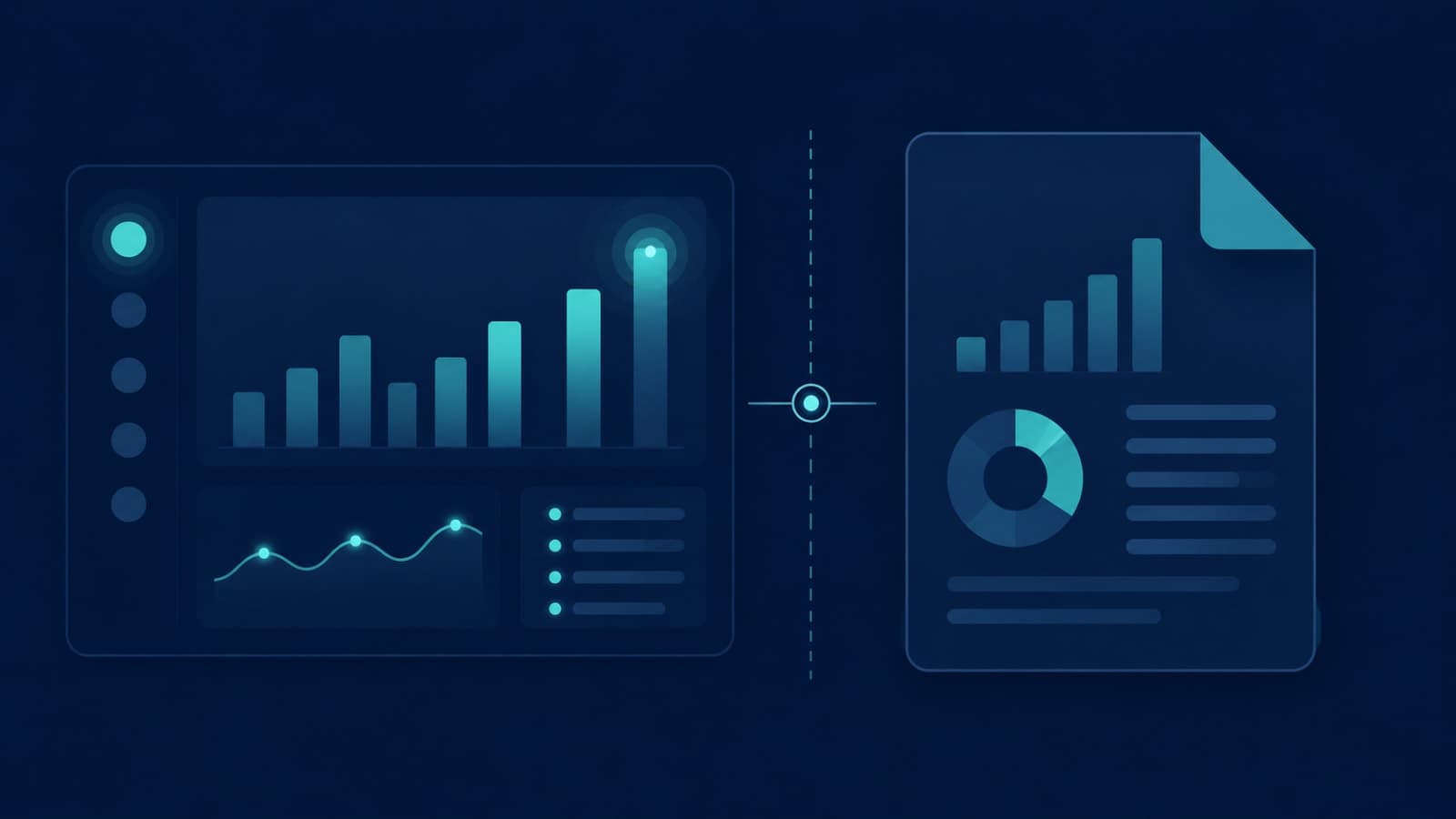
Live metrics, funnels, cohort views, exports, and owner-level reports across teams or branches
4–10 weeks, often alongside an operations portal
Most growing businesses need the second type and assume they're asking for the first. That mismatch is the most common reason admin panel quotes look wildly different. For a real example of an operations portal, the Bhaada operations portal we built covers drivers, pricing zones and rates, finance, support, coupons, and auditing for a cargo platform. The RentEra operations portal runs leasing, payments, maintenance, and staff for property managers.
What drives the cost
Admin panel cost drivers
Factor
Lower effort
Higher effort
Impact
Roles and permissions
One admin role
Many roles, scoped by team, branch, or field
High
Workflows
View and edit only
Approvals, assignments, status changes, escalations
High
Reports
A few tables with filters
Live dashboards, scheduled reports, exports
Medium–High
Audit trail
Not needed
Every change logged with who, what, and when
Medium
Integrations
Reads one database
Payments, accounting, messaging, third-party APIs
Medium–High
Data volume
Thousands of records
Millions of records needing fast search and pagination
Medium
Design
Standard component library
Custom design matched to your brand
Low–Medium
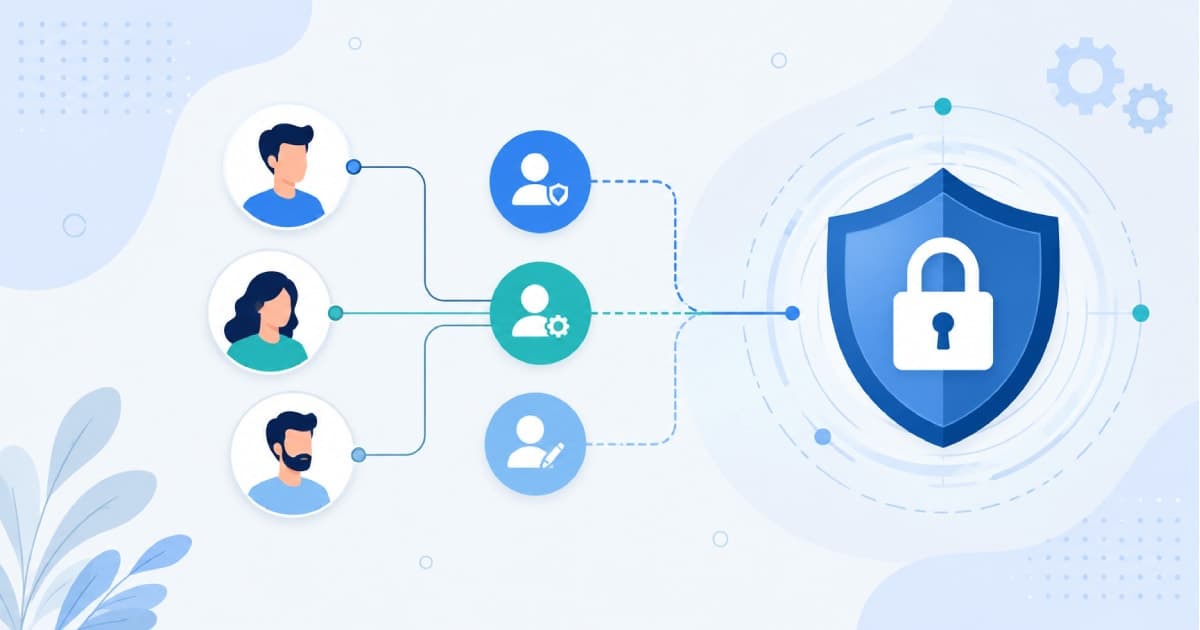
Roles are usually the hidden multiplier. Every new role means new screens, new permission checks, and new tests. Our guide to how role-based access control works explains why getting this right early matters.
Template vs custom: when a template stops being cheaper
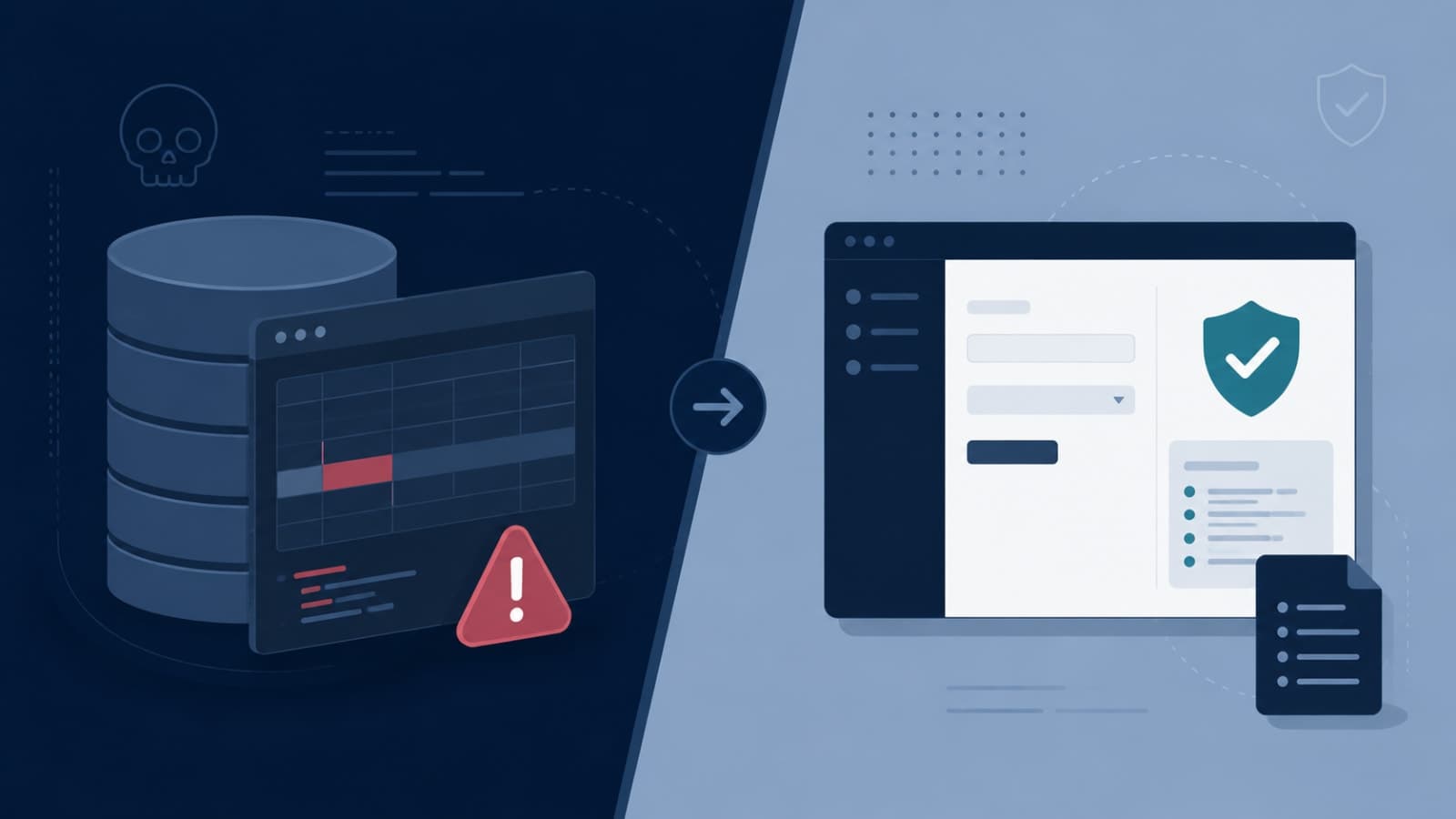
Admin templates and low-code tools are a good start for a data panel: they give you tables, forms, and charts quickly. They stop being cheaper when:
Your permissions depend on business rules ("a branch manager can approve refunds for their branch only"), not just on screens.
Approvals and status changes need to trigger notifications, update other records, and leave an audit trail.
Your team works in the panel all day, so slow or awkward screens cost real hours every week.
Per-user pricing on a low-code tool grows faster than your budget as the team grows.
You need the panel and the customer app to share the same backend and rules.
It depends on the type: a simple data panel is a small project, while an operations portal with roles, approvals, reports, and integrations is a much larger one. The number of roles and workflows matters more than the number of screens. A short scoping session gives you an accurate quote.
How long does it take to build an admin dashboard?
A data panel typically takes 2–4 weeks, an operations portal 6–12 weeks, and an analytics dashboard 4–10 weeks. Timelines grow with roles, approvals, and integrations.
Can I use an admin template instead of a custom panel?
Yes, for a simple data panel. Once you need role rules tied to your business, approvals with audit trails, or a panel your team uses all day, a custom build usually costs less over time than working around a template.
Can the admin panel be built for an existing app?
Yes. We often build admin portals on top of an existing database or API, adding roles, workflows, and reports without rebuilding the customer-facing app.
Need an admin panel your team will actually use? Book a free scoping call and we'll map the roles, workflows, and reports, then give you a fixed, itemised quote.