Why Two Screens in Your Own App Can Show Different Numbers
Your dashboard says one number, your export says another — here's why that happens, and how to tell a real data mismatch bug from a normal trade-off.
Engineeringdata-consistencyrace-conditionseventual-consistencysaas-architecturedatabase-design7 min read·Sep 18, 2026
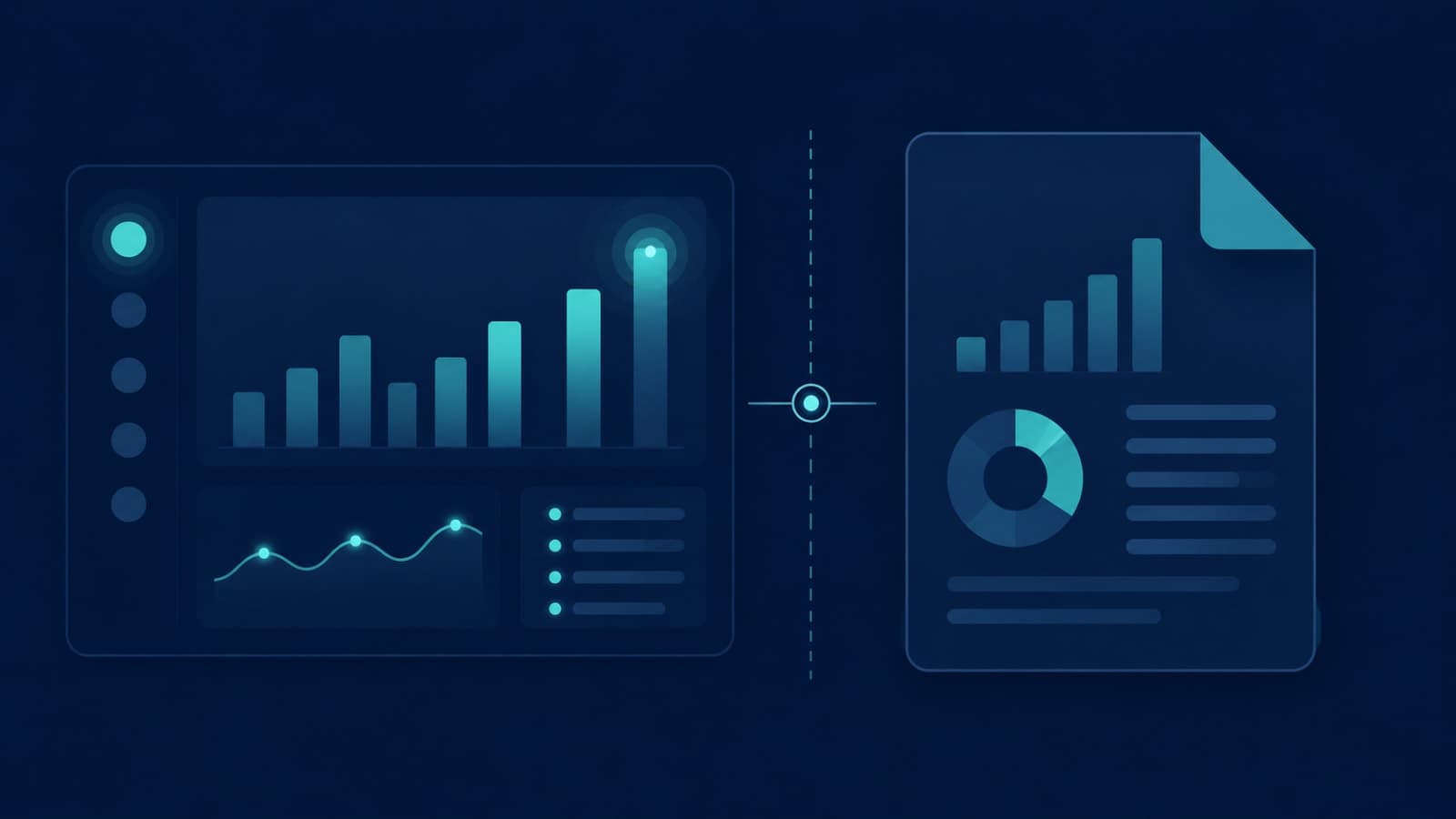
Your support dashboard says 214 open tickets this month. Finance pulls the export for the same month and gets 209. Nobody touched the database. Nobody deleted anything. And yet the two numbers don't agree.
If you've seen this in your own product — a dashboard count that doesn't match a CSV export, or a revenue widget that briefly disagrees with the billing report — you've run into one of the quietest and most misunderstood problems in software: data consistency. It's one of the six systems every SaaS founder doesn't see until something breaks, and it's usually not the bug founders assume it is.
It's Usually Not Corruption — It's Timing
The instinctive reaction is to assume something is broken: a query is wrong, a report is buggy, an intern fat-fingered a filter. Sometimes that's true. But in a lot of cases, both numbers are "correct" — they were just correct at slightly different moments, pulled through slightly different paths.
Modern apps rarely read and write from one single, instantly-updated source of truth. To stay fast at scale, most systems trade a little bit of "always exactly right, always" for a lot of speed and reliability. That trade-off is invisible until two screens disagree in front of a customer — or worse, in front of a board member.
Three Real Reasons Your Numbers Disagree
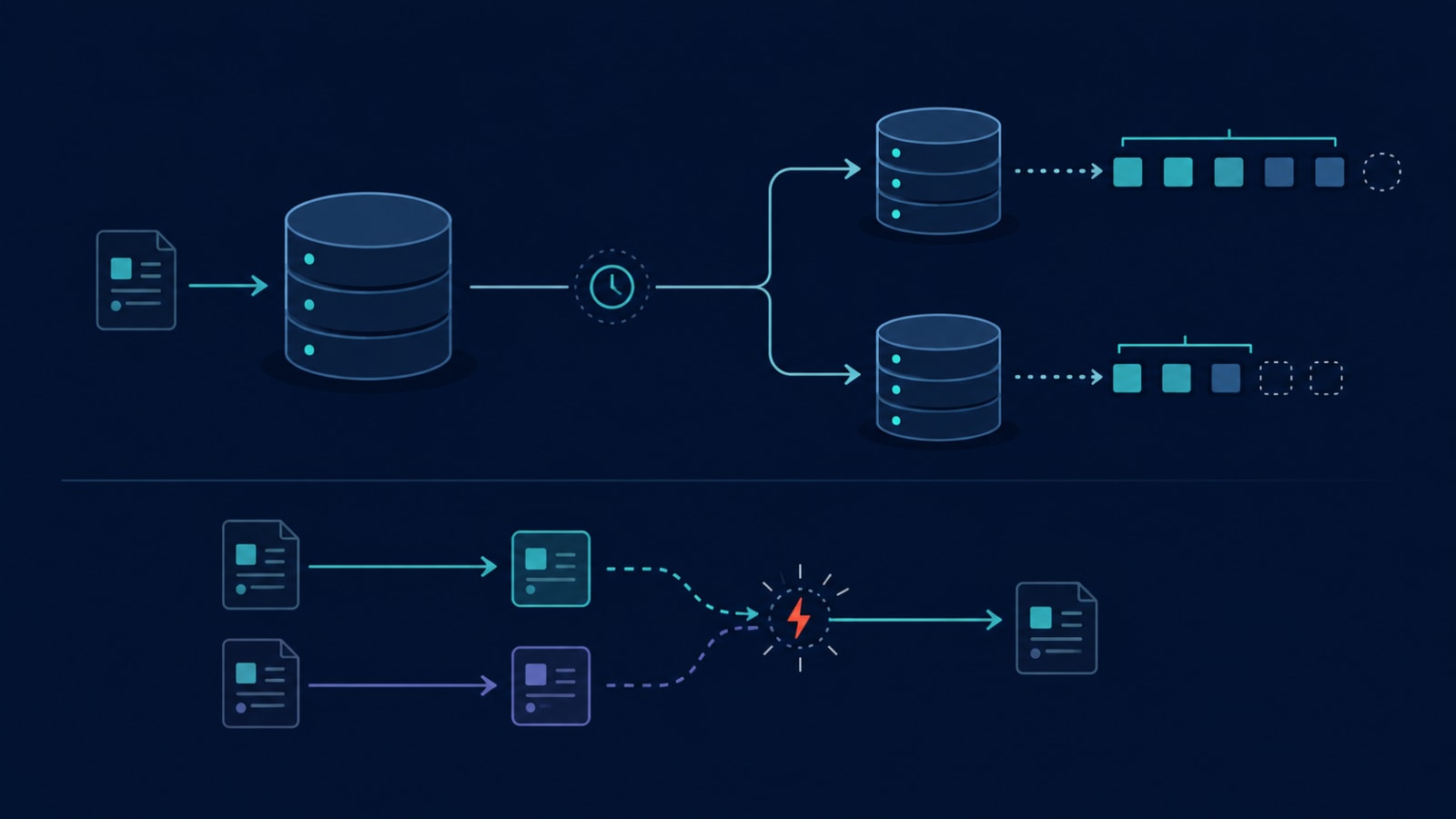
How replication lag and race conditions create two different answers to the same question
1. Replication lag (a.k.a. eventual consistency)
Most SaaS apps don't run every query against one database. They split reads across replicas — copies of the primary database — so heavy reporting queries don't slow down the live app. The catch: replicas update after the primary, usually within milliseconds, but sometimes longer under load. If your dashboard reads from a replica and someone just wrote a new ticket, that replica may not have it yet.
This is called eventual consistency: every copy of the data will agree eventually, just not necessarily right now. It's a deliberate, widely-used trade-off — not a mistake — because forcing every replica to update before any read finishes would make apps meaningfully slower under real traffic.
2. Race conditions between concurrent writes
If two processes update the same record at nearly the same time — a webhook marking a ticket "resolved" while a support agent is also editing it — whichever write lands last usually wins, and the other one can quietly vanish. This is a genuine race condition, and unlike replication lag, it's usually something a dev team can and should design around: locking the record, using optimistic concurrency checks, or making the write logic idempotent so a duplicate or out-of-order update can't silently overwrite newer data. This exact pattern — out-of-order events changing state unpredictably — is also what quietly causes subscription revenue to leak when payment webhooks arrive out of sequence.
3. Different snapshot times and aggregation logic
Even with no lag and no race condition at all, a live dashboard and a scheduled export are often answering two different questions. The dashboard might show "tickets open right now," calculated on the fly. The export might show "tickets that were open as of last night's batch job," calculated by a completely separate aggregation query with its own filters and date-boundary rules. Neither is wrong — they're just not the same question, dressed up to look like the same number.
Why Well-Built Apps Still Do This
This surprises founders because it sounds like something a "better" engineering team would have avoided. In reality, the opposite is often true: strict, always-instant consistency across every screen of an app is possible, but it comes at a real cost in speed and infrastructure complexity, and most products don't need it everywhere.
The right approach isn't "make everything perfectly consistent all the time" — it's deciding, screen by screen, where consistency actually matters. A bank balance after a transfer needs to be right immediately. A "trending this week" widget on an internal dashboard can afford to be a few seconds stale. Good architecture treats these differently on purpose, rather than either over-engineering every read path or leaving every path equally fragile.
This is exactly the kind of decision we design around for clients running financial or transactional workloads — for example, an inventory and billing platform we built for Umiya handles 28 distinct transaction types across four account roles using strict ACID transactions specifically because stock counts and invoice totals can't be allowed to drift, even briefly, while less critical reporting views elsewhere in the same product are allowed to lag by a few seconds.
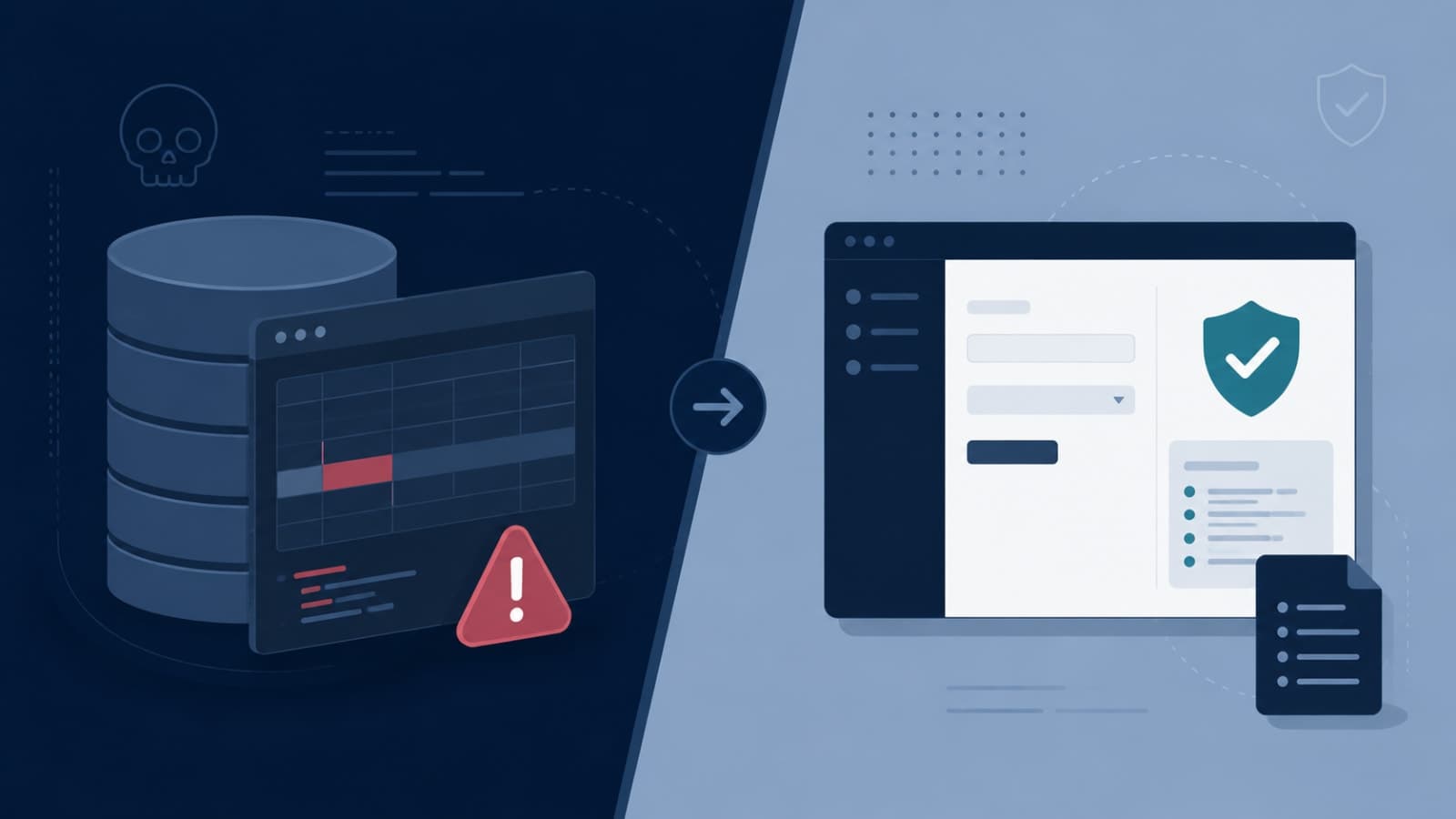
Is It a Bug, or Is It Expected?
Before your team spends a week "fixing" a mismatch, it's worth checking which category it falls into.
Likely expected behavior:
The two numbers converge on their own within seconds or minutes
One source is explicitly a "live" view and the other is a scheduled report
The gap only appears right after high write volume (a busy signup hour, a bulk import)
Likely a genuine data mismatch bug:
The numbers never converge, even hours later
The gap appears on quiet days with no unusual write activity
The same query returns different results twice in a row with no data changing in between
Customer-facing financial totals disagree with the underlying record count
If it's the second list, that's worth escalating — persistent, non-converging mismatches are usually a sign of a real race condition, a broken aggregation job, or customer data being edited directly outside the normal application logic, which skips whatever validation or sync logic would normally keep things aligned.
What to Ask Your Dev Team
You don't need to understand the implementation to ask the right questions:
Which screens read from a replica, and what's our typical replication lag?
Do any of our write paths have a race condition risk — places where two things can update the same record at once?
Are our dashboard and export definitions actually calculating the same thing, or just labeled the same thing?
For financial or count-critical numbers, do we show an "as of" timestamp so users know they're not looking at two different moments in time?
That last one is a small UX fix that solves a surprising amount of founder anxiety: a dashboard that says "as of 2 minutes ago" next to a number reads as trustworthy, even if it's technically a little behind. A dashboard with no timestamp that occasionally disagrees with an export reads as broken, even when the underlying system is working exactly as designed. Getting this right often overlaps with the same discipline behind good dashboard design in general — matching the tool to the question being asked.
How We Approach This at Fall Rise
When we design the backend and API layer for a client's product, deciding where strict consistency is non-negotiable — and where eventual consistency is a smart trade-off — happens early, at the data-modeling stage, not after a customer complains. For SaaS builds with financial, inventory, or subscription data, that usually means transactional guarantees around money and stock, replicas and caching for everything else, and idempotent write logic so retried or out-of-order events can't silently corrupt state.
If your product is showing customers (or your own team) two different versions of the truth, it's worth a proper architecture review before assuming it's "just a bug" — sometimes it is, and sometimes it's a fixable trade-off that was never made deliberately in the first place. Our custom software development team can walk through your current data flow and tell you which one you're dealing with. Get in touch if you'd like a second pair of eyes on it.