Your Field Team Has No Signal: Why Offline Mode Matters for Operations Apps
Basements, warehouses, and rural sites all have one thing in common: no signal. If your field app stops working there, your team goes back to paper. Here's what offline mode should do.
Product Strategyoffline-firstfield-servicemobile-appsoperationsfield-teams3 min read·
The demo worked perfectly in the office. Then your technician walks into a basement plant room, a driver heads down a rural highway, or a stock-taker enters a steel-roofed warehouse, and the app shows a spinning wheel. The form they filled in is gone. So they write it on paper "for now," and "for now" becomes the new process.
For field and operations teams, patchy connectivity isn't an edge case. It's a normal part of the working day. An app that assumes a constant connection will quietly lose to the clipboard.
What goes wrong without offline mode
Lost work: forms, notes, and photos disappear when a save fails.
Duplicate entries: staff retry, and the system receives the same job update twice.
Delayed billing: job completion isn't recorded until someone gets back to signal, or back to the office.
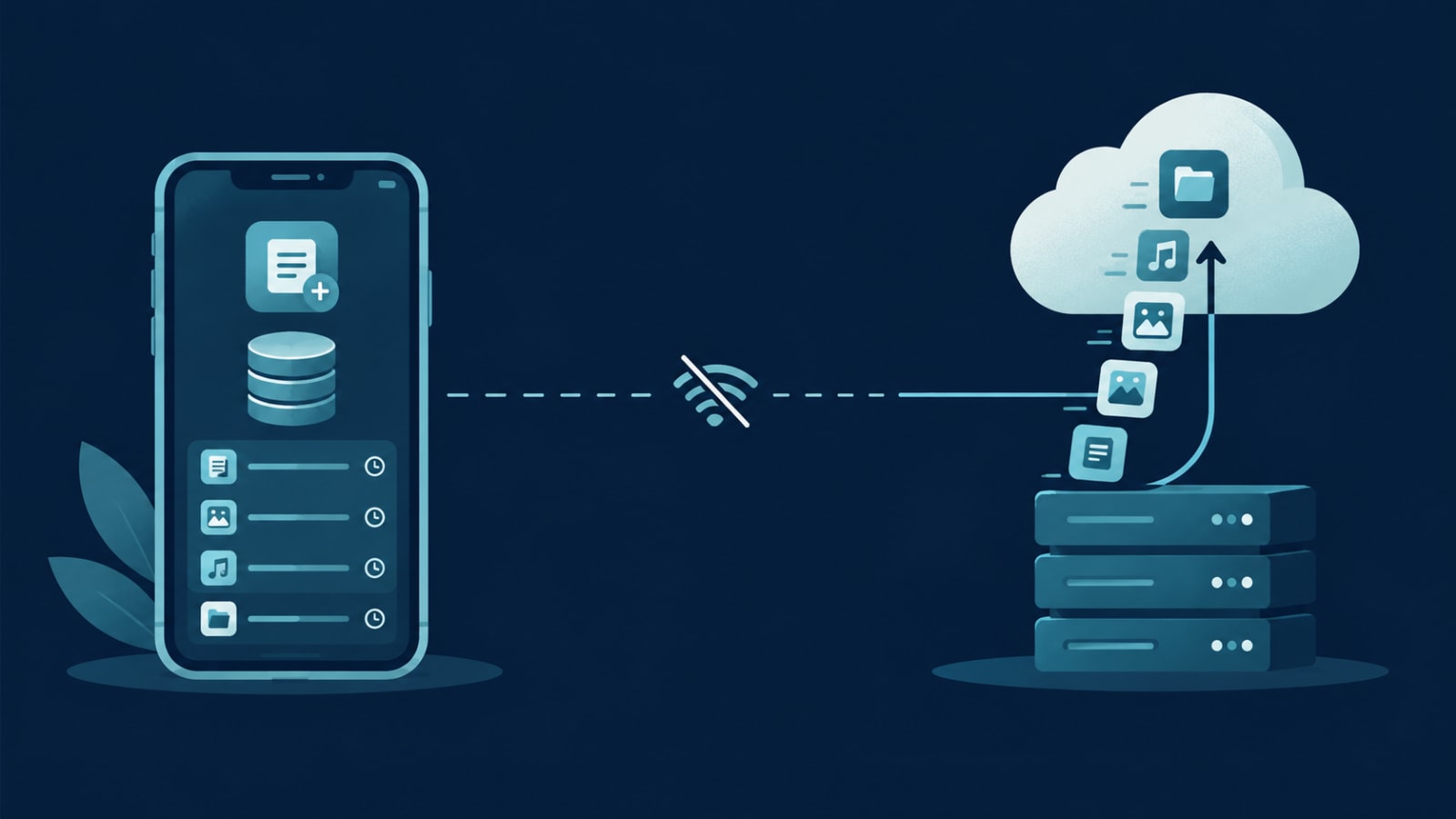
In an offline-first app, every action saves to the phone first, instantly, whether or not there's signal. The app then syncs with the server in the background whenever a connection is available. The user never waits on the network to do their job.
It's how FieldOps handles technicians on site: updates, photos, and notes are queued on the device and sync the moment connectivity returns. Our Stashbill billing app works offline for the same reason: a shop can't stop selling because the internet dropped.
What should work offline
Today's jobs, addresses, and customer details (downloaded in advance)
Checklists, forms, and notes
Photos and customer signatures
Status updates: arrived, started, completed
Parts or materials used
Barcode scanning against a local product list
What usually needs a connection
Taking live card payments (though some terminals can store transactions offline)
Checking live stock across other locations
Real-time location tracking for dispatch
Anything that must be confirmed instantly by someone else
The skill is deciding which is which for your operation, and making the app clear about it.
The hard part: syncing safely
Offline mode is easy to promise and harder to build well. A good implementation handles:
Conflicts: if the office and the technician both change the same job while offline, clear rules decide which change wins, or flag it for a person.
Duplicates: each offline action carries a unique ID, so a retry is never processed twice.
Order: updates are applied in the sequence they happened.
Visibility: a simple indicator shows what's synced and what's waiting, so users trust the app.
Storage: photos are compressed and uploaded in the background without filling the phone.
Offline support shapes how an app stores and syncs data from the ground up. Adding it later often means reworking large parts of the app, so decide which screens need it before development starts. Cross-platform frameworks like Flutter handle local storage well; see our Flutter cost breakdown for budgeting.
Does your team lose work when the signal drops? We build field-ready mobile apps that keep working wherever your team does. Tell us where your team works.