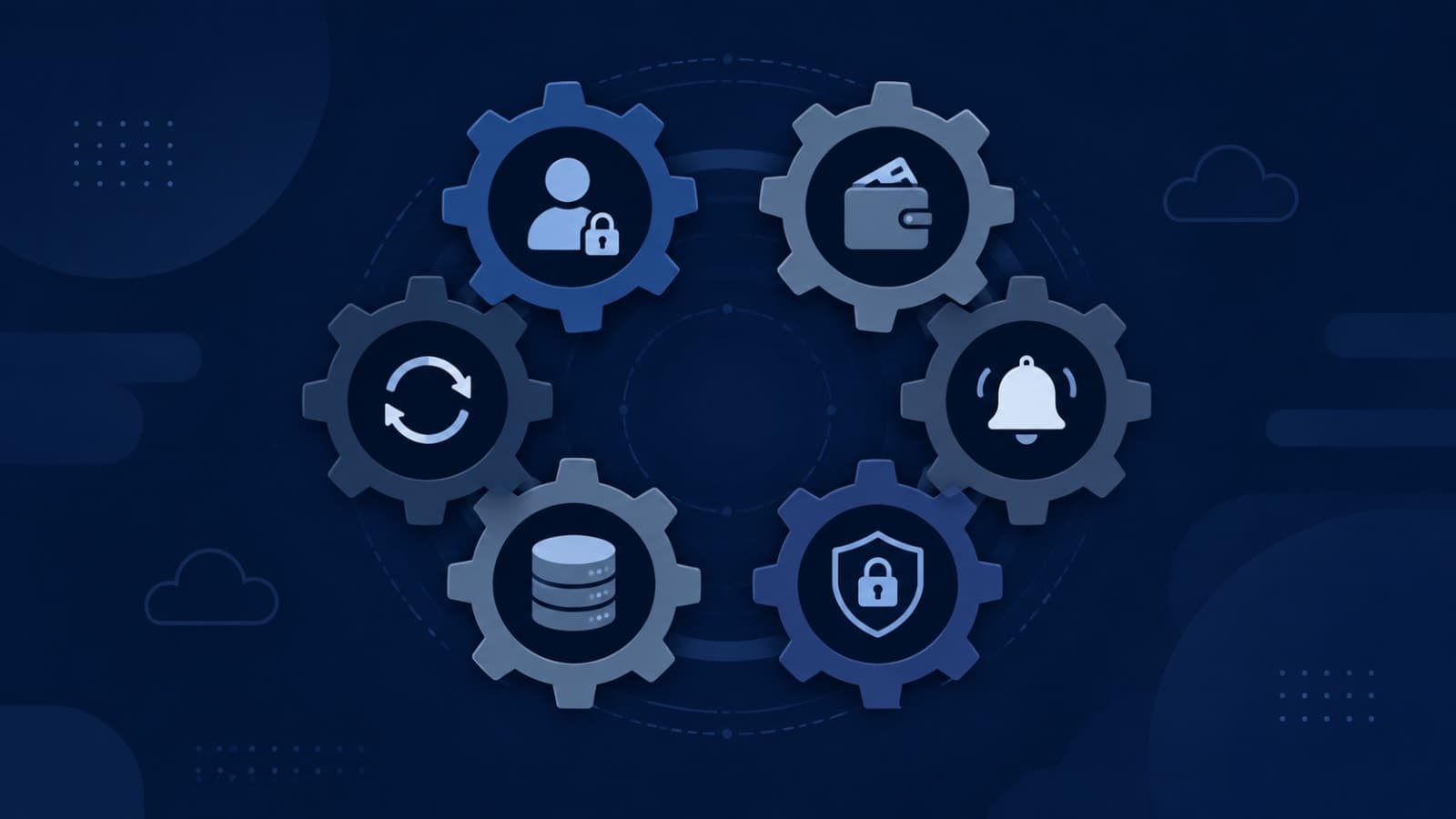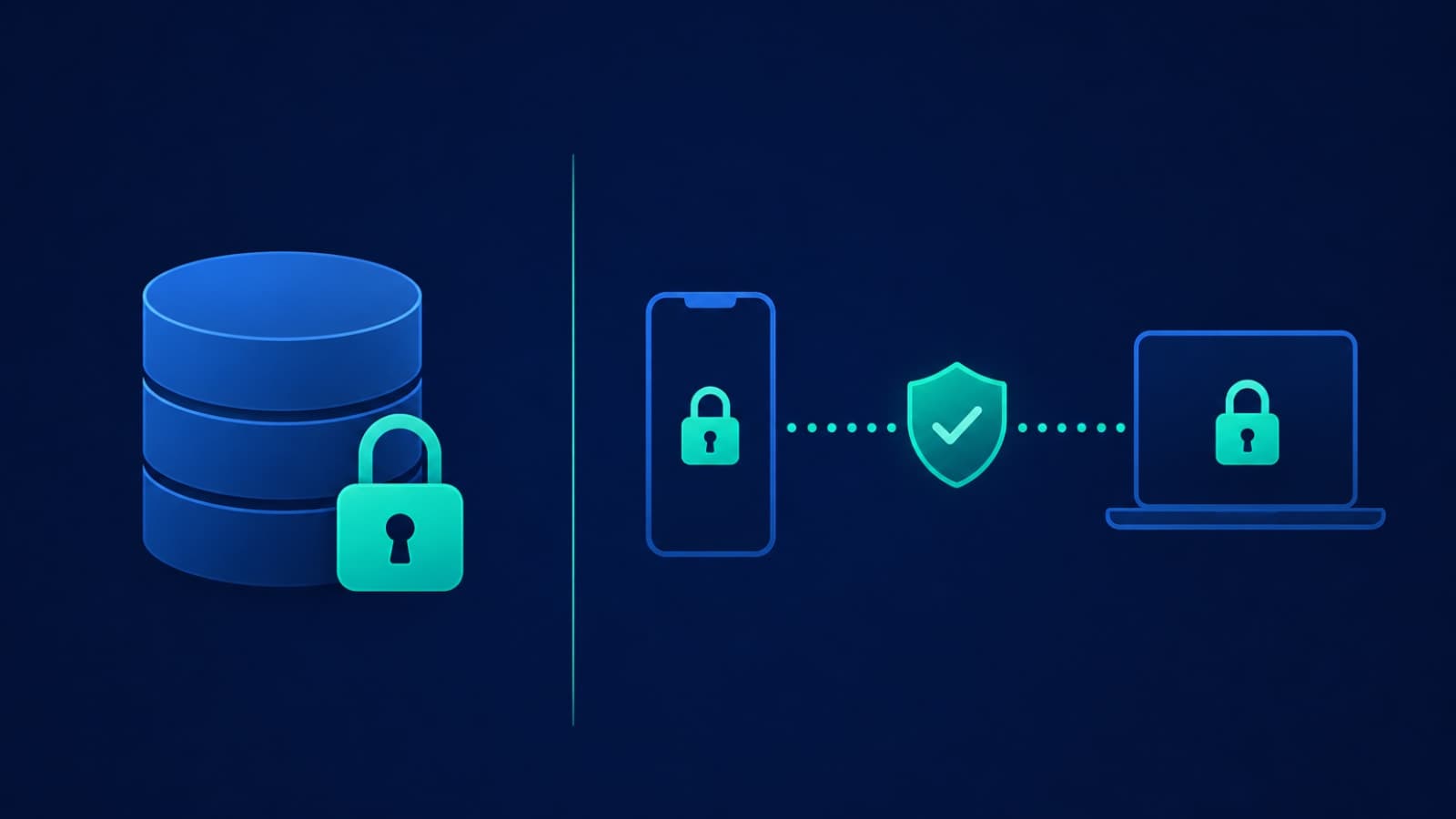
An enterprise prospect sends over a 60-question security review, and question four reads: "Is customer data encrypted?" You answer yes, confidently, because your cloud provider handles it by default. Two weeks later the deal stalls anyway — not because the answer was wrong, but because it was incomplete. "Encrypted" is not one fact about your system. It's shorthand for several separate controls, each protecting against a different way data actually gets stolen, and a security reviewer who's seen a hundred of these questionnaires knows the difference immediately. Encryption is also one of the six systems we covered in the six systems every SaaS founder doesn't see until something breaks — this post is the deep dive on that one piece.
Encryption at Rest: What It Actually Protects Against
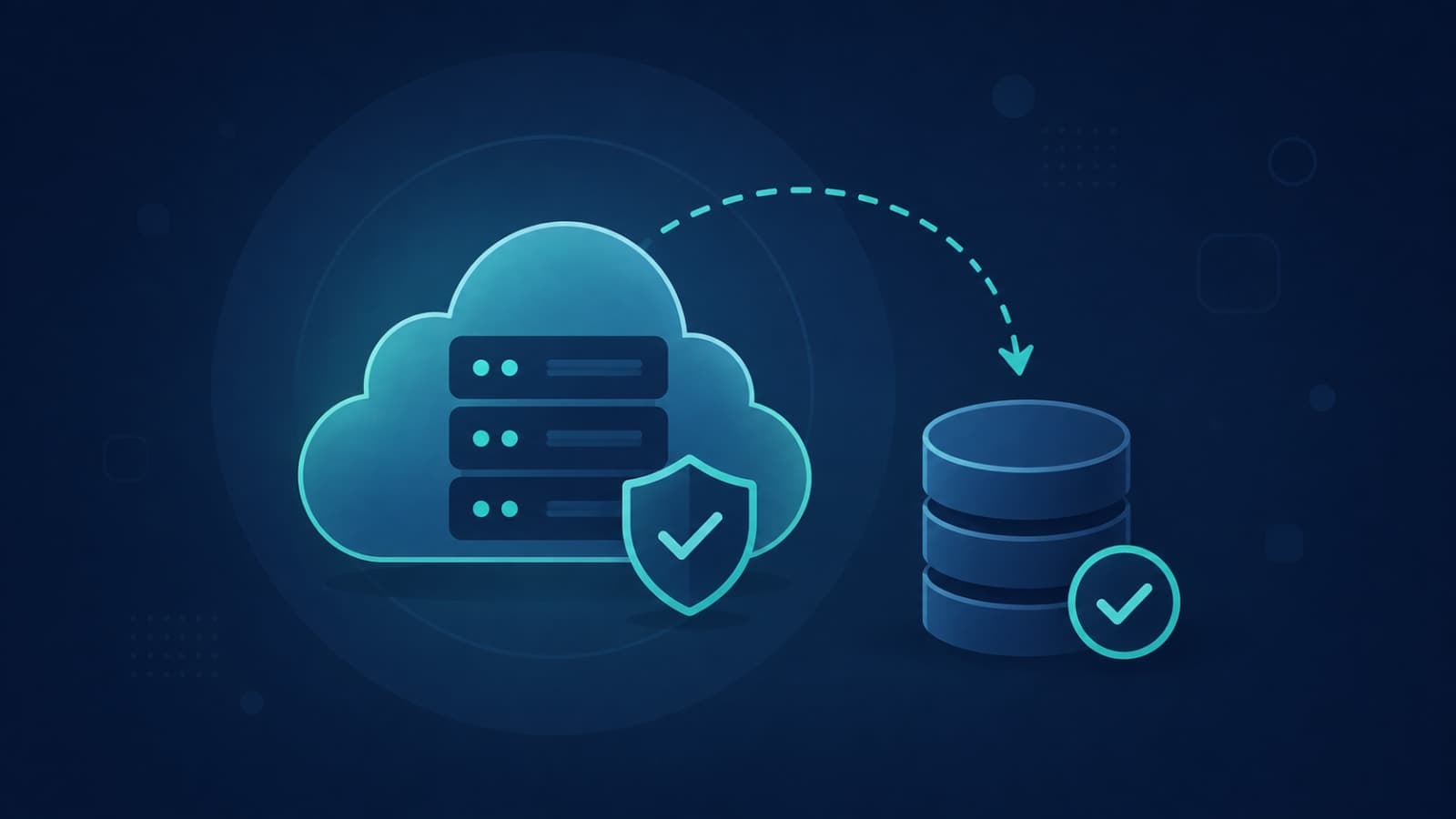
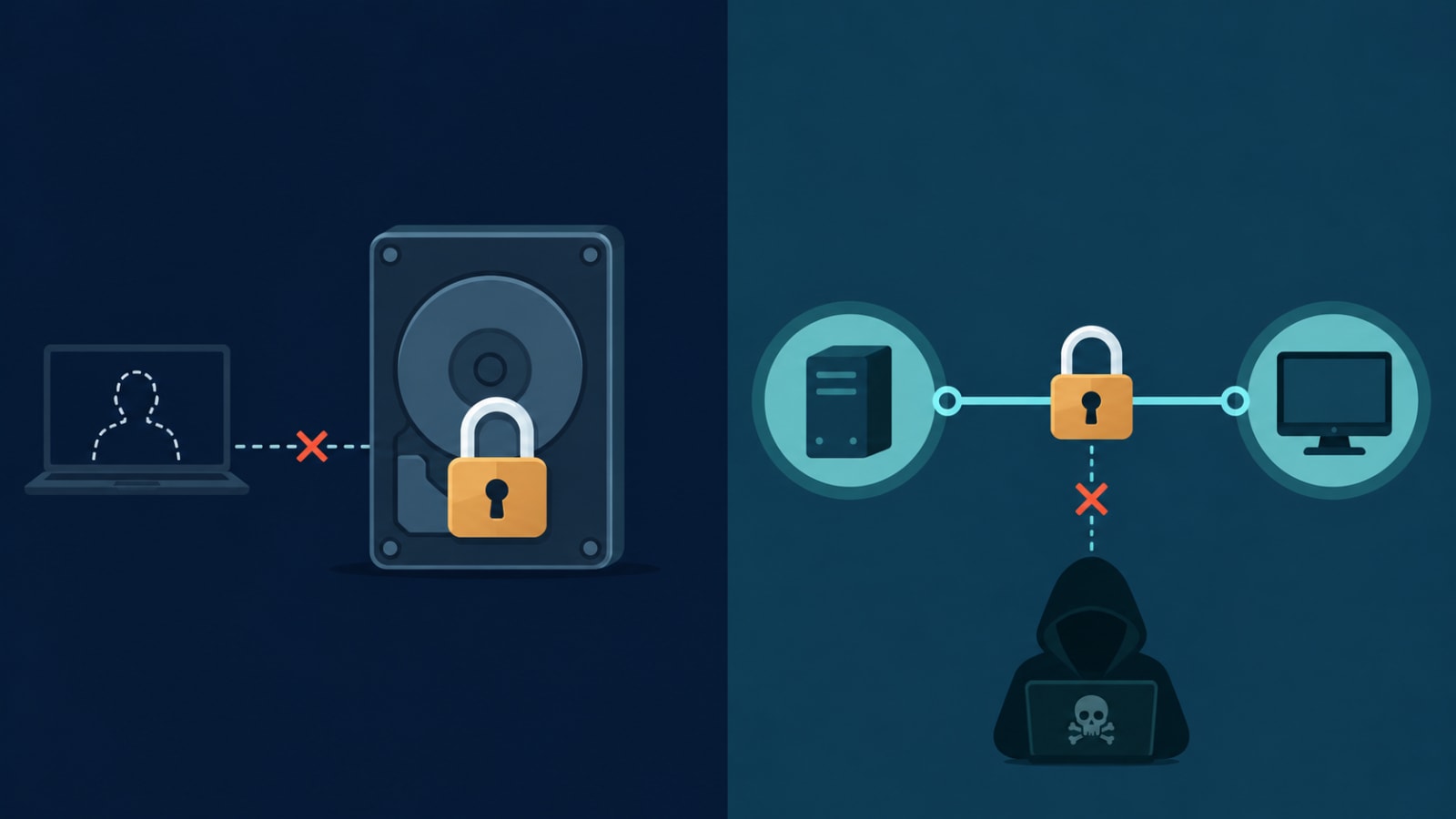
Encryption at rest means data is unreadable while it's sitting still — in a database, a file store, a backup, or on a disk. The standard here is AES-256, and it's genuinely solved: cheap, fast, and enabled by default on most managed databases and cloud storage today. What it defends against is specific: someone stealing a physical drive, copying a backup file, or reading raw storage after a misconfigured cloud bucket is exposed. Without it, a stolen laptop or a leaked backup tape hands over every record in plain text.
This is also the part every cloud provider markets heavily, because it's genuinely easy to enable — which is exactly why "we encrypt everything" has become a reflexive, low-value answer. Turning on at-rest encryption is close to a checkbox at this point; it's necessary, but it was never the hard part of data security.
Encryption in Transit: A Completely Different Job
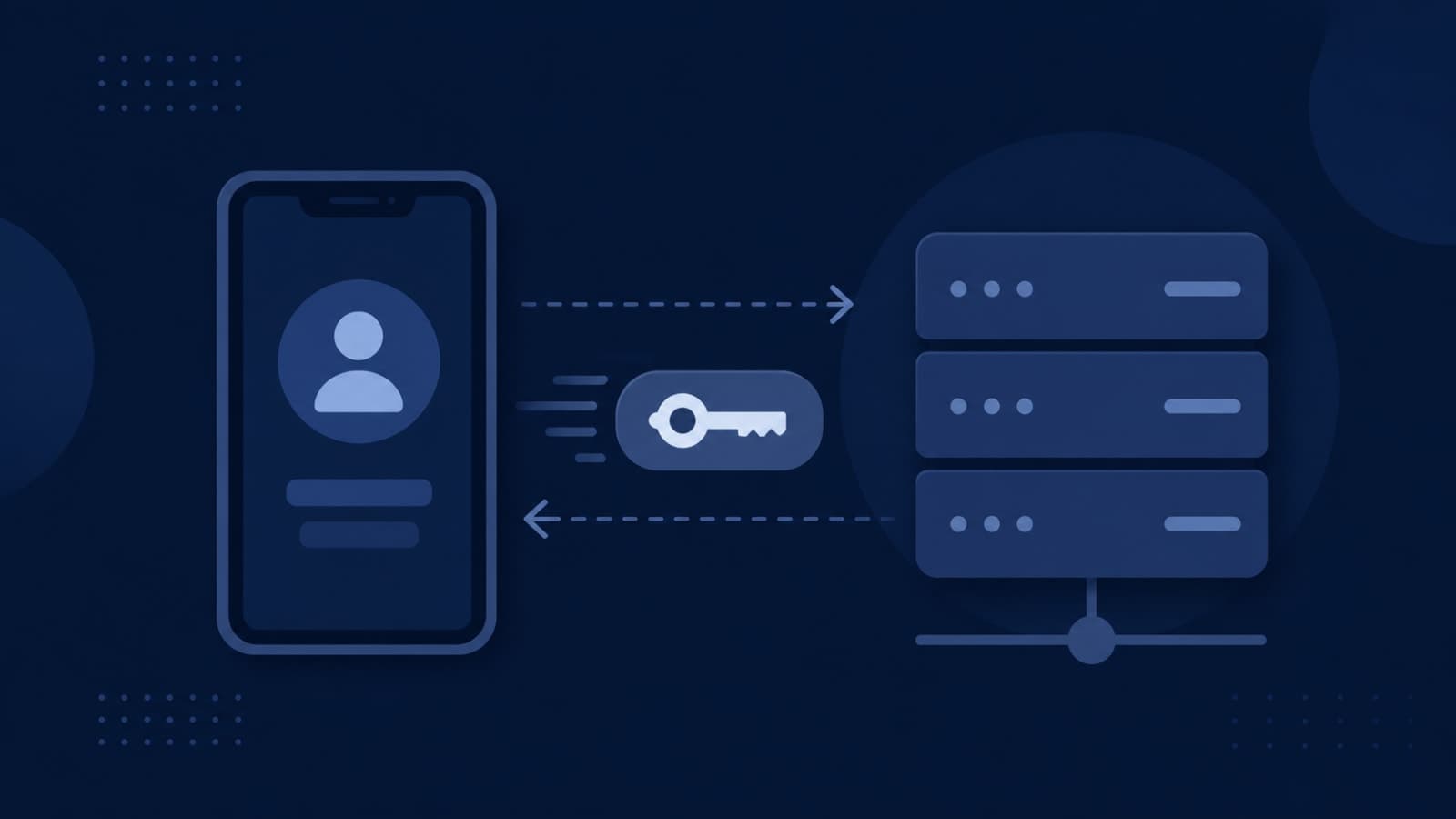
Encryption in transit protects data while it's moving — between a user's browser and your server, between two of your own microservices, or from your app to a third-party API. The mechanism is TLS, the protocol behind the padlock icon in every browser address bar. It defends against a different attacker entirely: someone intercepting traffic on the network, a man-in-the-middle attack on public Wi-Fi, or a compromised router silently reading unencrypted API calls.
The login moment is the clearest example of why this matters: the credentials and the session token your app issues afterward both cross the network in that request, so if that connection isn't encrypted, the rest of your authentication design doesn't matter. We go deeper into what actually happens at that moment — and why it's a bigger decision than it looks — in what happens when someone logs into your app.
The critical thing to understand is that at-rest and in-transit encryption solve unrelated problems. A perfectly encrypted database is no defence against an intercepted API call over plain HTTP, and a flawless TLS setup does nothing if someone walks off with an unencrypted backup. Most real breaches happen because one of these two was left unprotected, not because either was broken outright — which is exactly why "is your data encrypted" is really two separate questions wearing one sentence.
What "We Encrypt Everything" Doesn't Cover
This is the part that actually determines whether your security answer holds up under scrutiny. Encryption at rest and in transit are both necessary, both now inexpensive, and both completely silent on several of the ways data actually leaks in practice.
- Valid credentials, wrong hands — encryption doesn't distinguish between your application reading its own database and an attacker who's stolen an API key or a compromised login. To a system with the right credentials, the data is already decrypted; this is an authentication and access-control problem, not an encryption one
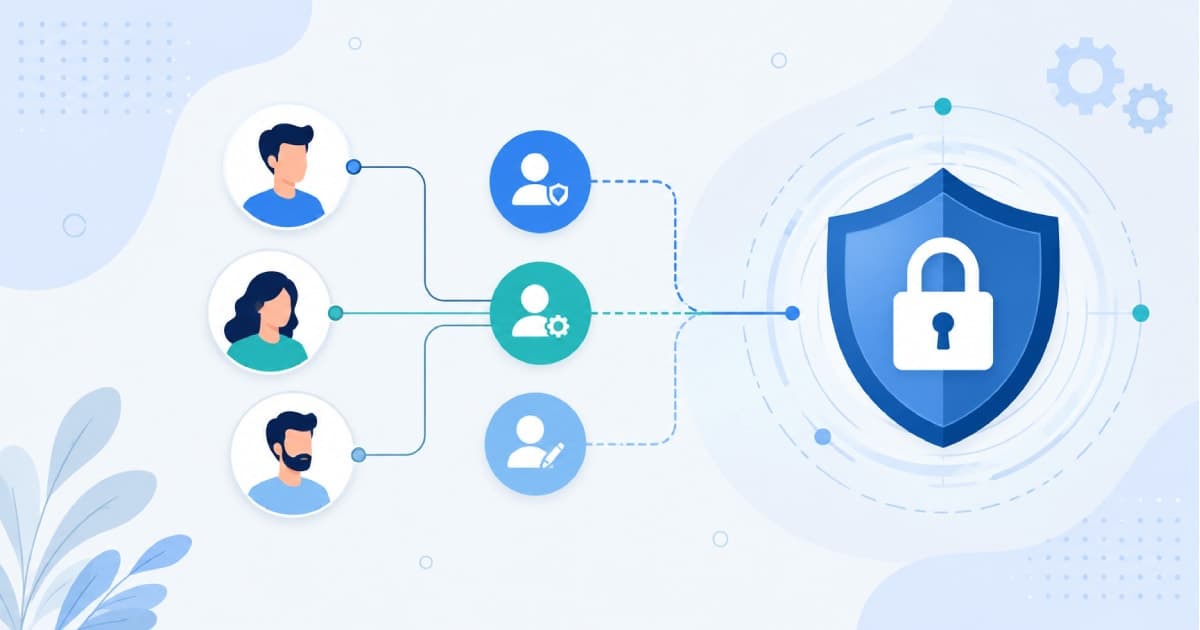
- Broken authorization inside the app — a user who can see another user's data by changing an ID in a URL (an IDOR bug) is being served correctly decrypted data by a working, encrypted system. This is exactly the gap that proper role-based access control closes, which we cover in depth in our guide to how role-based access control (RBAC) works
- Data in use — the moment your application actually processes a record, it exists as plaintext in memory. Confidential computing techniques (hardware secure enclaves, homomorphic encryption) are starting to close this gap, but they're still specialist tools for the most sensitive workloads, not something most SaaS products need yet
- Insider access — an employee or contractor with legitimate database access can read encrypted-at-rest data just fine once it's queried; encryption protects against outsiders and stolen media, not against who inside your own team can see what
- Data recovery — encryption keeps data private, it doesn't keep it available. A ransomware attack, an accidental deletion, or a botched migration can destroy encrypted data just as completely as unencrypted data. That's a backup and disaster-recovery problem, which we've written about separately in whether your hosting provider is actually handling your backups
Key Management Is the Part Most Answers Skip
There's one more gap worth naming specifically, because reviewers ask about it directly: where do the encryption keys themselves live? If a key sits right next to the data it protects — same server, same database, hardcoded in application code — encryption provides close to no protection against someone who compromises that server, because they get the key and the ciphertext together. A cloud key management service (KMS) that separates keys from application code, supports rotation, and logs every access is what turns "we encrypt our data" from a marketing line into an actual control an auditor can verify.
Why This Matters More at the Enterprise Deal Stage
Non-technical founders usually meet this gap for the first time when a mid-market or enterprise prospect sends a security questionnaire before signing. These forms almost always ask about encryption at rest and in transit as separate line items, alongside access control, key rotation, backup testing, and incident response — because the reviewer already knows "encrypted" alone tells them nothing about which attack scenarios you're actually covered against.
A vague "yes, we encrypt everything" reads as a red flag precisely because it's vague. A specific answer — "data at rest is encrypted with AES-256 via our cloud provider's KMS with automatic key rotation, and all traffic runs over TLS 1.2 or higher" — reads as a team that actually understands its own architecture, and it usually clears the question in one line instead of triggering three follow-up emails.
What a Complete Answer Actually Looks Like
- State the standard for each state separately: AES-256 for data at rest, TLS 1.2+ (ideally 1.3) for data in transit
- Name where encryption keys live and how they're managed — a cloud KMS with rotation, not a key baked into code or config
- Point to your access control model (who can see what, and how that's enforced) as the separate control that covers authorization, not encryption
- Reference your backup and recovery process as the separate control that covers availability, not encryption
- If you have a SOC 2 report or equivalent, lead with it — third-party attestation answers most of a questionnaire in one attachment and carries more weight than any self-written paragraph
Encryption answers "can someone read this if they steal it." It was never meant to answer "can someone who's already inside get to it," and a security reviewer is checking both.
How We Approach This at Fall Rise
We build encryption in as a default, not an add-on: TLS across every connection, at-rest encryption via the cloud provider's key management service rather than application-managed keys, and role-based access sitting on top so encryption and authorization are handled as the two separate controls they actually are. On Umiya Inventory, our cloud inventory and billing platform, this combination matters directly — four distinct account roles and 28 transaction types running on ACID-compliant transactions across AWS and Kubernetes, where encrypted-at-rest financial data still has to be scoped correctly per role so the right person sees the right transaction and nothing else.
If you're scoping a new build, or trying to answer your first enterprise security questionnaire honestly rather than generically, this is exactly the kind of architecture conversation we have early through our backend API development and hosting and deployment work, so it's designed in from day one rather than retrofitted under deal pressure.
"Your data is encrypted" is true and incomplete at the same time. At-rest and in-transit encryption are table stakes now — cheap, standard, and expected. What separates a startup that clears enterprise security review from one that stalls in it is whether the team can name the other controls encryption was never meant to cover: who has access, how keys are managed, and whether the data can actually be recovered if something goes wrong. If you want a second opinion on where your own architecture stands, get in touch with Fall Rise and we'll walk through it with you.