How Good Systems Handle Mis-Inputs: 10 Data Entry Safeguards That Actually Work
People will always mistype, double-click, and paste the wrong thing. Good software expects it. Here are 10 data entry safeguards to ask for in any system you build or buy.
Product Strategydata-validationdata-qualitydata-entryuxbusiness-software4 min read·
Somebody will type 1,000 instead of 10. Somebody will create a second account for a customer who already exists. Somebody will double-tap "Submit" on a slow connection. These aren't signs of a bad team; they're what happens when real people use software under real pressure.
The difference between systems that stay clean and systems that rot is whether the software was designed to expect mistakes. In our last post we looked at what bad data costs a business. This one covers the fix: ten safeguards to ask for in any system you build or buy.
Stop the mistake before it's typed
1. Constrain the input
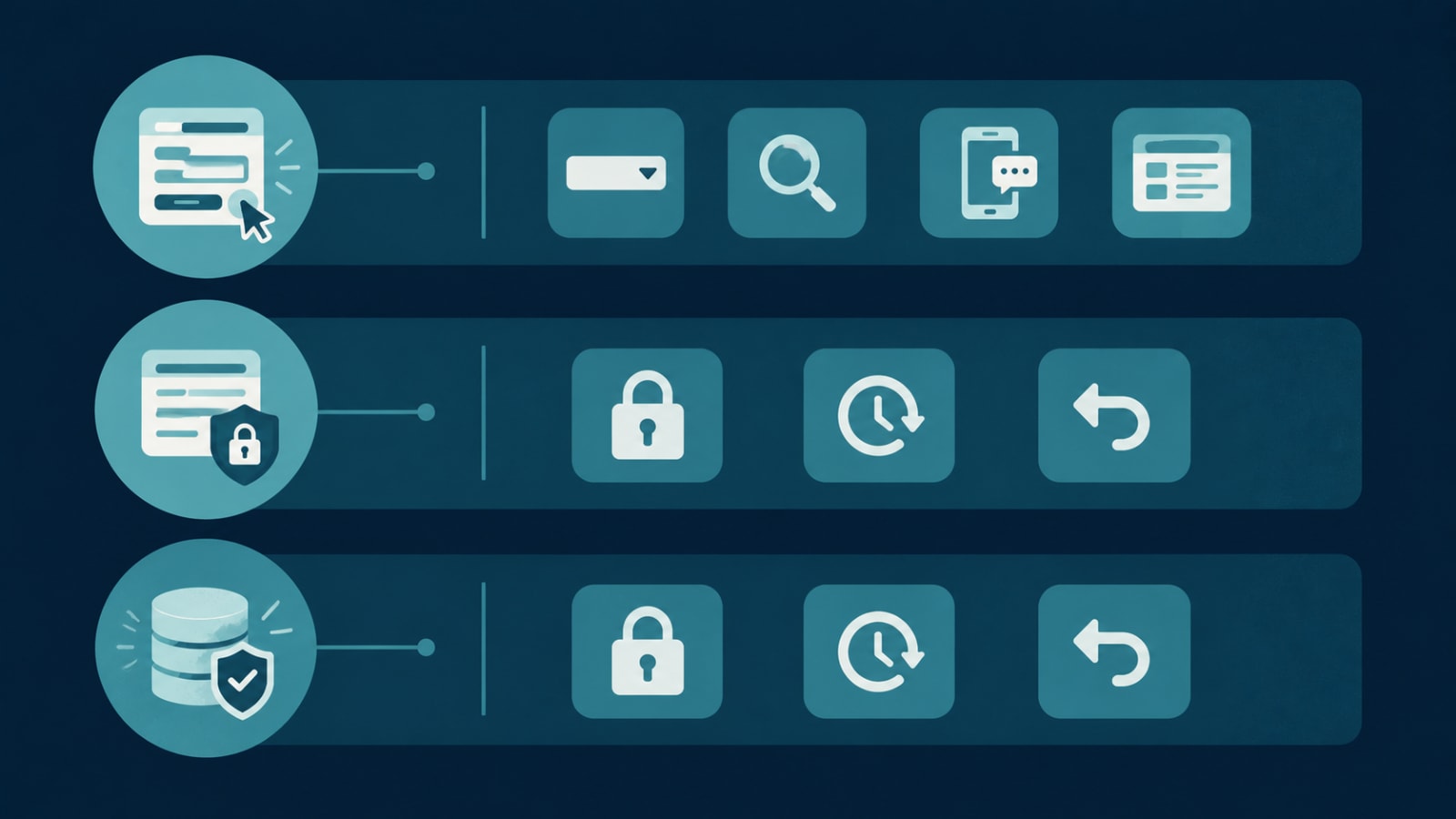
Every free-text field is an invitation to inconsistency. Dropdowns for categories, date pickers for dates, masked fields for phone numbers, and toggles for yes/no. If there are only five valid answers, don't let anyone type a sixth.
2. Look it up instead of typing it
Choosing a customer, product, or address from a searchable list (or address autocomplete) is faster and more accurate than typing it again. It also keeps records linked to one master copy.
3. Catch duplicates as they happen
When someone starts adding "Acme Ltd" and "ACME Limited" already exists, the form should say so and offer to open the existing record. Matching on phone, email, or tax ID catches most duplicates.
Check it before it's saved
4. Validate on screen, then again on the server
On-screen checks give instant feedback. But apps, imports, and integrations can bypass the screen, so the backend must re-check every rule before anything is stored. If validation only lives in the form, it isn't really validation.
5. Warn on unusual values
Not every odd number is wrong, but it deserves a second look. "This order is 50× larger than this customer's average. Continue?" A soft warning catches the extra zero without blocking genuine big orders.
6. Verify contact details
A one-time code sent to a phone or email proves it's real before it's relied on. It's how the Stallion Eyewear field app only admits pre-registered numbers. We compare the tools in our verification tools guide.
7. Validate imports with a preview
Spreadsheet uploads should show a preview with errors flagged row by row (missing fields, bad formats, likely duplicates) before a single record is written.
Make mistakes recoverable
8. Save all-or-nothing
An order that deducts stock but fails to create the invoice is worse than no order at all. Related changes should succeed or fail together. That's what ACID transactions guarantee. The same idea blocks the double-tap: the system should recognise a repeated submission and process it once.
9. Control who can change what
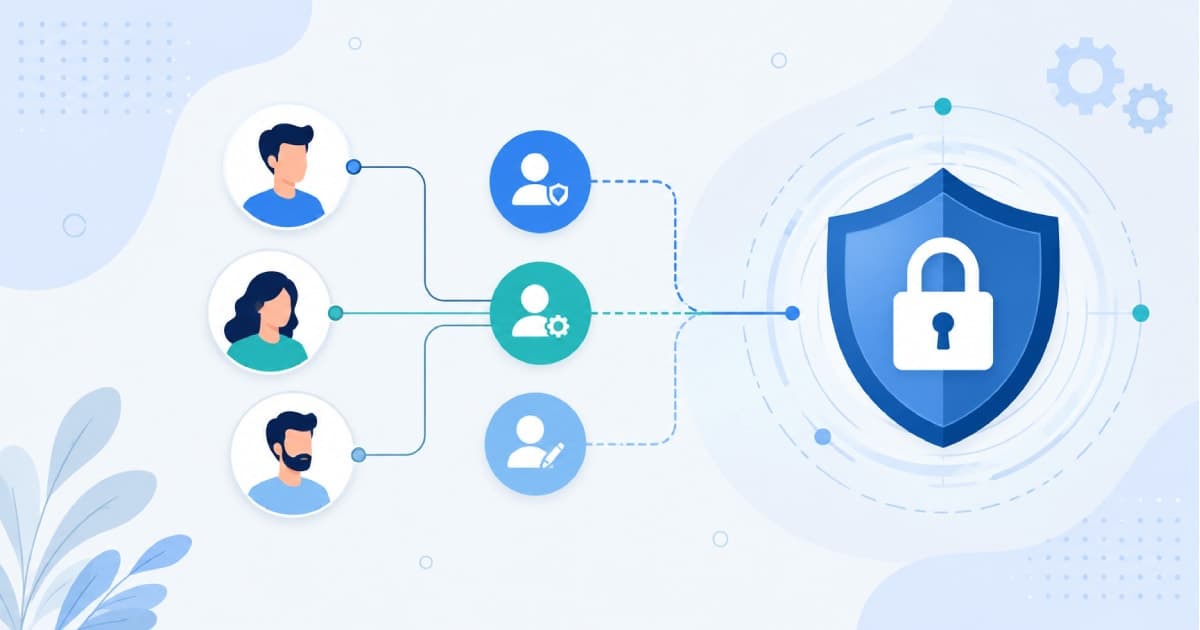
Not everyone should be able to edit prices, delete customers, or change a posted invoice. Role-based access control limits the damage any one mistake can do, and sensitive edits can require an approval.
10. Keep an audit trail and an undo
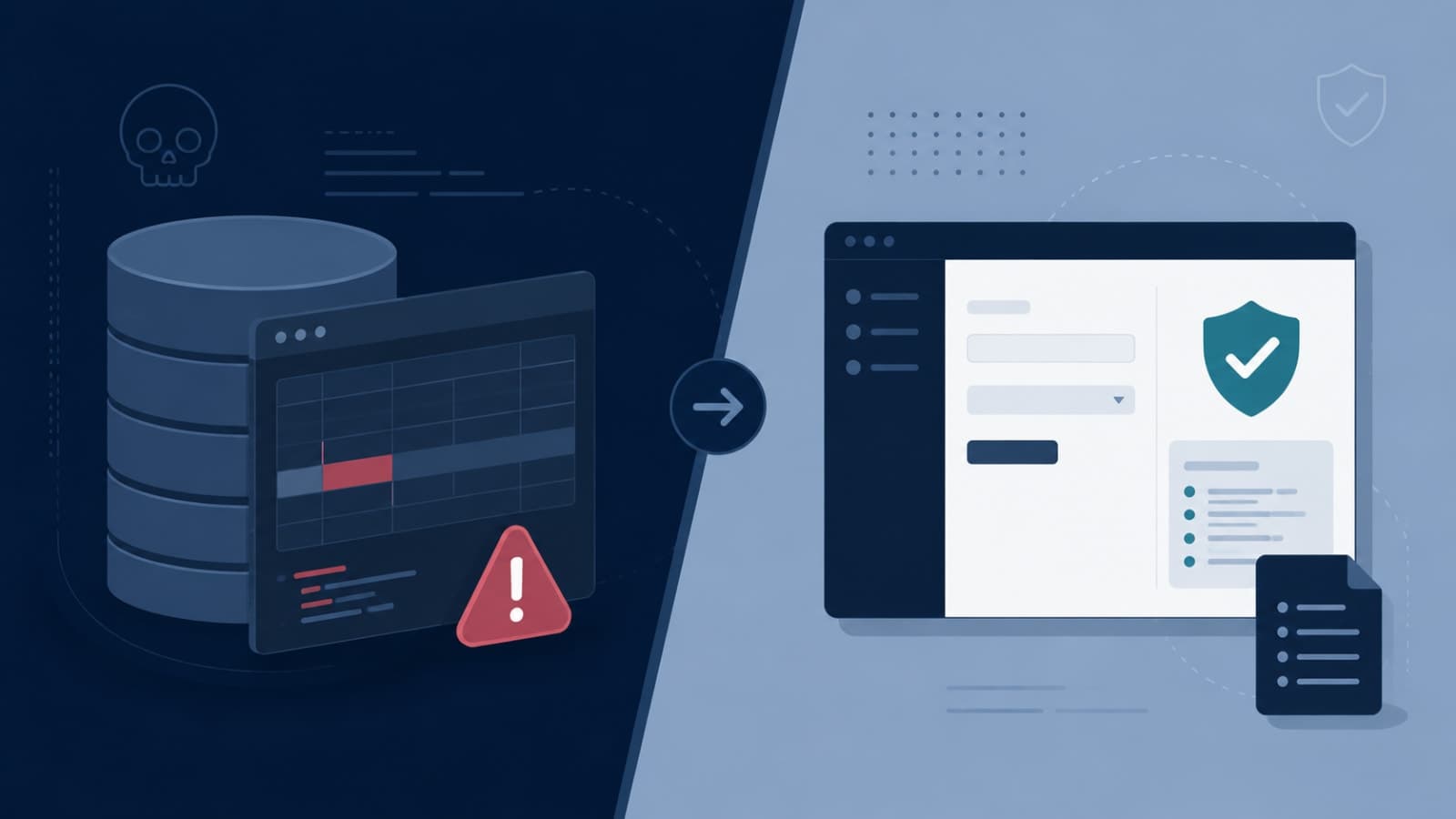
Record who changed what, when, and from what value. Prefer "archive" over permanent delete. When a mistake does slip through, you can see exactly what happened and reverse it in minutes, instead of the risky direct database fixes we warn about in this post.
Good error messages matter too
"Invalid input" helps nobody. "Phone number should have 10 digits. You entered 9" gets fixed in seconds. Clear, specific messages placed next to the field are a safeguard in their own right.
A quick checklist for your next system
Are categories and statuses picked from a list, not typed?
Does the system warn about likely duplicates?
Are rules enforced on the server, not only the form?
Do unusual quantities or amounts trigger a confirmation?
Are imports previewed and validated before saving?