How Much Bad Data Is Costing Your Business (and How to Stop It at Entry)
A typo in an address or a duplicate customer looks harmless until it becomes a failed delivery or a double invoice. Here's how to estimate what bad data costs you, and why fixing it at entry is cheapest.
Businessdata-qualitybad-dataoperationsdata-entrybusiness-systems4 min read·
Bad data rarely announces itself. It shows up as a delivery that went to last year's address, a customer invoiced twice because they exist in the system as "Acme Ltd" and "ACME Limited", or a stock count that says 40 when the shelf holds 4. Each incident looks like a one-off mistake. Added together, they're one of the most expensive problems most businesses never measure.
Gartner estimates that poor data quality costs organisations at least $12.9 million a year on average. You're probably not an enterprise, but the proportions hold: a smaller business just feels it as wasted hours, unhappy customers, and decisions made on wrong numbers.
The 1-10-100 rule
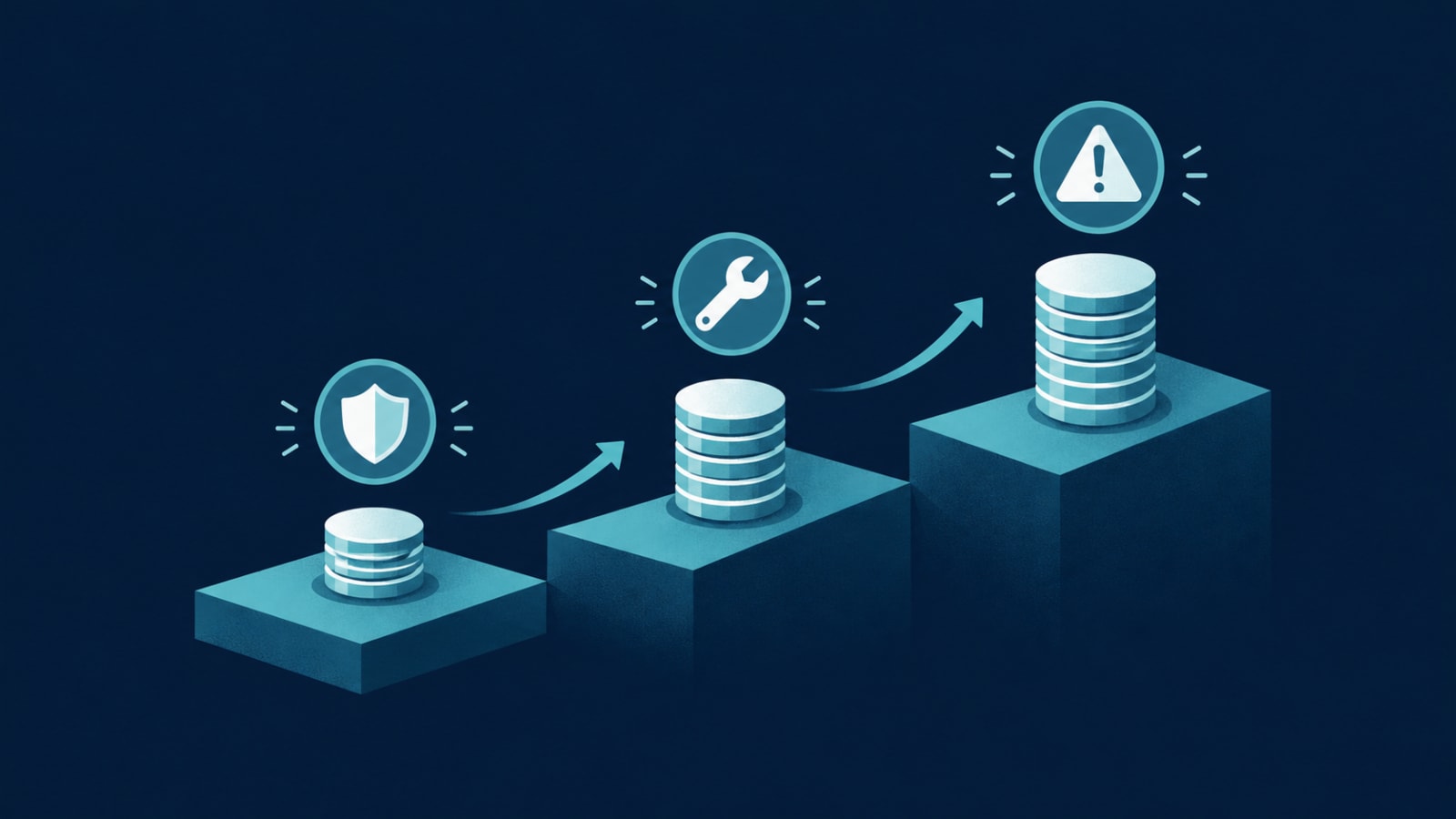
The quality-management rule of thumb popularised by George Labovitz and Yu Sang Chang puts it simply:
$1 to prevent a bad record at the point of entry
$10 to find and correct it later
$100 if nobody catches it and it causes a failure: a wrong shipment, a compliance issue, a lost customer
The exact figures are illustrative, but the lesson is reliable: every step a bad record travels makes it more expensive.
What bad data actually costs, in everyday terms
Bad data
What it turns into
Wrong or incomplete address
Failed delivery, re-dispatch cost, angry customer
Duplicate customer record
Double invoices, missed follow-ups, wrong lifetime value
Wrong unit (box vs. piece)
Stock mismatch, short orders, write-offs
Typo in a tax or registration number
Rejected invoices, compliance rework
Mistyped phone or email
Failed OTPs, undelivered notifications, lost leads
Free-text status or category
Reports that can't be trusted, decisions made on guesswork
Estimate your own cost in 15 minutes
List the 3–5 data mistakes your team complains about most.
For each, estimate how often it happens per month.
Estimate the cost of one incident: staff time to fix it, re-delivery, refund, discount, or lost order.
Multiply and add them up. Then add the time your team spends checking data because they don't trust it.
Most owners who do this are surprised. Ten failed deliveries at $40 each, twenty duplicate-record mix-ups at 30 minutes each, and a weekly half-day of reconciliation quickly adds up to several thousand dollars a month.
Where bad data gets in
Manual entry, especially rushed entry on mobile or over the phone
Free-text fields where a dropdown or lookup should exist
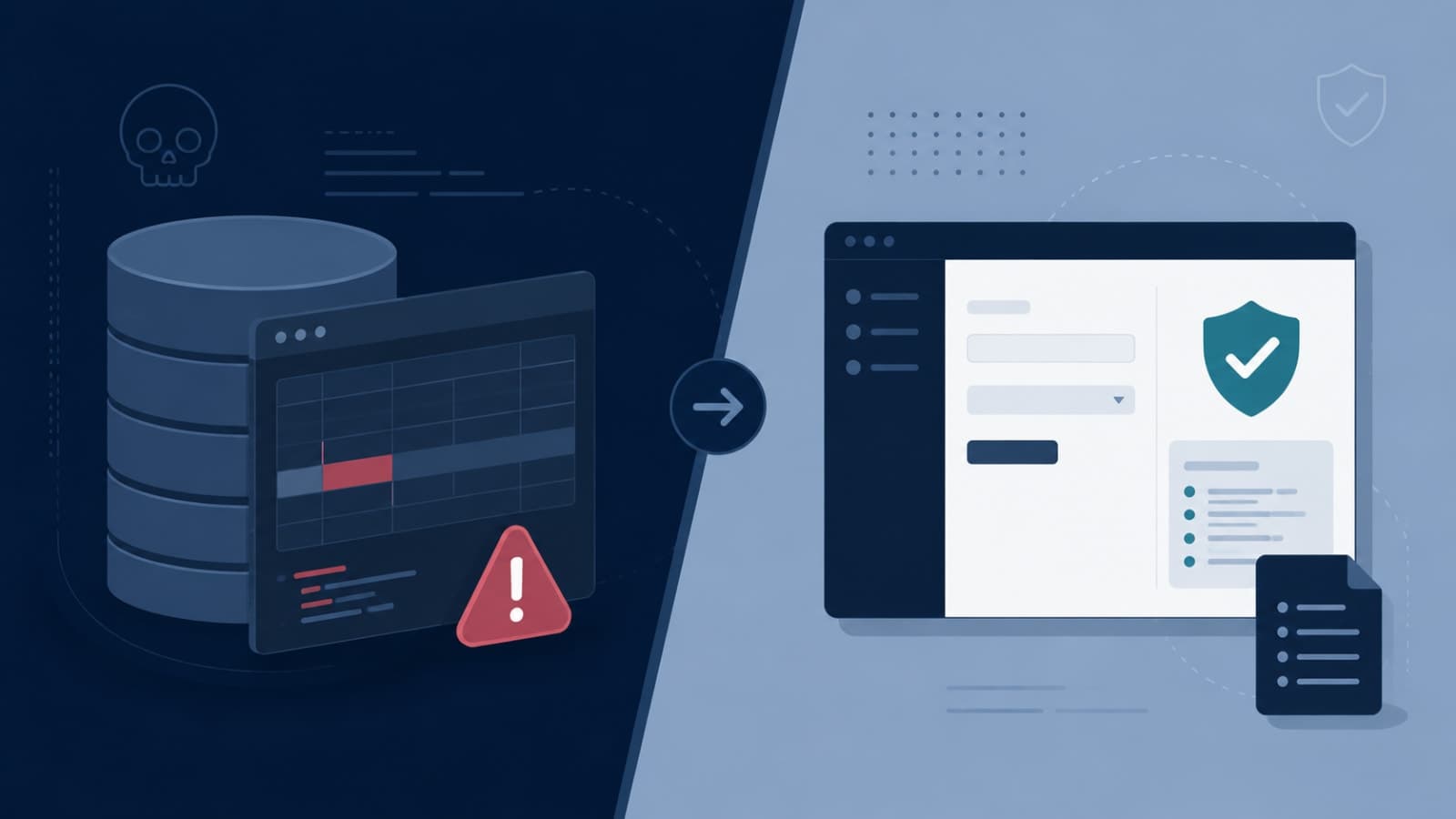
Clean-up projects feel productive, but they treat the symptom. Six months later the duplicates are back. The durable fix is to make the system itself refuse bad data: validate formats, offer lookups instead of free text, detect duplicates as they're typed, and record every change with who made it and when.
It's the same principle that keeps stock and billing in step in systems like Umiya Inventory, where every movement is a recorded, validated transaction rather than an editable cell. If your inventory and invoices still drift apart, here's where spreadsheets usually break. We'll cover the specific entry safeguards good systems use in our next post in this series.
Start with one number
You don't need a data-governance programme. Pick the single most expensive data mistake from your list, measure how often it happens, and fix it at the point of entry. Then move to the next one.
Want to know what bad data is costing you? Our custom software and backend development teams build systems that stop errors where they start. Tell us your top three data headaches and we'll suggest where to begin.