

Most teams treat launch day as the finish line. The site goes live, the client signs off, everyone moves on. Then three months later someone asks why the site still isn't showing up on Google, and the honest answer is usually: nobody looked. Search Console and Bing Webmaster Tools are not a one-time setup task — they're the dashboard for a job that runs every week the site is live. Indexing status, structured data, metadata, and click-through rate all drift over time, and each one needs someone actually checking in.
Indexing Isn't Automatic — It's a Standing Task
A published page and an indexed page are two different things. Google and Bing have to discover, crawl, and then decide to index every URL on a site, and none of those steps are guaranteed just because the page exists. New sites in particular can sit half-indexed for weeks if nobody's watching the coverage report.
- Submit a clean XML sitemap to both Google Search Console and Bing Webmaster Tools — Bing's IndexNow protocol can push new or updated URLs for near-instant crawling instead of waiting on the next crawl cycle.
- Check the Pages (formerly Coverage) report regularly and separate intentional exclusions — thank-you pages, staging URLs, thin tag archives — from real problems like blocked resources or server errors.
- Use URL Inspection on priority pages (service pages, cornerstone blog posts, product pages) to confirm Google can actually crawl and render them, not just that they returned a 200 status.
- Re-submit the sitemap after every structural change — new service pages, a URL rename, a category restructure — rather than assuming search engines will notice on their own.
What Your Performance Report Is Actually Telling You
Impressions, clicks, CTR, and average position look simple on the surface, but most teams misread them because they check the graph without understanding what moves each number independently. Getting this right is the difference between panicking over a normal early-stage pattern and catching a real problem before it costs traffic.
- Impressions — how many times a page appeared in search results for any query, regardless of position on the page or whether anyone scrolled to see it.
- Clicks — how many of those impressions turned into an actual visit. Zero clicks with growing impressions usually means a relevance or copy problem, not a technical one.
- CTR (click-through rate) — clicks divided by impressions. Low CTR at a mid-page position (around 8–15) is often a title/description issue rather than a ranking issue.
- Average position — the average rank across every query and impression, which can hide the fact that a page ranks #3 for one term and #40 for another.
- Search appearance — whether a listing showed as a plain blue link, a rich result, an FAQ snippet, or something else — this is where structured data pays off directly in the SERP.
A Real Example: What Near-Zero Impressions Actually Means
Pull the last 90 days for almost any recently launched service page and the chart tends to look the same: flat at zero for weeks, then a handful of impressions with a single-digit average position on a couple of days, and no clicks at all. It's tempting to read that as a broken page. It usually isn't — it's a page that Google has indexed and is testing against a couple of narrow queries, with nowhere near enough signal yet to rank consistently or earn a click.
That's what a normal early-stage pattern looks like on a service page like our own SaaS development page before it has topical support around it. The fix isn't a technical fire drill — it's exactly what this article is about: sitemaps kept current, structured data in place, metadata that's actually competitive, and supporting content (like the guide you're reading) that gives the page somewhere to be linked from internally. Impressions and rankings compound once that groundwork exists; they don't show up from the launch alone.
Breadcrumbs, Schema, and Rich Snippets: Teaching Google (and AI) Your Site Structure
Structured data doesn't directly move rankings, but it's how search engines — and increasingly AI Overviews and AI-mode answers — understand what a page actually is and where it sits in a site's hierarchy. BreadcrumbList schema in JSON-LD tells Google how a page relates to its parent category, which matters even after Google's January 2025 change that simplified breadcrumb trails out of mobile snippets in favor of a plain domain display. The desktop snippet still uses them, and more importantly, the underlying markup still feeds the models AI search features rely on to summarize and cite pages correctly.
- BreadcrumbList — defines page hierarchy (Home > Services > Backend API Development); keep the visible trail and the JSON-LD in sync or Google may reject it as unparsable.
- Organization / LocalBusiness — establishes who's publishing the content, which supports trust signals for both search engines and AI answer engines.
- Article — marks up blog posts with publish date, author, and headline so they're eligible for freshness and authorship signals.
- FAQPage — worth adding to service or support pages that genuinely answer common questions in a Q&A format, not stuffed in artificially.
- Always implement schema as JSON-LD, not Microdata — it's Google's preferred format, doesn't touch the visible HTML, and is far easier to keep in sync when a template changes.
Meta Titles, Descriptions, and Open Graph Tags Aren't 'Set Once'
Metadata written at launch reflects what made sense at launch — before there was any real query data to work from. Once a page has a few weeks of impressions, that guesswork should get replaced with copy tuned to what's actually driving (or failing to drive) clicks.
- Pull the Queries report filtered to a specific page and see which search terms are generating impressions — that's the language to echo in the title, not the language guessed at launch.
- If impressions are climbing but clicks aren't, rewrite the
metaTitleandmetaDescriptionto lead with something concrete — a number, a price range, a timeframe — rather than generic value language competitors are already using. - Check that
ogTitle,ogDescription, andogImageare actually set per page, not inherited from a site-wide default — a generic social preview quietly kills share-driven traffic. - Re-test changed pages with a rich results / social preview tool before assuming the new metadata rendered correctly, since caching can hide broken tags for days.
A Realistic Weekly and Monthly SEO Routine
None of this needs a dedicated SEO hire for a small site, but it does need a standing slot on someone's calendar — or a partner running it for you, which is what our SEO services cover. Here's a routine that covers the essentials without turning into a full-time job:
- Weekly: Check GSC and Bing Webmaster Tools for new crawl errors, manual actions, or a sudden impressions/clicks drop on any page.
- Weekly: Skim the Queries report for new search terms a page is picking up organically — these often reveal content gaps worth writing about.
- Monthly: Review the Pages report for anything sitting at zero impressions after 60+ days and dig into why — missing internal links, thin content, or a metadata mismatch with actual search intent.
- Monthly: Re-submit the sitemap if URLs changed, and spot-check 3–5 priority pages with URL Inspection.
- Monthly: Validate structured data on any page that was edited that month — a template change can silently break JSON-LD across dozens of pages at once.
Launch is the moment a site becomes eligible to rank. It isn't the moment it starts ranking — that part is ongoing work.
Working principle we apply to every client site at Fall Rise
How We Handle This at Fall Rise
Every site and app we ship — from client products to our own platforms like Bhaada and RentEra, which you can see in our project portfolio — gets sitemap submission, BreadcrumbList and Organization schema, and per-page metadata as part of the build, not as an afterthought bolted on post-launch. On a marketing website build that groundwork ships on day one, and the same applies across mobile app development, backend API development, SaaS development, and custom software development projects alike. Once a site is live, we keep it hosted and monitored through our hosting and deployment service, which is also where sitemap updates, uptime, and crawl-affecting server issues get caught before they show up as a ranking problem three months later.
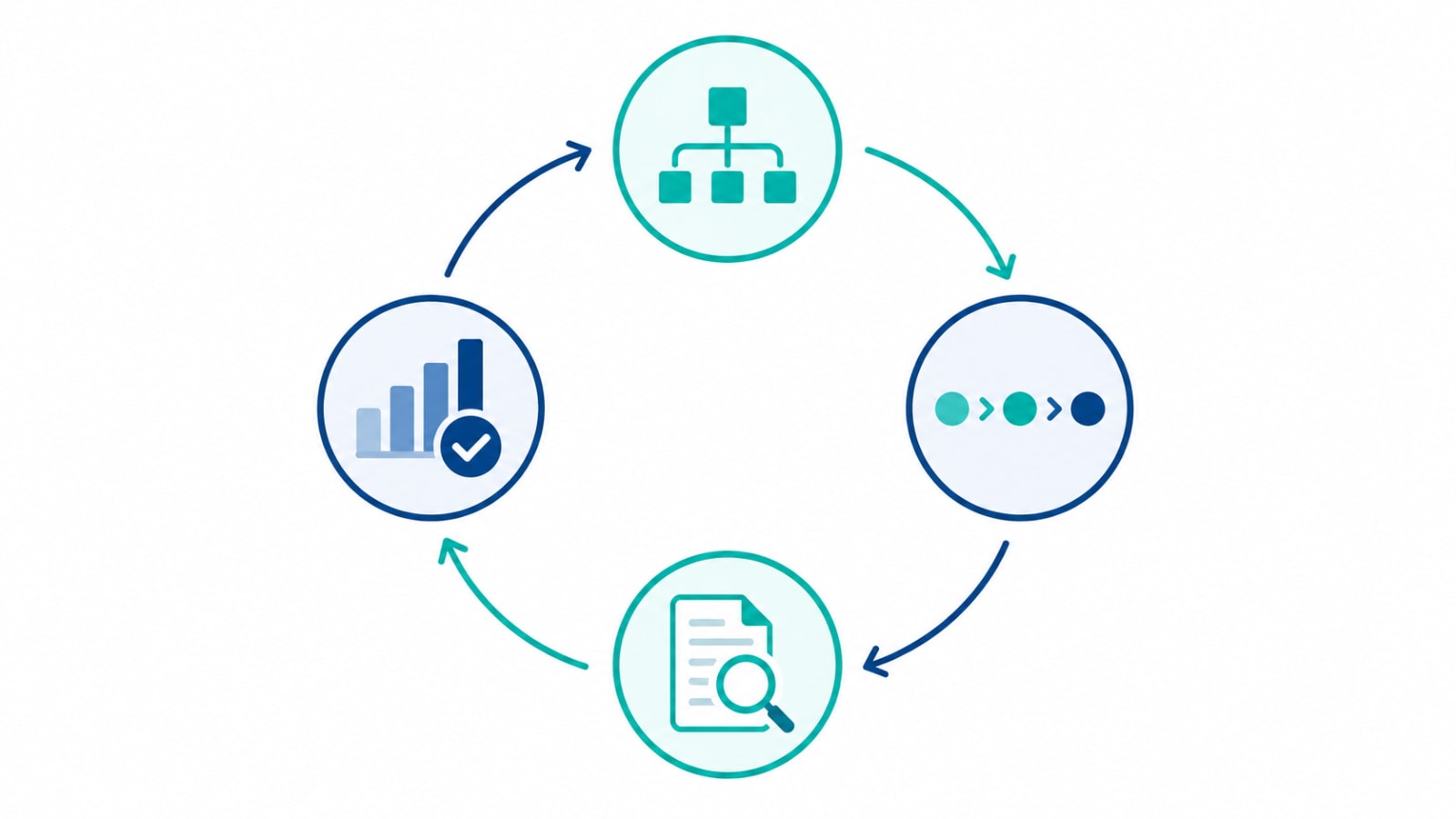
A launched site with no one watching Search Console and Bing Webmaster Tools is just an unindexed asset waiting to be noticed. The technical setup — sitemaps, schema, metadata — earns a site the chance to rank; the weekly and monthly review is what actually turns that chance into impressions, clicks, and leads. If your site launched months ago and the search traffic still hasn't shown up, let's talk — often it's a lot less to fix than it looks from the outside.